Aspect Mode Fit
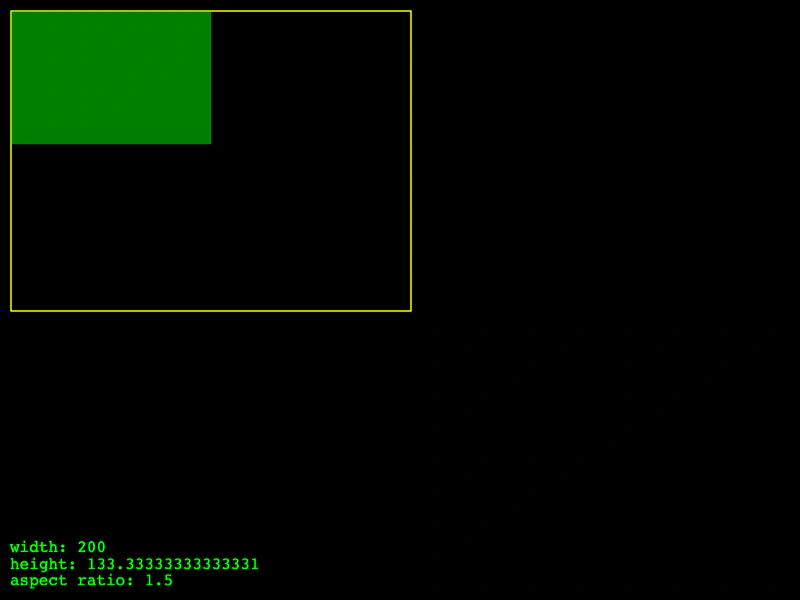
Demonstrates using the FIT aspect mode in the Size component to scale a rectangle within a parent's bounds while preserving its aspect ratio.
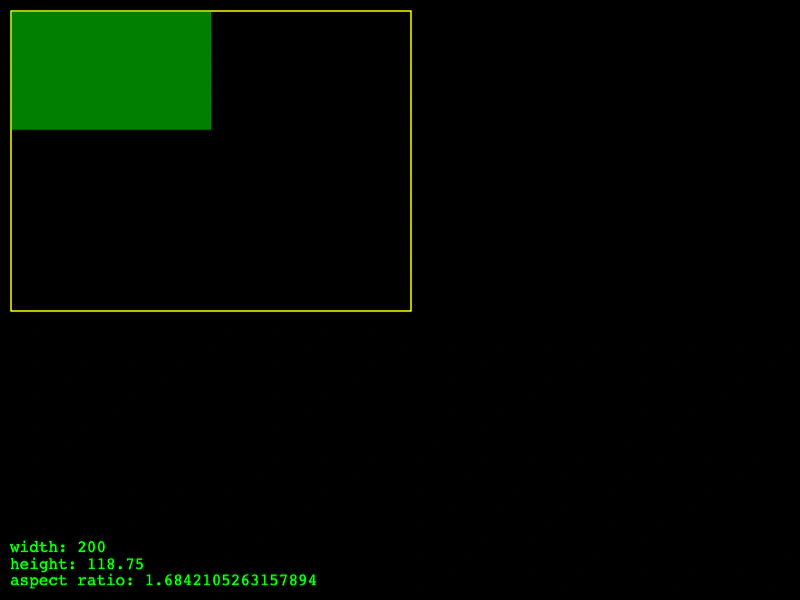
800 × 600
class Example extends Phaser.Scene
{
    create ()
    {
        const debug = this.add.graphics();
        const text = this.add.text(10, 540, '', { fill: '#00ff00' });

        const parent = new Phaser.Structs.Size(400, 300);
        const child = new Phaser.Structs.Size(320, 190, Phaser.Structs.Size.FIT, parent);

        const draw = () =>
        {
            debug.clear().translateCanvas(10, 10);
            debug.lineStyle(1.5, 0xffff00).strokeRect(1, 1, parent.width, parent.height);
            debug.fillStyle(0x00ff00, 0.5).fillRect(1, 1, child.width, child.height);

            text.setText([
                `width: ${child.width}`,
                `height: ${child.height}`,
                `aspect ratio: ${child.aspectRatio}`
            ]);
        };

        this.input.on('pointermove', pointer =>
        {

            child.setSize(pointer.x, pointer.y);

            draw();

        });

        draw();
    }
}

const config = {
    scale: { mode: Phaser.Scale.FIT },
    type: Phaser.AUTO,
    parent: 'game-container',
    width: 800,
    height: 600,
    scene: Example
};

const game = new Phaser.Game(config);
More in Size9 examples
 Aspect Mode NoneDemonstrates using Phaser.Structs.Size with the NONE aspect mode, allowing dimensions to be set independently without preserving an aspect ratio.
 Aspect Mode: EnvelopDemonstrates the Envelop aspect mode in Phaser.Structs.Size, which scales a size to be as small as possible while still fully covering a parent area and maintaining its aspect ratio.
 Aspect Mode: Height Controls WidthDemonstrates the Size component using the HEIGHT_CONTROLS_WIDTH aspect mode, where the width is automatically adjusted to maintain aspect ratio based on changes to the height.
 Aspect Mode: Width Controls HeightDemonstrates using the Size structure aspect mode where the height is automatically calculated based on the width to maintain the aspect ratio.