Phaser 4 examples
Web Audio
- 16 examples
Examples 16
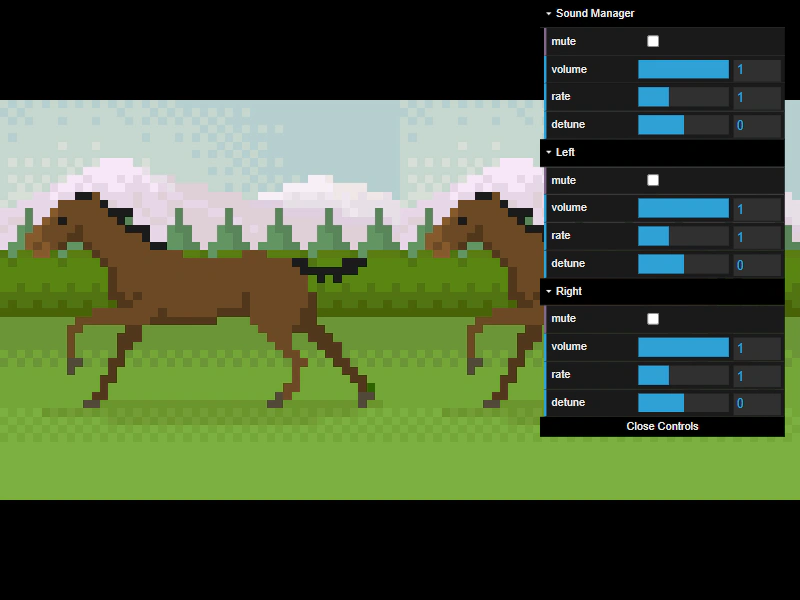 Audio Control: Volume, Mute, Rate, and DetuneAdjust volume, mute status, playback rate, and detune for individual sounds and the global Sound Manager, while syncing sprite animation speed to the audio rate.
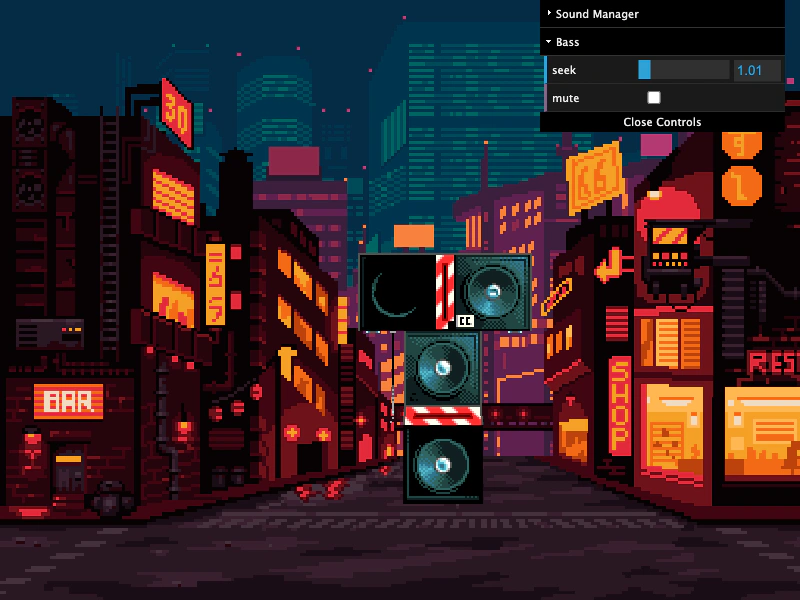 Audio Loop DelayDemonstrates how to layer multiple audio stems by using sound markers and the delay property within the play configuration to synchronize looping tracks.
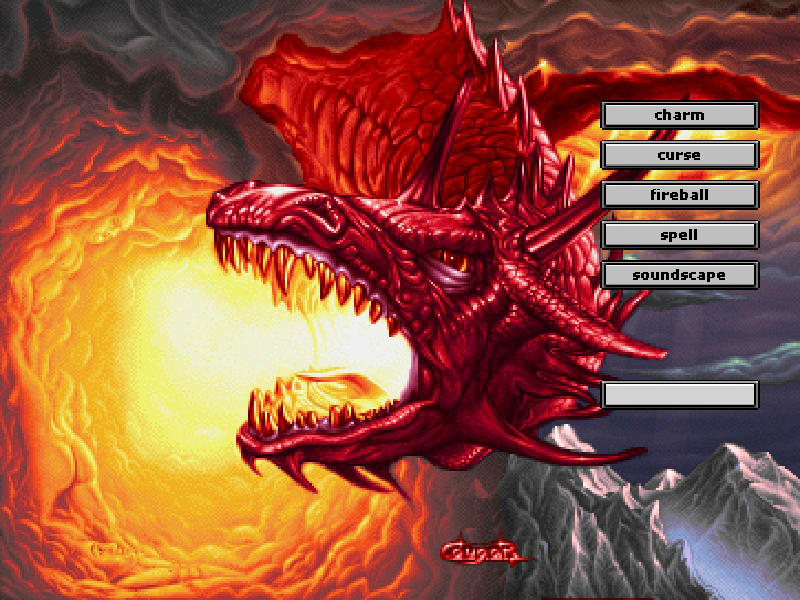 Audio Marker Pause and ResumeDemonstrates how to play specific audio markers and use the pause and resume methods to control their playback state.
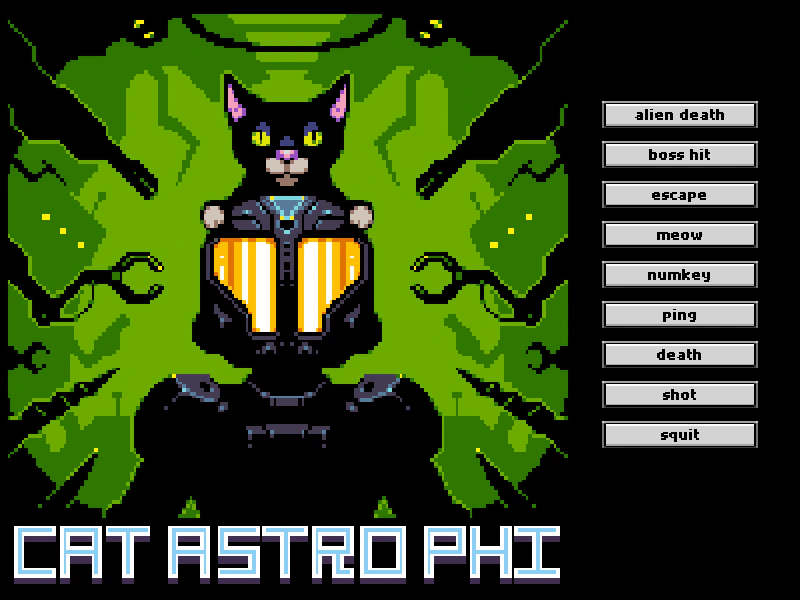 Audio MarkersDefine and play specific sections of a single audio file using markers to manage multiple sound effects.
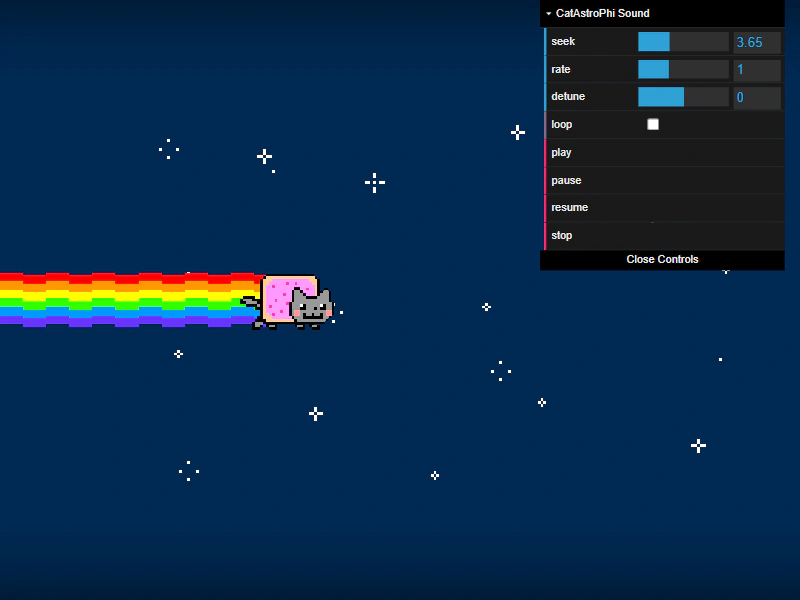 Audio SeekingDemonstrates how to start audio at a specific timestamp and dynamically update the playback position using the seek property, including synchronizing a sprite's position with audio progress.
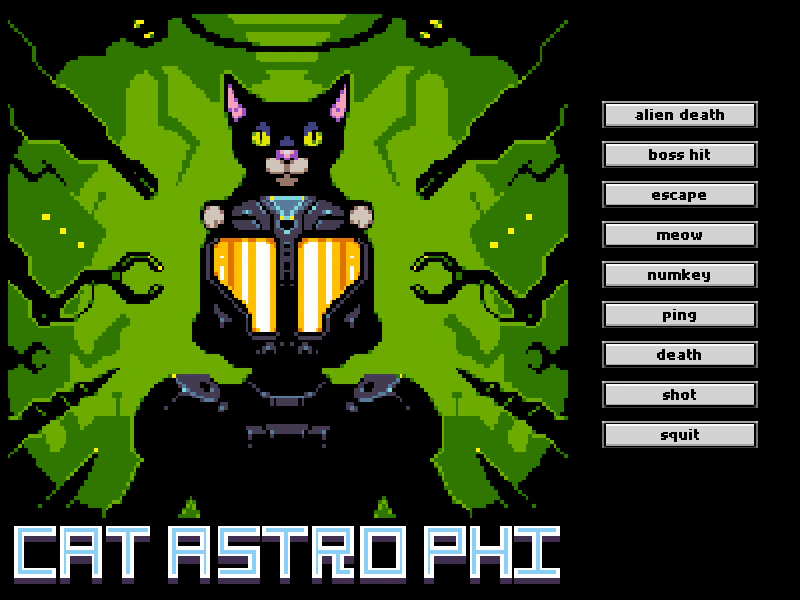 Audio SpritesDemonstrates how to load a single audio file containing multiple sound effects and play specific markers using an audio sprite JSON configuration.
 Multiple Instances of the Same Audio FileDemonstrates how to create and manage multiple independent sound instances using a single loaded audio asset.
 Play Audio FileDemonstrates how to load and play an audio file using multiple source formats for browser compatibility and how to toggle automatic pausing when the game loses focus.
 Play Audio From Child SceneThis example demonstrates how to preload audio in one scene and play it in a subsequent scene, showing that audio assets and the Sound Manager persist across scene transitions.
 Play Audio From File PackDemonstrates how to load and play audio using a File Pack object, which allows you to define multiple asset types in a single manifest for bulk loading.
 Play Movement SoundDemonstrates how to trigger and manage sound effects based on player movement and interaction, including logic to prevent overlapping audio while walking.
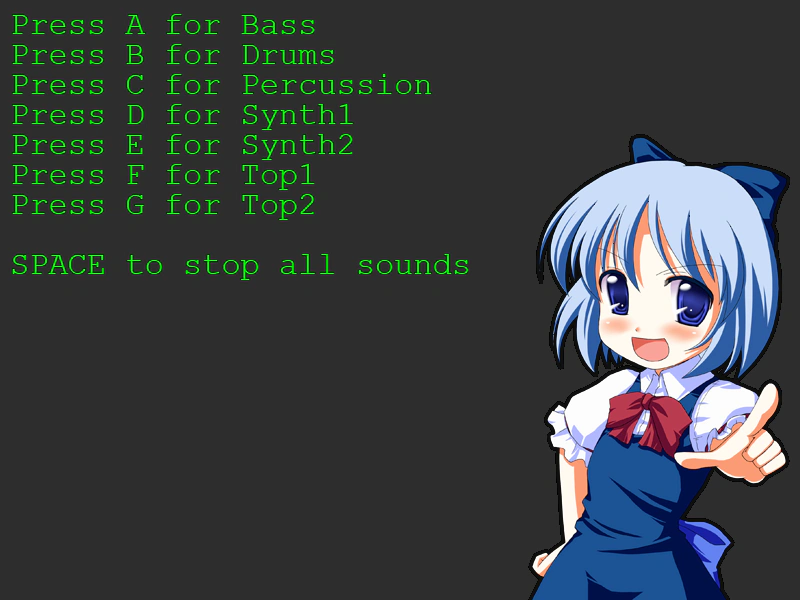 Play Sound on KeypressTrigger specific audio files using keyboard input listeners and stop all active sounds using the sound manager.
 Reuse Web Audio ContextDemonstrates how to provide an externally created Web Audio context to the Phaser game configuration, allowing the audio context to persist across multiple game instances.
 Spatial Audio Following a SpriteThis example demonstrates how to set a fixed listener position and have a sound source follow a moving Sprite, automatically updating its spatial panning and volume as the sprite moves.
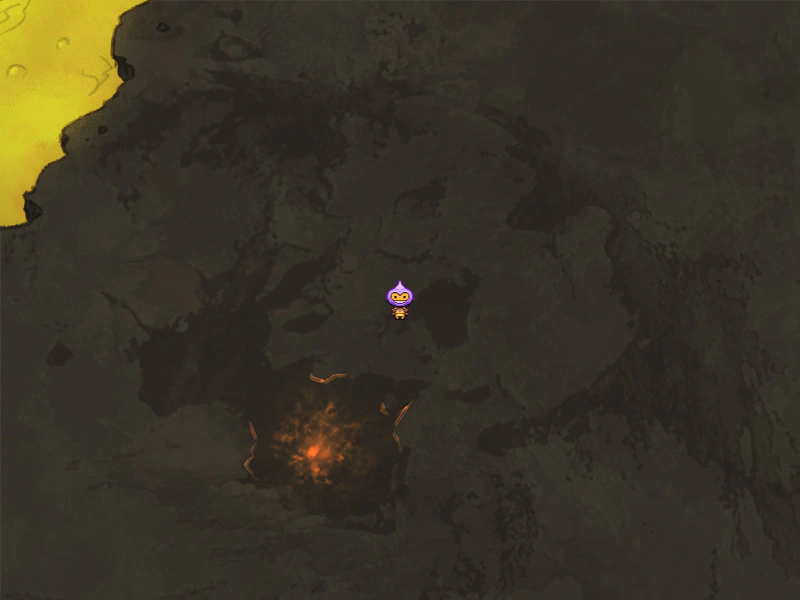 Spatial Audio Moving with PlayerLearn how to update the Web Audio listener position to follow a player sprite, creating a dynamic soundscape as the character moves through a world of localized audio sources.
 Web Audio Playback and EventsA comprehensive demonstration of controlling audio playback in Phaser, including play, pause, seek, volume fades, rate and detune adjustments, global sound management, and audio sprites.