Spatial Audio Following a Sprite
This example demonstrates how to set a fixed listener position and have a sound source follow a moving Sprite, automatically updating its spatial panning and volume as the sprite moves.
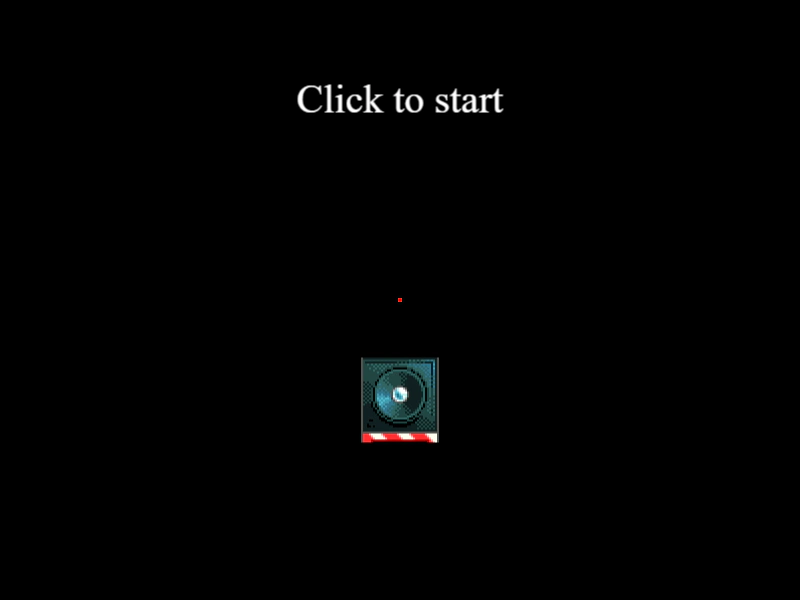
800 × 600
class Example extends Phaser.Scene
{
    preload ()
    {
        this.load.setBaseURL('https://cdn.phaserfiles.com/v410');
        this.load.audio('theme', [
            'assets/audio/gemattack-maintheme.m4a'
        ]);

        this.load.image('speaker', 'assets/sprites/speakers/middle.png');
    }

    create ()
    {
        this.image = this.add.image(400, 400, 'speaker');

        this.music = this.sound.add('theme');

        this.sound.setListenerPosition(400, 300);

        this.text = this.add.text(400, 100, 'Loading...', {
            fontFamily: 'serif',
            fontSize: 40,
            color: '#fff',
            align: 'center'
        });

        this.text.setOrigin(0.5);

        this.add.rectangle(400, 300, 4, 4, 0xff0000);

        this.enableInput(this);
    }

    enableInput ()
    {
        this.text.setText('Click to start');

        this.input.once('pointerdown', () => {

            this.music.play({
                loop: true,
                source: {
                    x: 400,
                    y: 300,
                    refDistance: 50,
                    follow: this.image
                }
            });

            this.input.on('pointermove', pointer => {

                this.image.x = pointer.worldX;
                this.image.y = pointer.worldY;

                this.text.setText(`Audio source at x: ${pointer.worldX} y: ${pointer.worldY}`);

            });

        });

    }
}

const config = {
    scale: { mode: Phaser.Scale.FIT },
    type: Phaser.AUTO,
    parent: 'game-container',
    width: 800,
    height: 600,
    scene: Example
};

const game = new Phaser.Game(config);
More in Web Audio16 examples
 Spatial Audio Moving with PlayerLearn how to update the Web Audio listener position to follow a player sprite, creating a dynamic soundscape as the character moves through a world of localized audio sources.
 Web Audio Playback and EventsA comprehensive demonstration of controlling audio playback in Phaser, including play, pause, seek, volume fades, rate and detune adjustments, global sound management, and audio sprites.
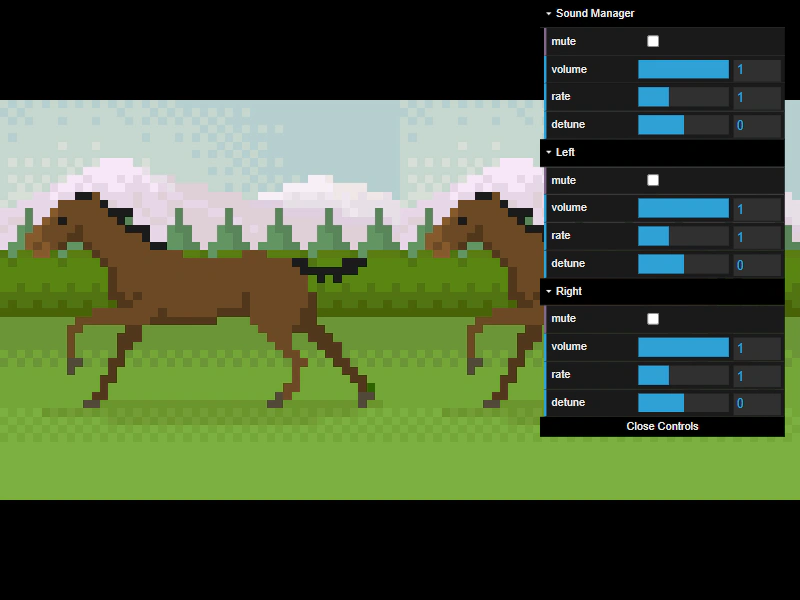 Audio Control: Volume, Mute, Rate, and DetuneAdjust volume, mute status, playback rate, and detune for individual sounds and the global Sound Manager, while syncing sprite animation speed to the audio rate.
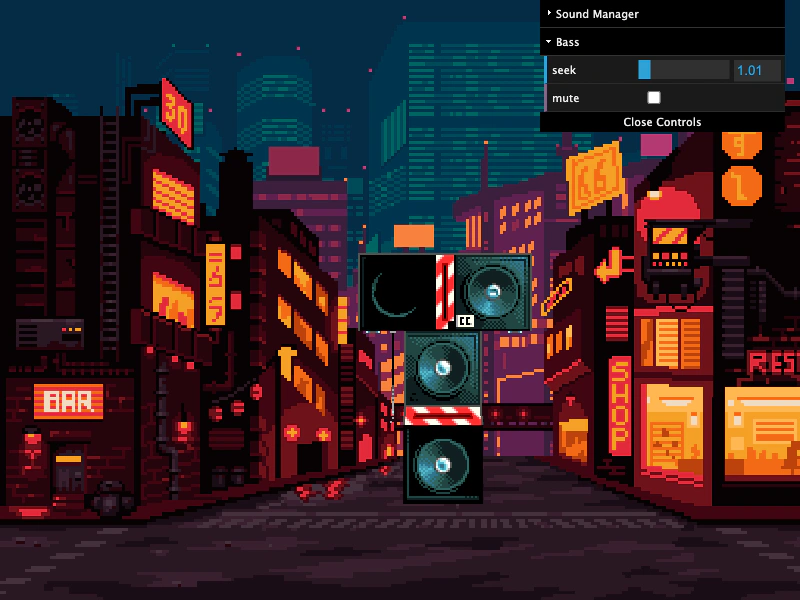 Audio Loop DelayDemonstrates how to layer multiple audio stems by using sound markers and the delay property within the play configuration to synchronize looping tracks.