Play Audio File
Demonstrates how to load and play an audio file using multiple source formats for browser compatibility and how to toggle automatic pausing when the game loses focus.
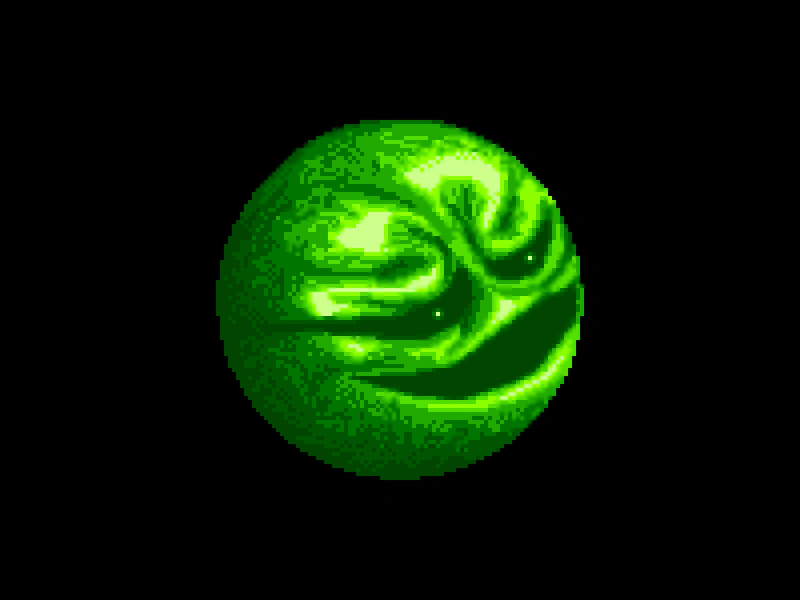
800 × 600
class Example extends Phaser.Scene
{
    preload ()
    {
        this.load.setBaseURL('https://cdn.phaserfiles.com/v410');
        this.load.audio('theme', [
            'assets/audio/oedipus_wizball_highscore.ogg',
            'assets/audio/oedipus_wizball_highscore.mp3'
        ]);

        this.load.image('wizball', 'assets/sprites/wizball.png');
    }

    create ()
    {
        this.add.image(400, 300, 'wizball').setScale(4);

        const music = this.sound.add('theme');

        music.play();

        this.sound.pauseOnBlur = true;
    }
}

const config = {
    scale: { mode: Phaser.Scale.FIT },
    type: Phaser.AUTO,
    parent: 'game-container',
    width: 800,
    height: 600,
    pixelArt: true,
    scene: Example
};

const game = new Phaser.Game(config);
More in Web Audio16 examples
 Play Audio From Child SceneThis example demonstrates how to preload audio in one scene and play it in a subsequent scene, showing that audio assets and the Sound Manager persist across scene transitions.
 Play Audio From File PackDemonstrates how to load and play audio using a File Pack object, which allows you to define multiple asset types in a single manifest for bulk loading.
 Play Movement SoundDemonstrates how to trigger and manage sound effects based on player movement and interaction, including logic to prevent overlapping audio while walking.
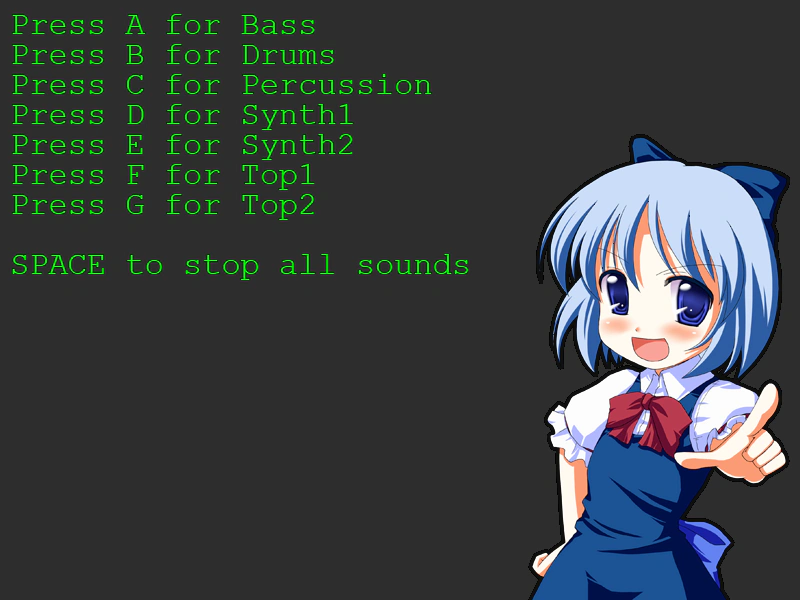 Play Sound on KeypressTrigger specific audio files using keyboard input listeners and stop all active sounds using the sound manager.