Phaser 4 examples
Line
- 31 examples
Examples 31
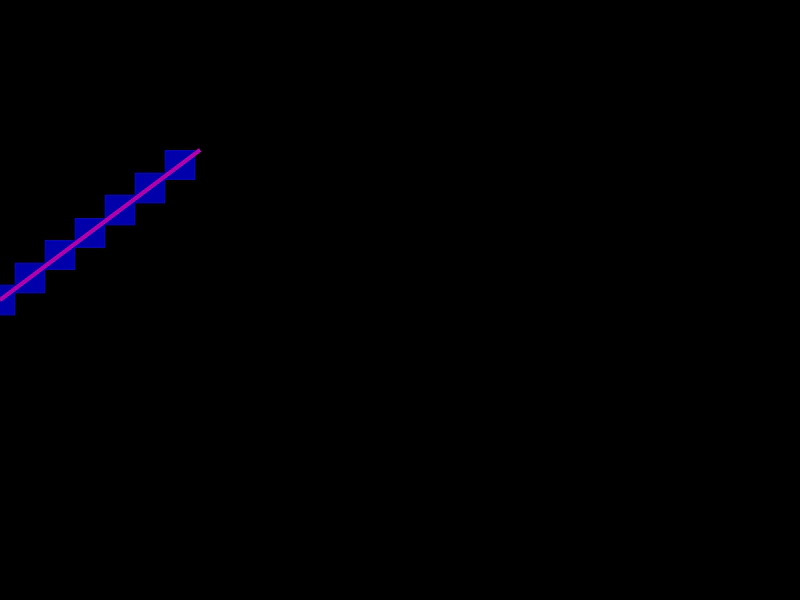 Bresenham PointsCalculate and visualize an array of points along a line using the Bresenham algorithm, with the line endpoints updated dynamically by mouse movement.
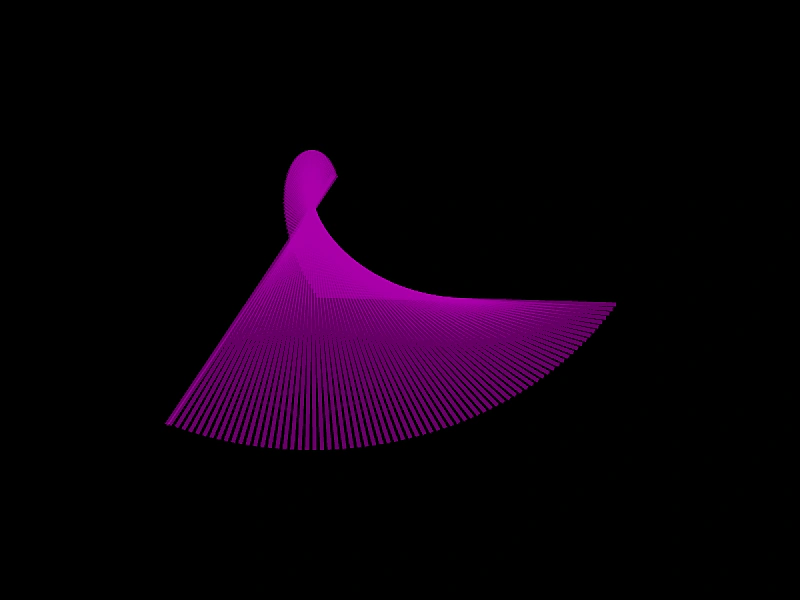 Clone a LineDemonstrates how to create independent copies of a Line geometry object using the Clone method.
 Create a Line GeometryHow to define a line geometry object using start and end coordinates and render it to the screen using a Graphics object.
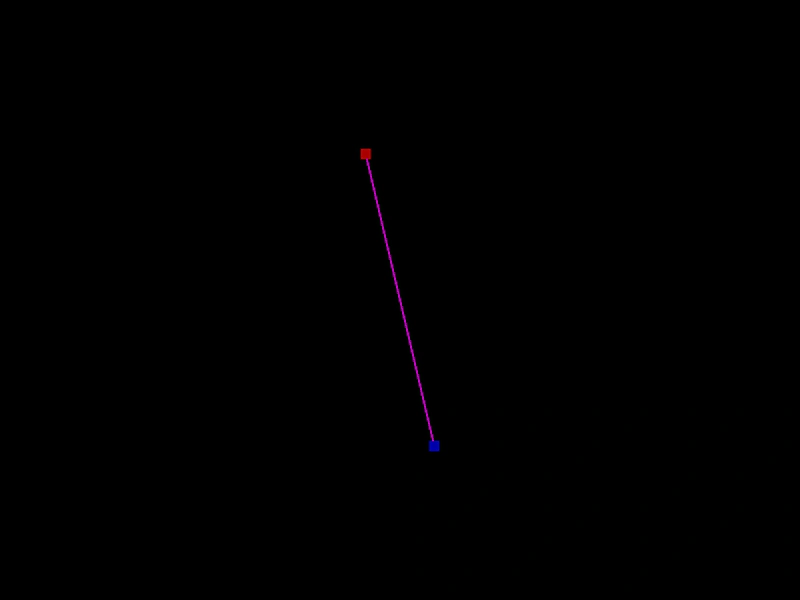 Get Line EndpointsDemonstrates how to use getPointA and getPointB to retrieve the start and end coordinates of a rotating Line geometry object.
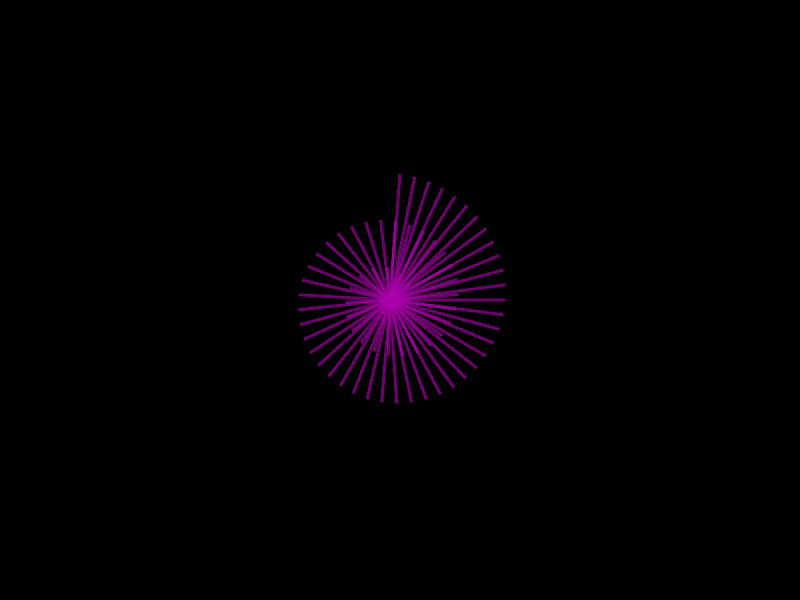 Get Line NormalDemonstrates how to calculate and use the perpendicular normal vector of a line to manipulate its geometry.
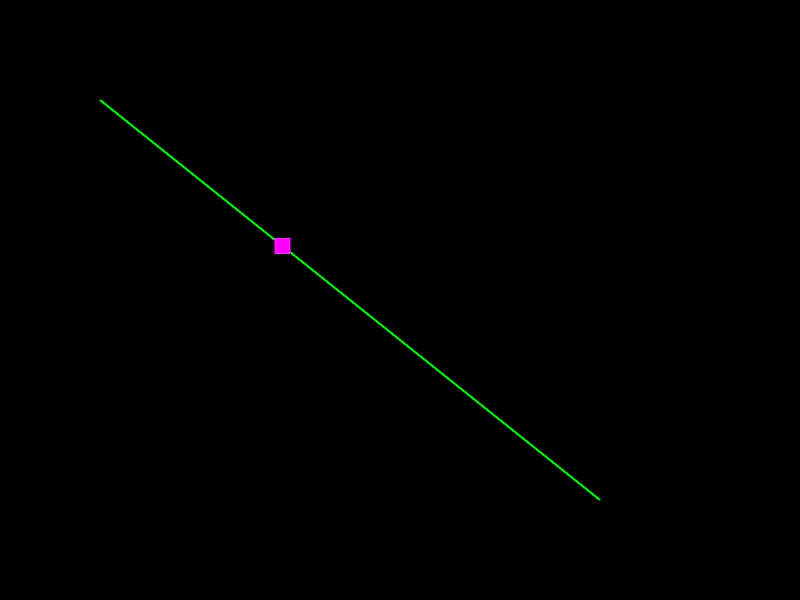 Get Point on a LineCalculate the coordinates of a point at a specific distance along a Line geometry using a normalized value between 0 and 1.
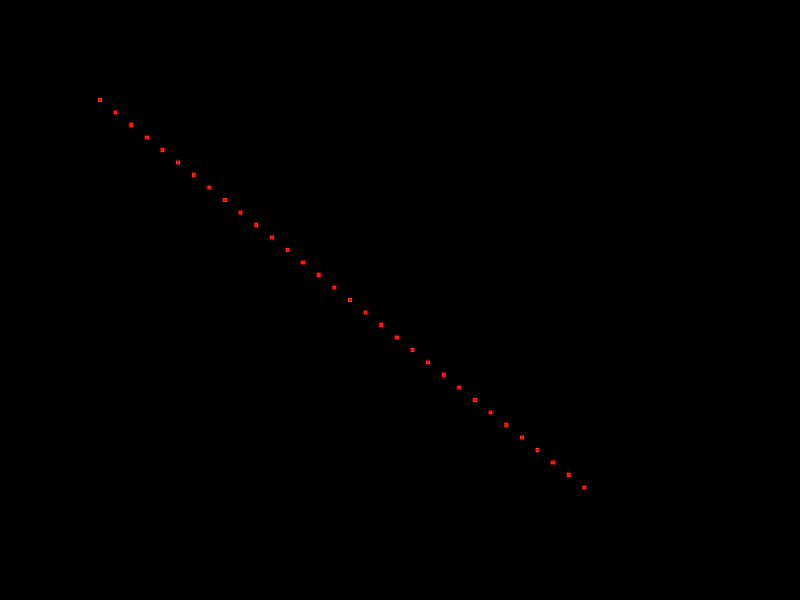 Get Points along a LineDemonstrates how to extract an array of evenly spaced points from a Line geometry object.
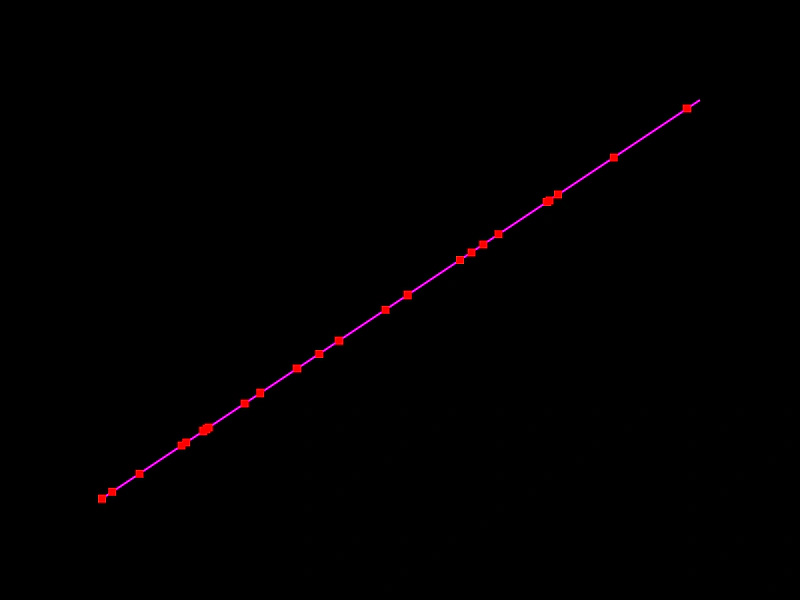 Get Random Point on a LineDemonstrates how to use the getRandomPoint method to retrieve random coordinates along a Line geometry object, either by creating new Point instances or updating existing ones.
 Inverse Line GeometryDemonstrates how to flip a line's direction by rotating it 180 degrees around its starting point using the RotateAroundPoint method.
 Line AngleCalculate and display the angle of a rotating Line geometry object using the Line.Angle method.
 Line Center OnDemonstrates how to reposition a Line geometry so that its midpoint is at specific coordinates, while the line is continuously rotating.
 Line Copy FromDemonstrates how to duplicate properties from one Line geometry object to another using the CopyFrom method to create a trailing line effect.
 Line EqualsDemonstrates using Phaser.Geom.Line.Equals to check if two line segments share the same start and end coordinates.
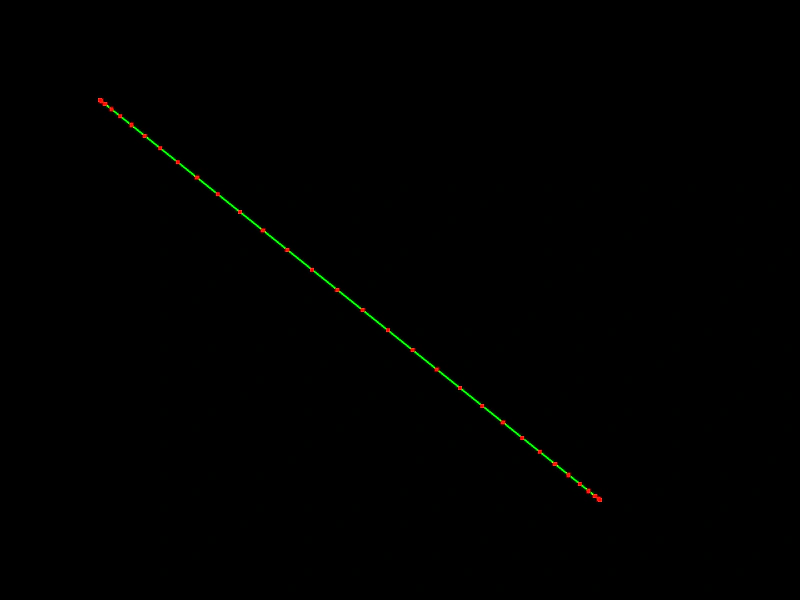 Line Get Eased PointsDemonstrates how to generate a specific number of points along a line using an easing function to control their distribution.
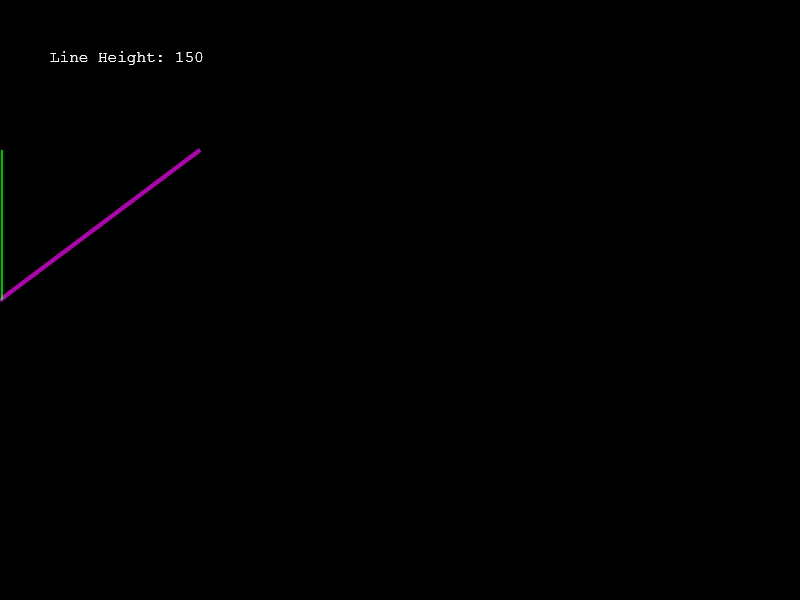 Line HeightDemonstrates how to calculate the vertical distance between the start and end points of a line using the Line.Height method.
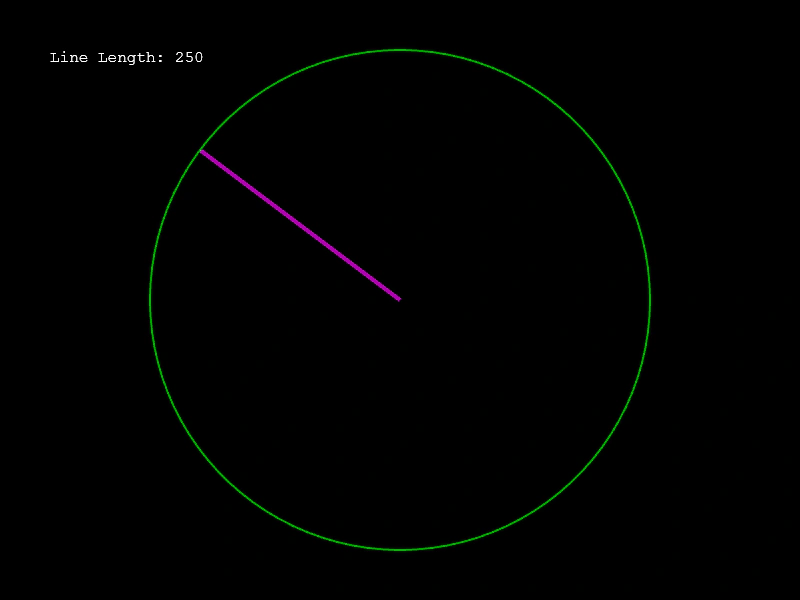 Line LengthCalculate the length of a Line geometry object and use the value to dynamically update a circle's radius.
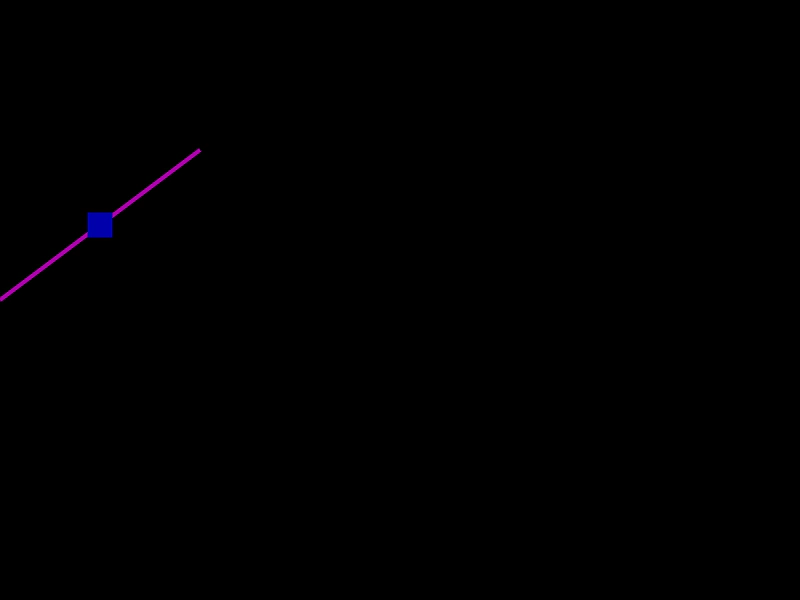 Line Mid PointCalculate and visualize the middle point of a line geometry object as it is updated dynamically by the pointer.
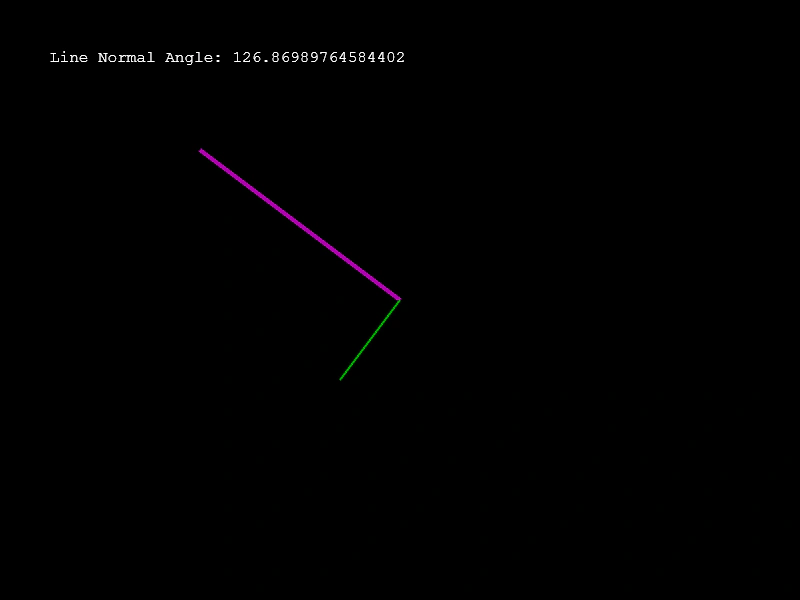 Line Normal AngleCalculate and visualize the angle of the normal vector perpendicular to a line segment as it moves.
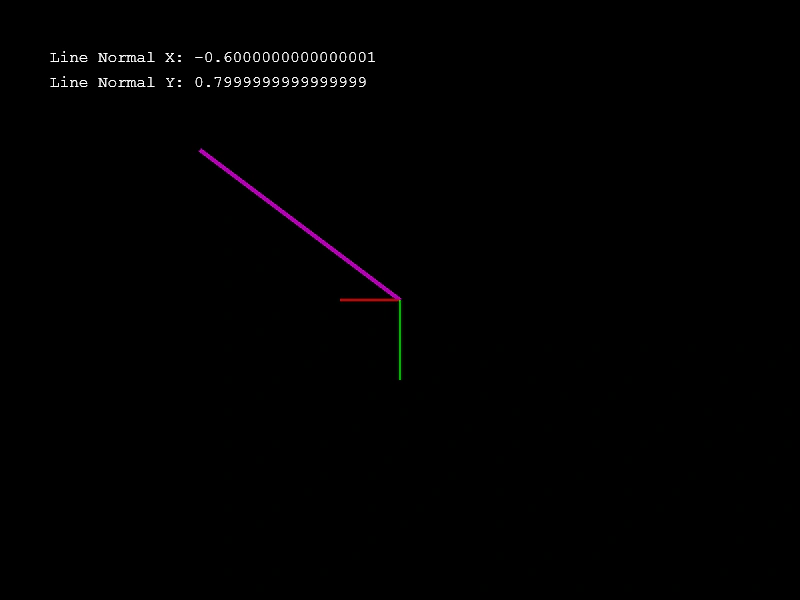 Line Normal X and YCalculate and visualize the X and Y components of a line's normal vector using Phaser.Geom.Line.NormalX and NormalY.
 Line OffsetThis example demonstrates how to use the Offset function to shift the position of a Line geometry object by specific x and y amounts.
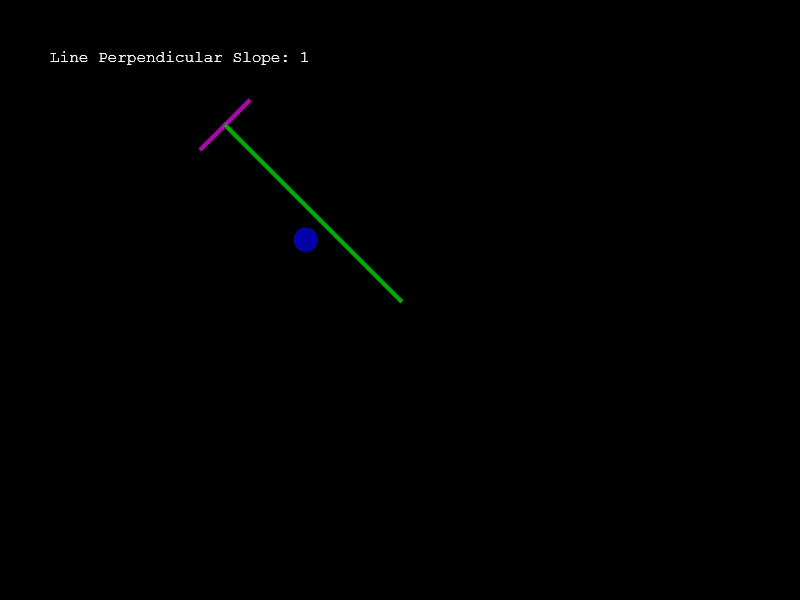 Line Perpendicular SlopeDemonstrates how to calculate the perpendicular slope and normal vector of a Line geometry object as it follows the mouse pointer.
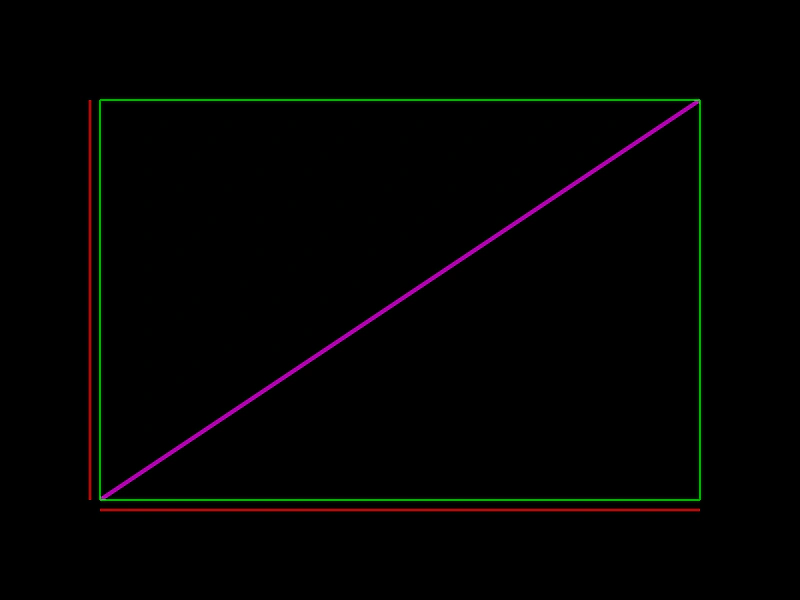 Line PropertiesDemonstrates how to access and use the geometric properties of a Line object, including its bounding box edges (top, bottom, left, right) and start/end coordinates.
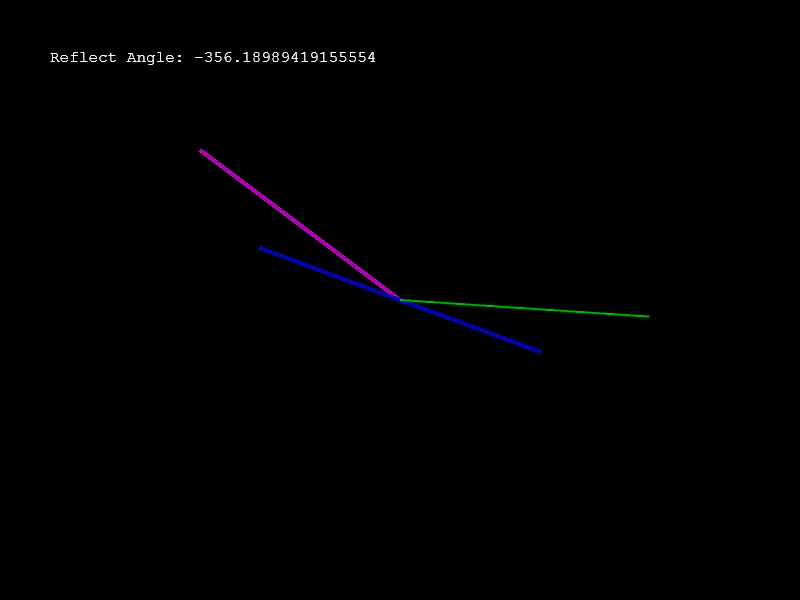 Line Reflect AngleDemonstrates how to calculate and visualize the angle of reflection between two lines using Phaser.Geom.Line.ReflectAngle.
 Line Set ToDemonstrates how to use the setTo method to update the start and end coordinates of a Line geometry object.
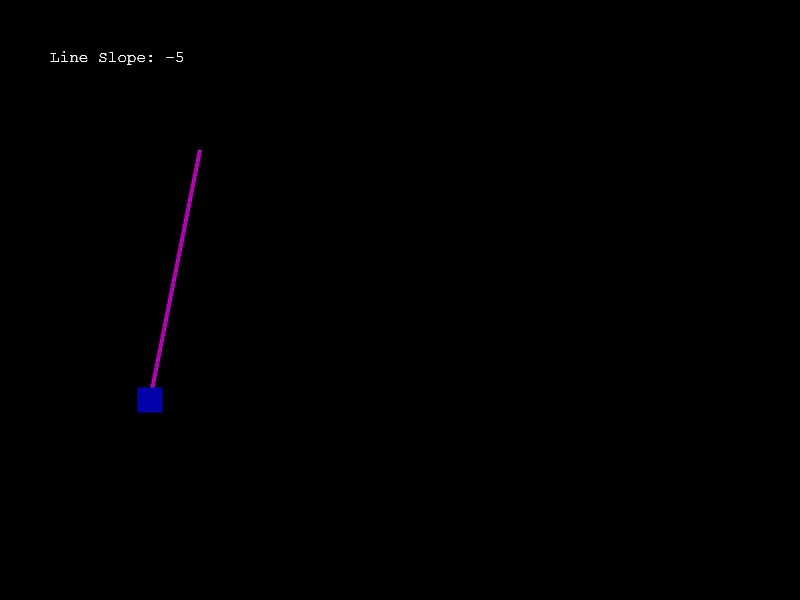 Line SlopeDemonstrates how to calculate the slope of a line segment and use that value to influence movement along the line.
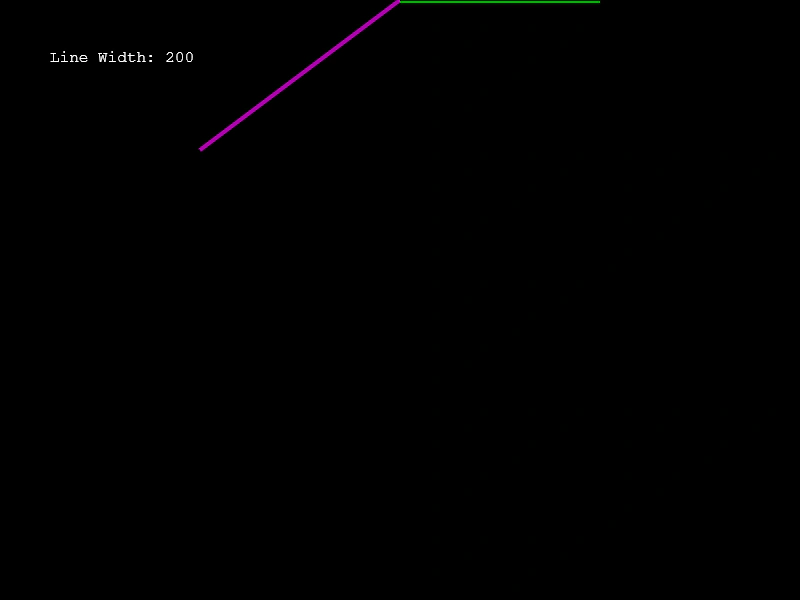 Line WidthDemonstrates calculating the horizontal width (the bounding box width) of a line geometry object based on its start and end points.
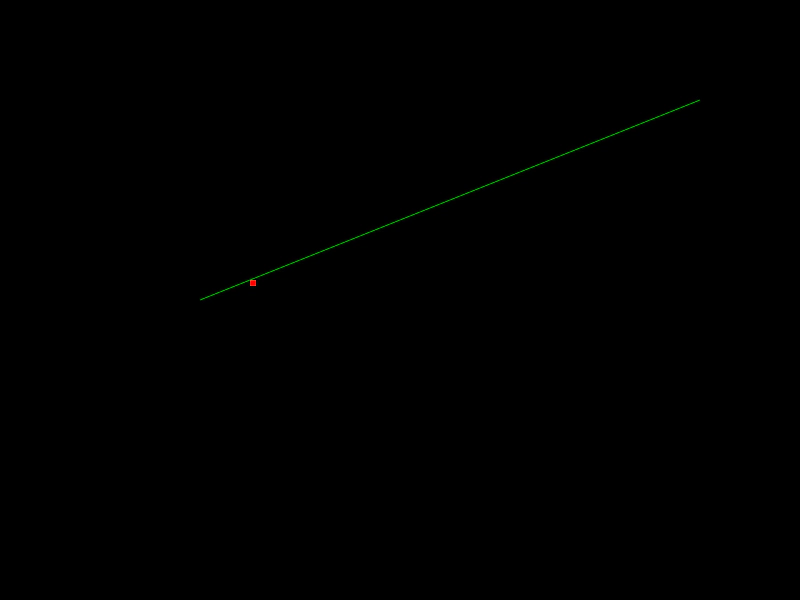 Point On LineDemonstrates how to manually calculate and render a specific point at a fixed ratio along the length of a geometric line.
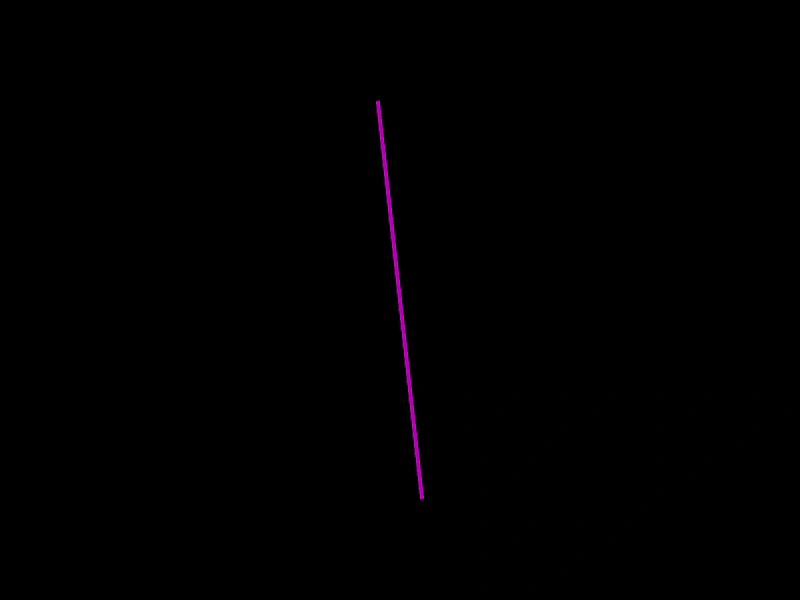 Rotate a LineDemonstrates how to continuously rotate a Line geometry object around its center point using the Line.Rotate function.
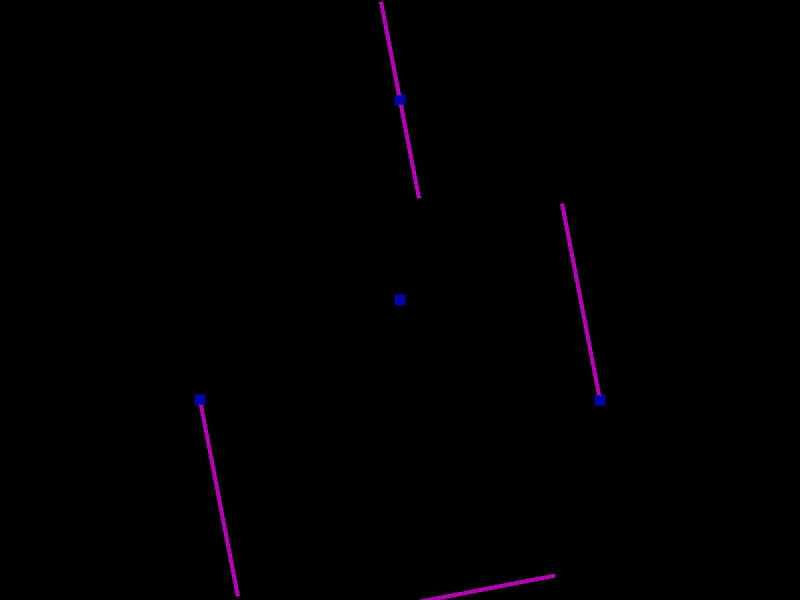 Rotate Around PointDemonstrates how to rotate a geometric line around a specific pivot point, such as an endpoint, its midpoint, or an arbitrary coordinate.
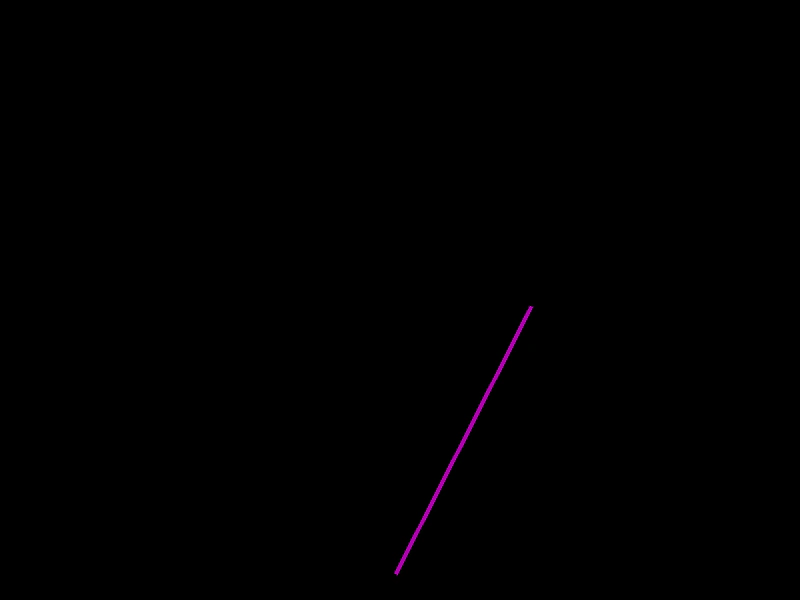 Rotate Line Around a PointDemonstrates how to rotate a geometric line around a specific x and y coordinate point.
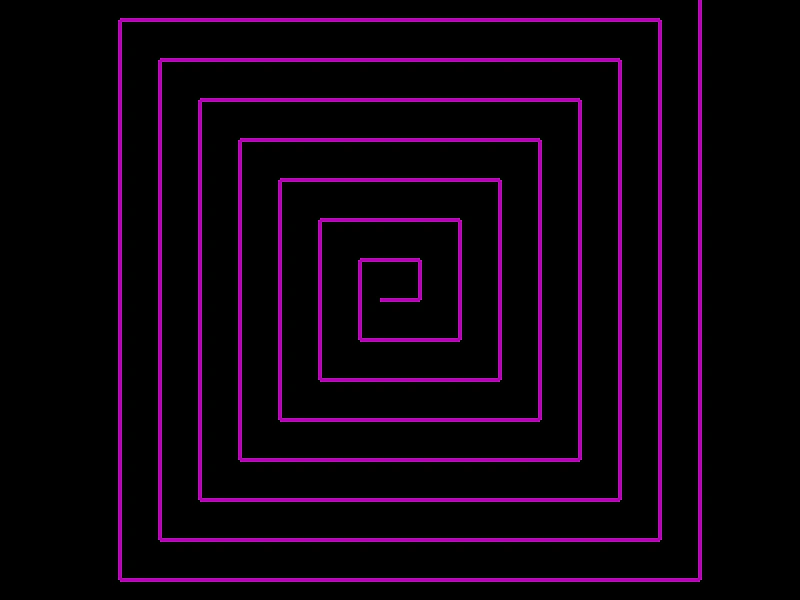 Set Line to AngleDemonstrates how to use Phaser.Geom.Line.SetToAngle to position a line from a starting point using an angle and length, creating a geometric pattern by chaining lines together.