Set Line to Angle
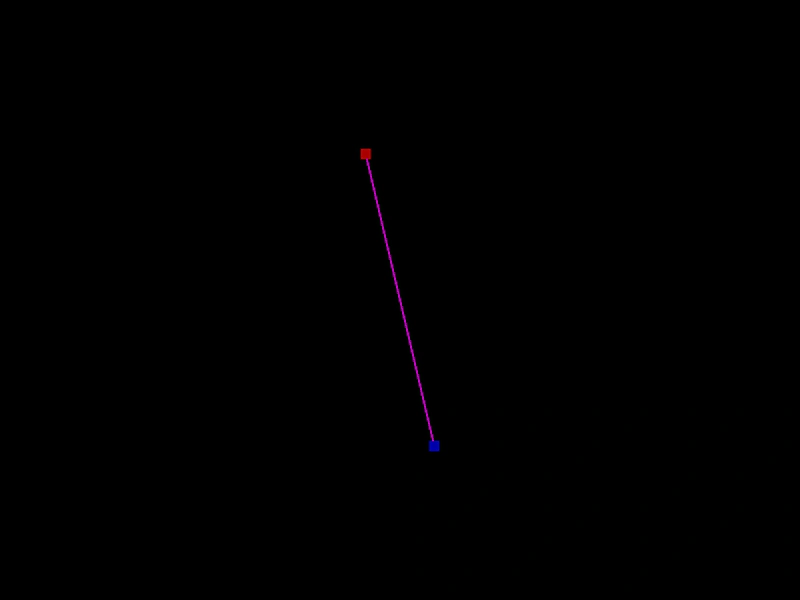
Demonstrates how to use Phaser.Geom.Line.SetToAngle to position a line from a starting point using an angle and length, creating a geometric pattern by chaining lines together.
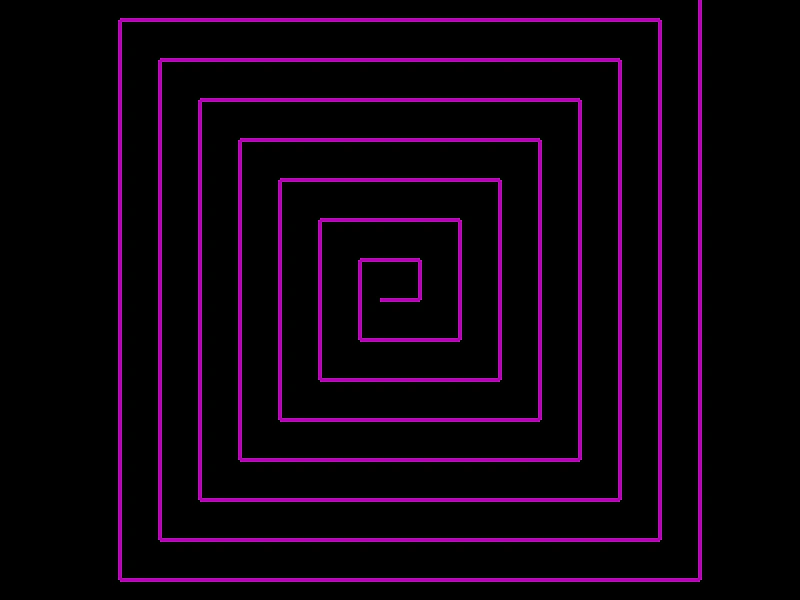
800 × 600
class Example extends Phaser.Scene
{
    create ()
    {

        const graphics = this.add.graphics({ lineStyle: { width: 4, color: 0xaa00aa } });

        const line = new Phaser.Geom.Line(380, 300, 420, 300);

        let length = 40;

        for (let i = 0; i < 30; i++)
        {
            graphics.strokeLineShape(line);

            const normalAngle = Phaser.Geom.Line.NormalAngle(line);

            Phaser.Geom.Line.SetToAngle(line, line.x2, line.y2, normalAngle, length);

            length += 20;
        }

    }
}

const config = {
    scale: { mode: Phaser.Scale.FIT },
    width: 800,
    height: 600,
    type: Phaser.AUTO,
    parent: 'game-container',
    scene: Example
};

const game = new Phaser.Game(config);
More in Line31 examples
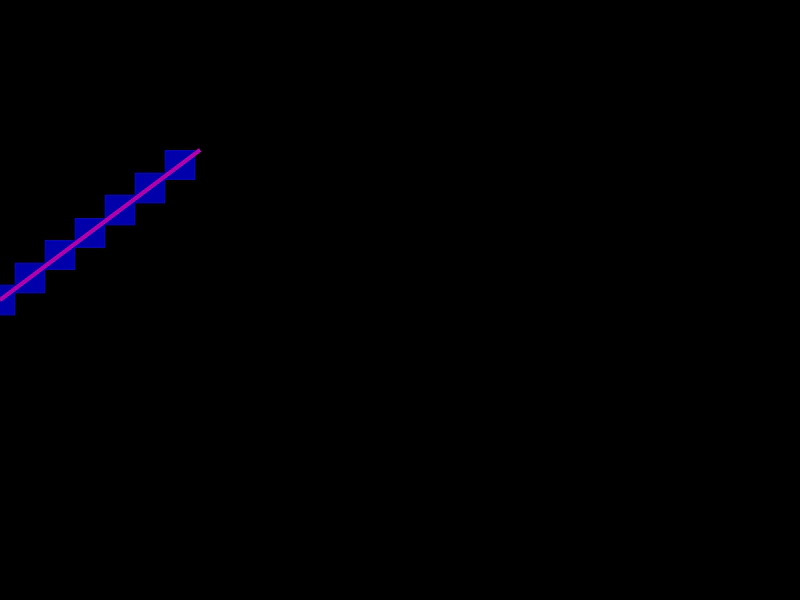 Bresenham PointsCalculate and visualize an array of points along a line using the Bresenham algorithm, with the line endpoints updated dynamically by mouse movement.
 Clone a LineDemonstrates how to create independent copies of a Line geometry object using the Clone method.
 Create a Line GeometryHow to define a line geometry object using start and end coordinates and render it to the screen using a Graphics object.
 Get Line EndpointsDemonstrates how to use getPointA and getPointB to retrieve the start and end coordinates of a rotating Line geometry object.