Line Properties
Demonstrates how to access and use the geometric properties of a Line object, including its bounding box edges (top, bottom, left, right) and start/end coordinates.
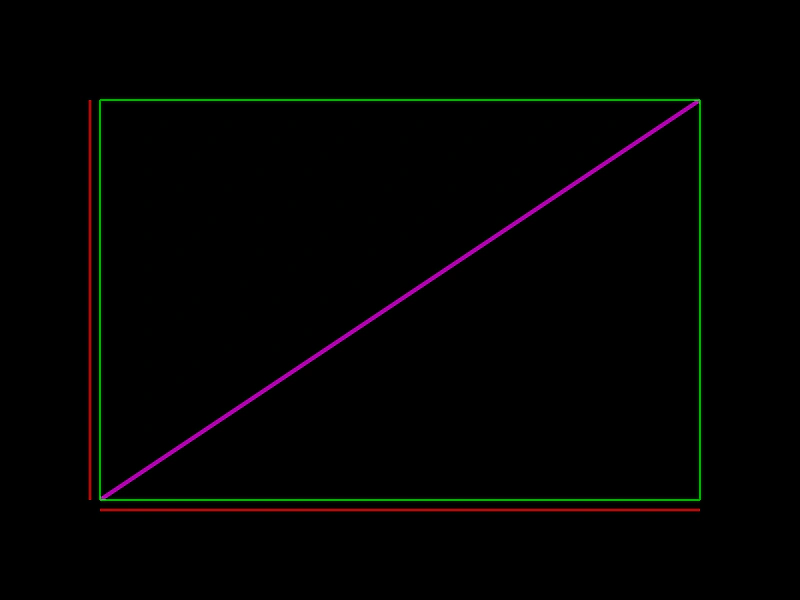
800 × 600
class Example extends Phaser.Scene
{
    create ()
    {
        const line = new Phaser.Geom.Line(100, 500, 700, 100);

        const graphics = this.add.graphics({ lineStyle: { width: 4, color: 0xaa00aa } });
        graphics.strokeLineShape(line);

        graphics.lineStyle(2, 0x00aa00);

        graphics.beginPath();
        graphics.moveTo(line.left, line.top);
        graphics.lineTo(line.right, line.top);
        graphics.lineTo(line.right, line.bottom);
        graphics.lineTo(line.left, line.bottom);
        graphics.lineTo(line.left, line.top);
        graphics.strokePath();

        graphics.lineStyle(2, 0xaa0000);

        graphics.lineBetween(line.x1, line.y1 + 10, line.x2, line.y1 + 10);

        graphics.lineBetween(line.x1 - 10, line.y1, line.x1 - 10, line.y2);

    }
}

const config = {
    scale: { mode: Phaser.Scale.FIT },
    width: 800,
    height: 600,
    type: Phaser.AUTO,
    parent: 'game-container',
    scene: Example
};

const game = new Phaser.Game(config);
More in Line31 examples
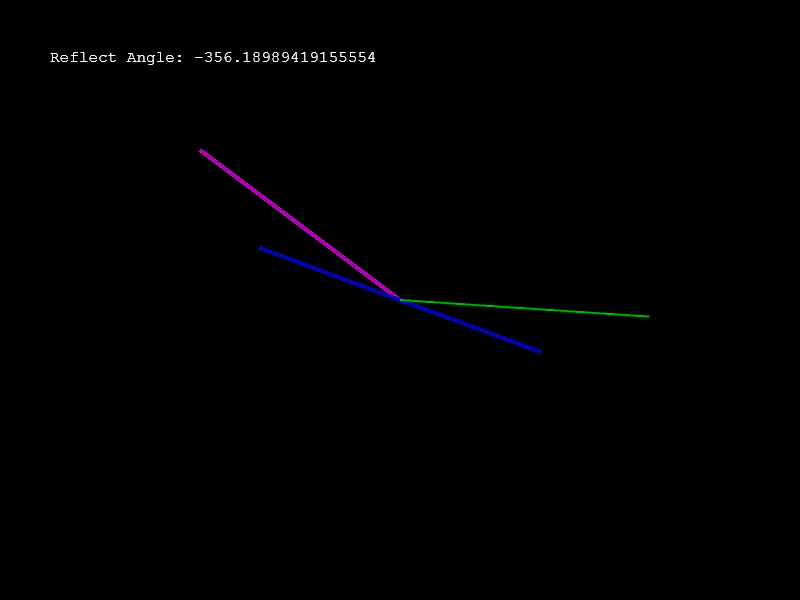 Line Reflect AngleDemonstrates how to calculate and visualize the angle of reflection between two lines using Phaser.Geom.Line.ReflectAngle.
 Line Set ToDemonstrates how to use the setTo method to update the start and end coordinates of a Line geometry object.
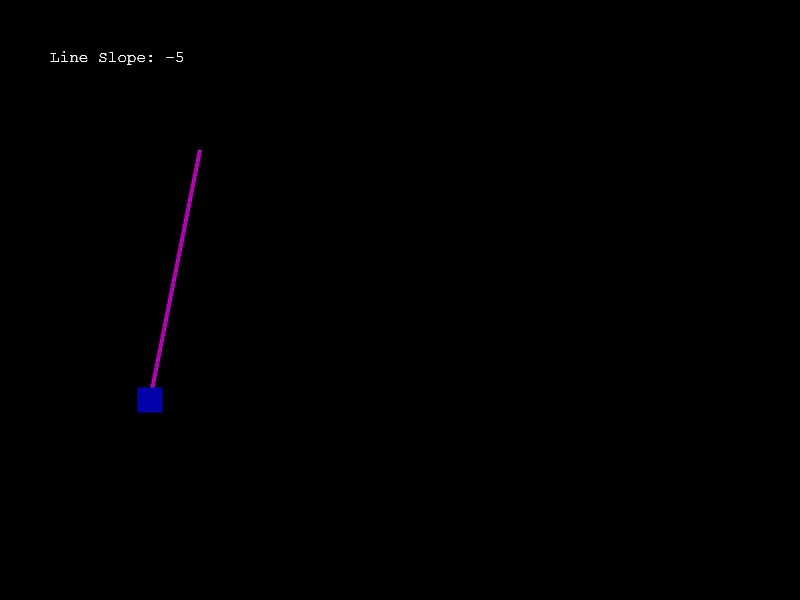 Line SlopeDemonstrates how to calculate the slope of a line segment and use that value to influence movement along the line.
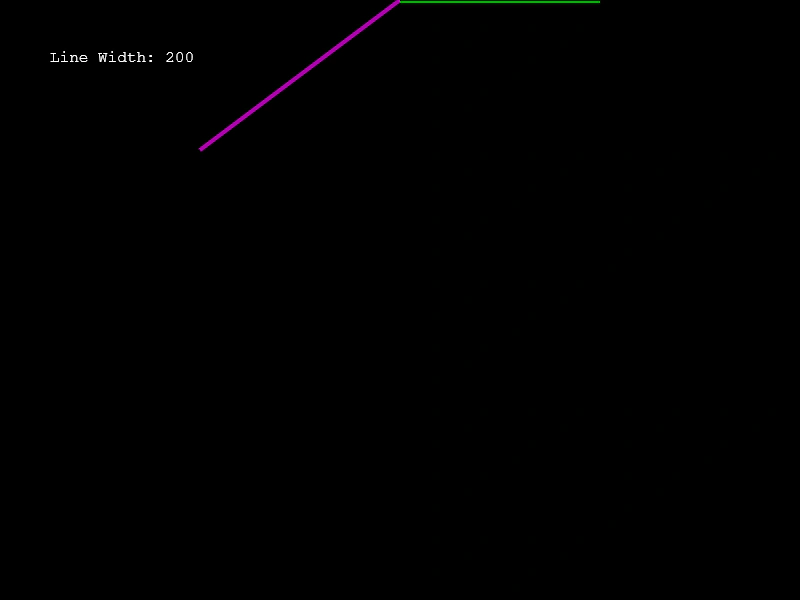 Line WidthDemonstrates calculating the horizontal width (the bounding box width) of a line geometry object based on its start and end points.