Get Point on a Line
Calculate the coordinates of a point at a specific distance along a Line geometry using a normalized value between 0 and 1.
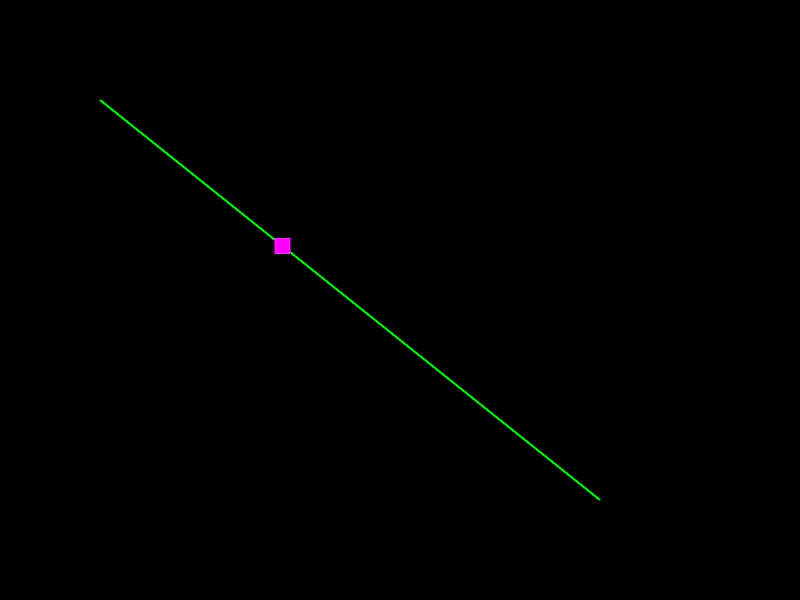
800 × 600
class Example extends Phaser.Scene
{
    a = 0;
    point;
    line;
    graphics;

    create ()
    {
        this.graphics = this.add.graphics({ lineStyle: { width: 2, color: 0x00ff00 }, fillStyle: { color: 0xff0000 }});

        this.line = new Phaser.Geom.Line(100, 100, 600, 500);
        this.point = new Phaser.Geom.Rectangle(0, 0, 16, 16);
    }

    update ()
    {
        this.a += 0.005;

        if (this.a > 1)
        {
            this.a = 0;
        }

        this.line.getPoint(this.a, this.point);

        this.graphics.clear();
        this.graphics.lineStyle(2, 0x00ff00);
        this.graphics.strokeLineShape(this.line);

        this.graphics.fillStyle(0xff00ff);
        this.graphics.fillRect(this.point.x - 8, this.point.y - 8, this.point.width, this.point.height);
    }
}

const config = {
    scale: { mode: Phaser.Scale.FIT },
    width: 800,
    height: 600,
    type: Phaser.AUTO,
    parent: 'game-container',
    scene: Example
};

const game = new Phaser.Game(config);
More in Line31 examples
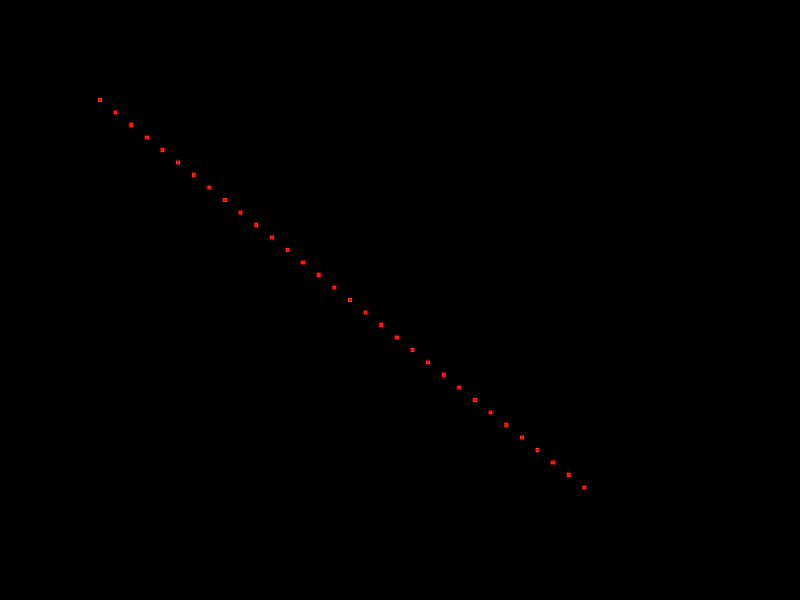 Get Points along a LineDemonstrates how to extract an array of evenly spaced points from a Line geometry object.
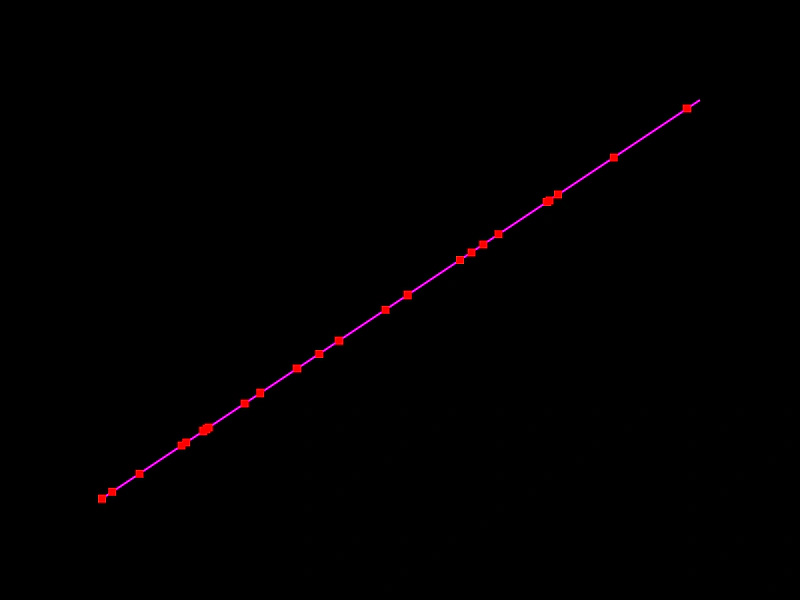 Get Random Point on a LineDemonstrates how to use the getRandomPoint method to retrieve random coordinates along a Line geometry object, either by creating new Point instances or updating existing ones.
 Inverse Line GeometryDemonstrates how to flip a line's direction by rotating it 180 degrees around its starting point using the RotateAroundPoint method.
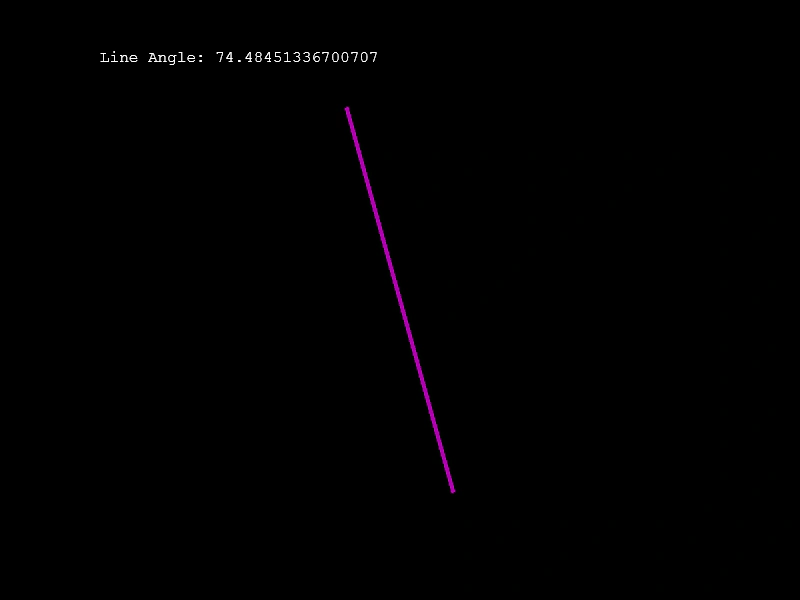 Line AngleCalculate and display the angle of a rotating Line geometry object using the Line.Angle method.