Line Center On
Demonstrates how to reposition a Line geometry so that its midpoint is at specific coordinates, while the line is continuously rotating.
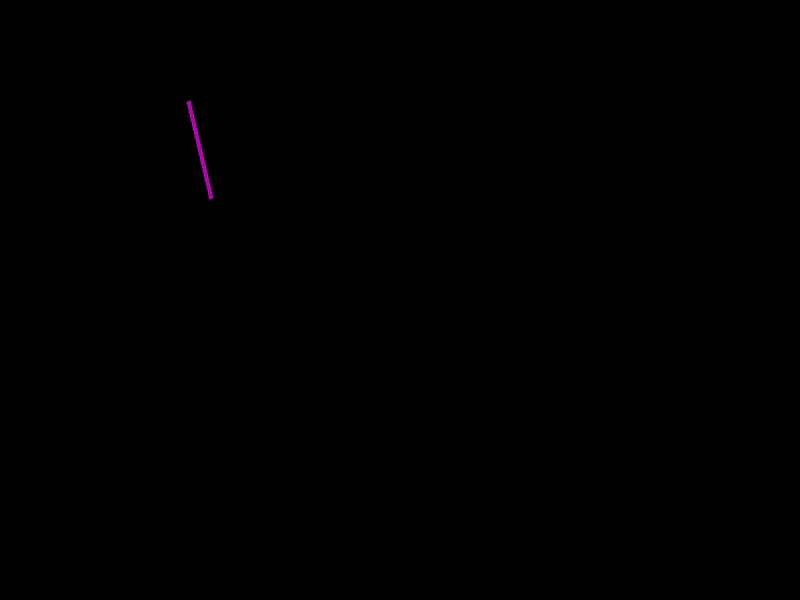
800 × 600
class Example extends Phaser.Scene
{
    text;
    line;
    graphics;

    create ()
    {
        this.graphics = this.add.graphics({ lineStyle: { width: 4, color: 0xaa00aa } });

        this.line = new Phaser.Geom.Line(300, 300, 400, 300);

        this.input.on('pointermove', pointer =>
        {

            Phaser.Geom.Line.CenterOn(this.line, pointer.x, pointer.y);

        });
    }

    update ()
    {
        Phaser.Geom.Line.Rotate(this.line, 0.02);

        this.graphics.clear();

        this.graphics.strokeLineShape(this.line);
    }
}

const config = {
    scale: { mode: Phaser.Scale.FIT },
    width: 800,
    height: 600,
    type: Phaser.AUTO,
    parent: 'game-container',
    scene: Example
};

const game = new Phaser.Game(config);
More in Line31 examples
 Line Copy FromDemonstrates how to duplicate properties from one Line geometry object to another using the CopyFrom method to create a trailing line effect.
 Line EqualsDemonstrates using Phaser.Geom.Line.Equals to check if two line segments share the same start and end coordinates.
 Line Get Eased PointsDemonstrates how to generate a specific number of points along a line using an easing function to control their distribution.
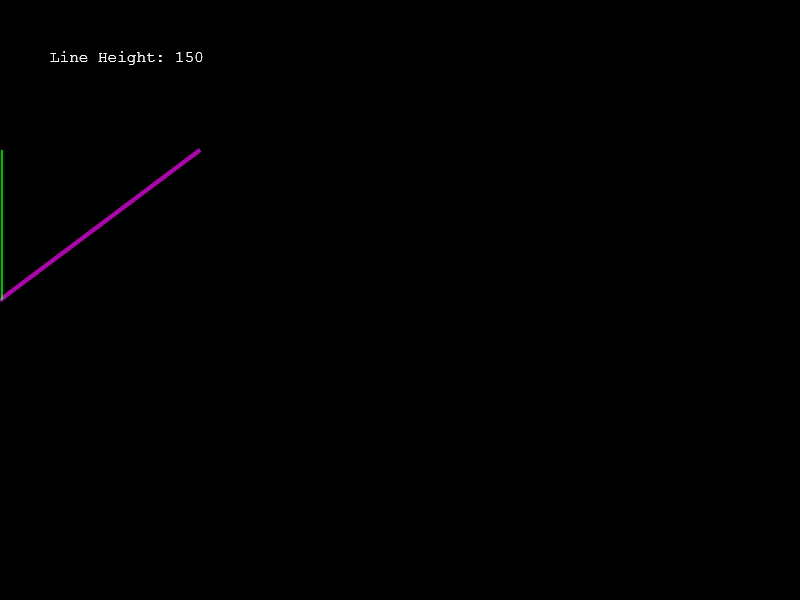 Line HeightDemonstrates how to calculate the vertical distance between the start and end points of a line using the Line.Height method.