Line Set To
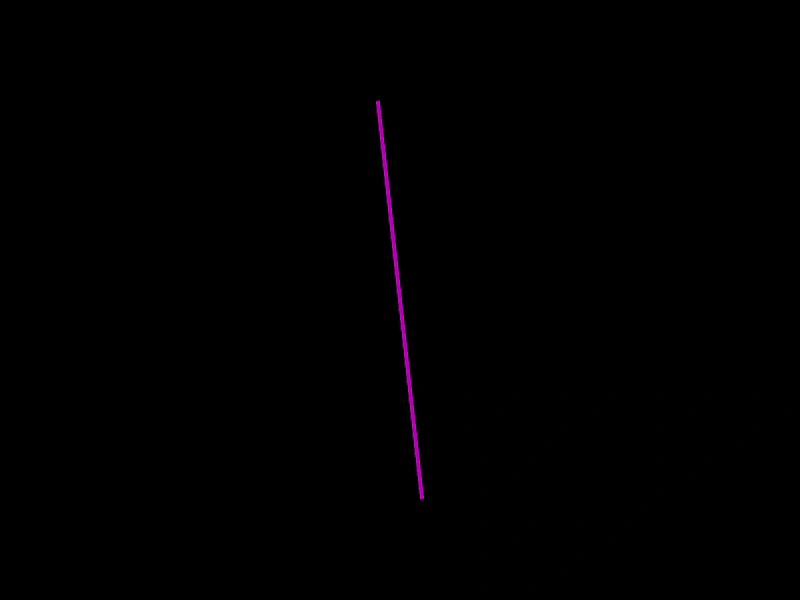
Demonstrates how to use the setTo method to update the start and end coordinates of a Line geometry object.
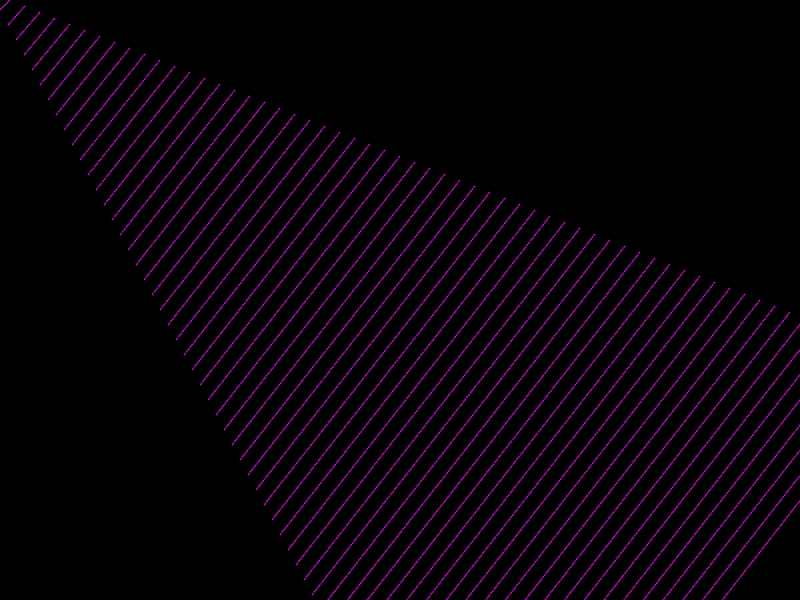
800 × 600
class Example extends Phaser.Scene
{
    create ()
    {
        const graphics = this.add.graphics({ lineStyle: { color: 0xaa00aa } });

        const line = new Phaser.Geom.Line(0, 10, 10, 0);

        graphics.strokeLineShape(line);

        for (let i = 0; i < 60; i++)
        {
            line.setTo(line.x1 + 8, line.y1 + 15, line.x2 + 15, line.y2 + 6);

            graphics.strokeLineShape(line);
        }
    }
}

const config = {
    scale: { mode: Phaser.Scale.FIT },
    width: 800,
    height: 600,
    type: Phaser.AUTO,
    parent: 'game-container',
    scene: Example
};

const game = new Phaser.Game(config);
More in Line31 examples
 Line SlopeDemonstrates how to calculate the slope of a line segment and use that value to influence movement along the line.
 Line WidthDemonstrates calculating the horizontal width (the bounding box width) of a line geometry object based on its start and end points.
 Point On LineDemonstrates how to manually calculate and render a specific point at a fixed ratio along the length of a geometric line.
 Rotate a LineDemonstrates how to continuously rotate a Line geometry object around its center point using the Line.Rotate function.