Line Get Eased Points
Demonstrates how to generate a specific number of points along a line using an easing function to control their distribution.
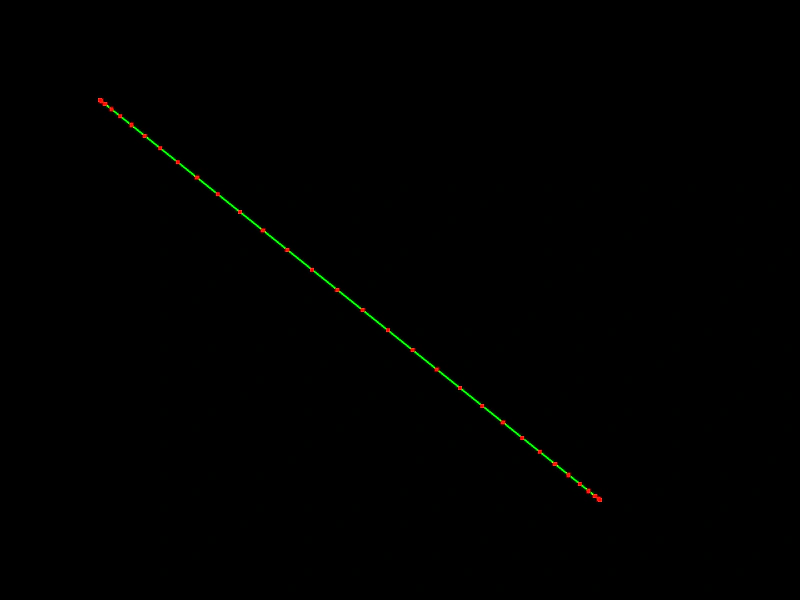
800 × 600
class Example extends Phaser.Scene
{
    create ()
    {
        const graphics = this.add.graphics({ fillStyle: { color: 0xff0000 }});

        const line = new Phaser.Geom.Line(100, 100, 600, 500);

        graphics.lineStyle(2, 0x00ff00);
        graphics.strokeLineShape(line);

        const points = Phaser.Geom.Line.GetEasedPoints(line, 'sine.inout', 32);

        for (let i = 0; i < points.length; i++)
        {
            const p = points[i];

            graphics.fillRect(p.x - 2, p.y - 2, 4, 4);
        }
    }
}

const config = {
    scale: { mode: Phaser.Scale.FIT },
    width: 800,
    height: 600,
    type: Phaser.AUTO,
    parent: 'game-container',
    scene: Example
};

const game = new Phaser.Game(config);
More in Line31 examples
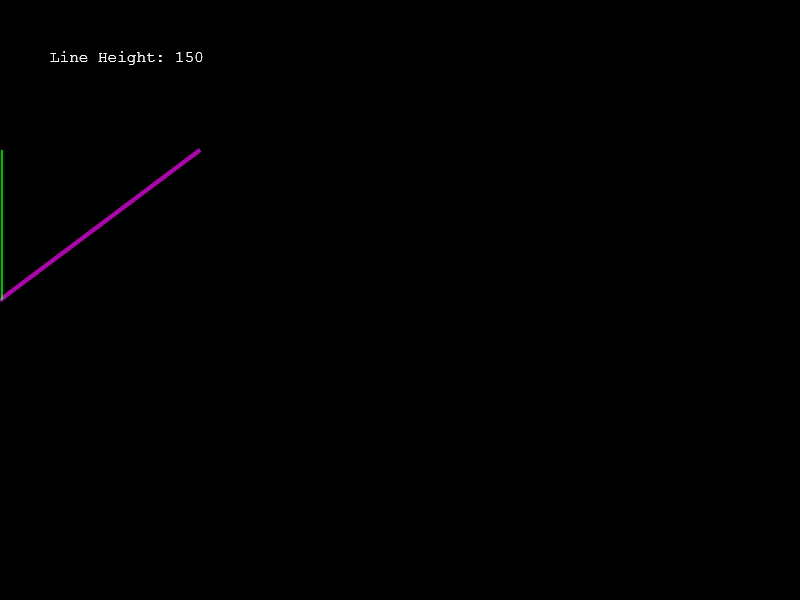 Line HeightDemonstrates how to calculate the vertical distance between the start and end points of a line using the Line.Height method.
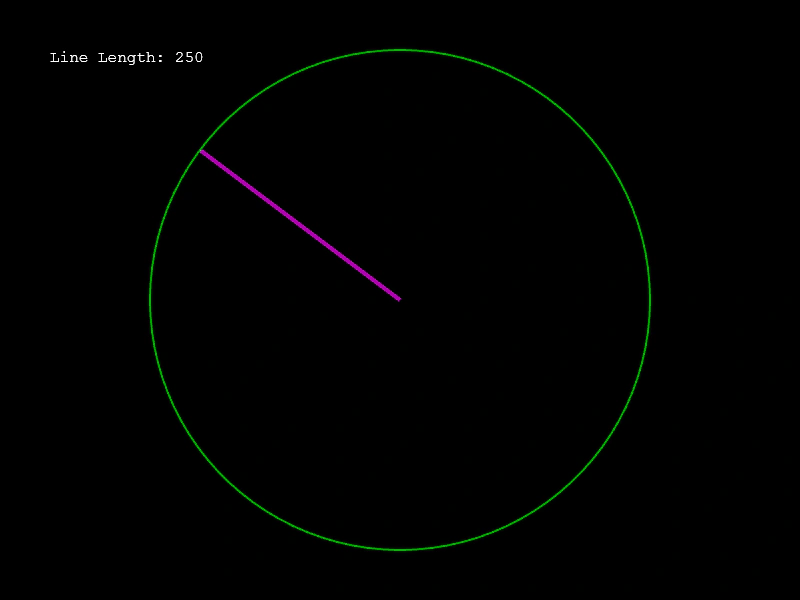 Line LengthCalculate the length of a Line geometry object and use the value to dynamically update a circle's radius.
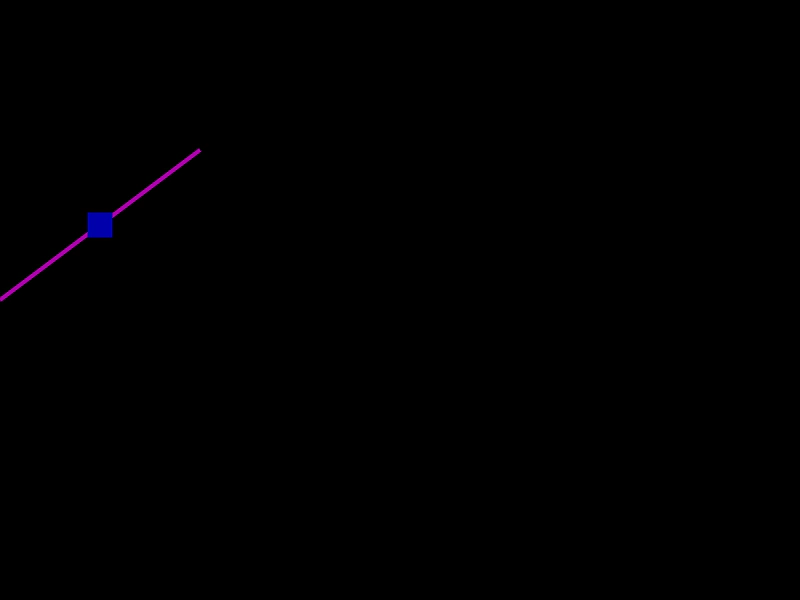 Line Mid PointCalculate and visualize the middle point of a line geometry object as it is updated dynamically by the pointer.
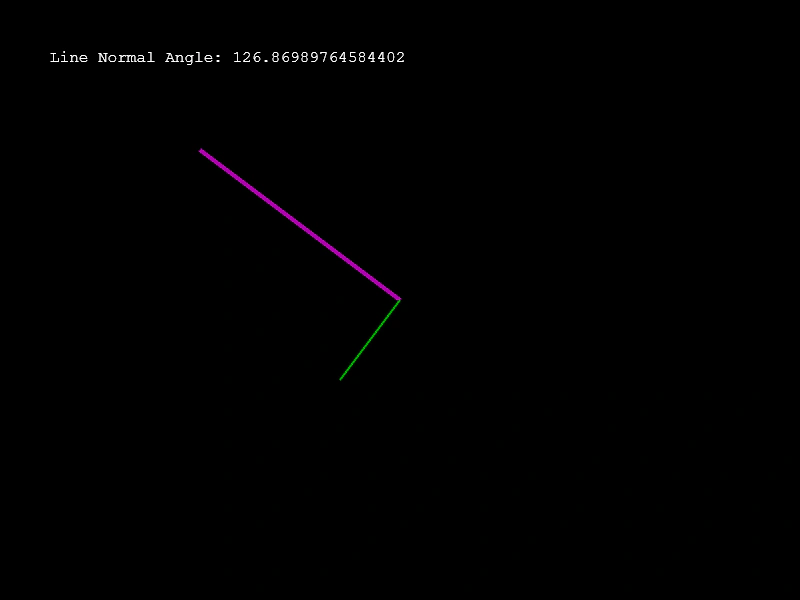 Line Normal AngleCalculate and visualize the angle of the normal vector perpendicular to a line segment as it moves.