Particle Emitter Lighting
Demonstrates how to apply 2D lighting and normal maps to a Particle Emitter, allowing emitted particles to react to dynamic light sources.
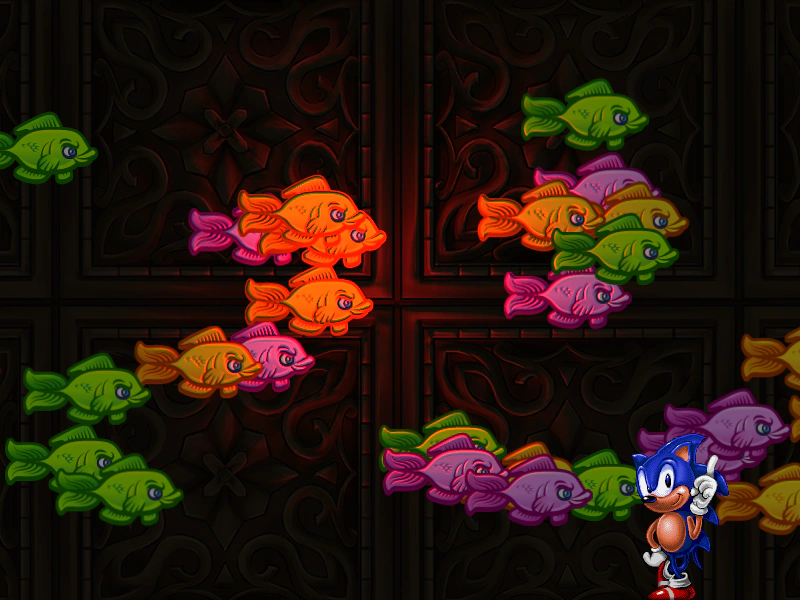
800 × 600
class Example extends Phaser.Scene
{
    preload ()
    {
        this.load.setBaseURL('https://cdn.phaserfiles.com/v410');
        this.load.image('sonic', 'assets/sprites/sonic_havok_sanity.png');
        this.load.image('bg', [ 'assets/textures/gold.png', 'assets/textures/gold-n.png' ]);
        this.load.spritesheet('fish', [ 'assets/sprites/fish-136x80.png', 'assets/sprites/fish-136x80_n.png' ], { frameWidth: 136, frameHeight: 80 });
    }

    create ()
    {
        this.add.sprite(400, 300, 'bg').setLighting(true).setAlpha(0.2);

        this.add.particles(0, 0, 'fish', {
            frame: { frames: [ 0, 1, 2 ], cycle: true, quantity: 4 },
            x: -70,
            y: { min: 100, max: 500, steps: 8 },
            lifespan: 5000,
            speedX: { min: 200, max: 400, steps: 8 },
            quantity: 4,
            frequency: 500
        }).setLighting(true);

        this.add.sprite(680, 600, 'sonic').setOrigin(0.5, 1);

        this.lights.enable();
        this.lights.setAmbientColor(0x808080);

        const spotlight = this.lights.addLight(400, 300, 280).setIntensity(3);

        this.input.on('pointermove', pointer =>
        {

            spotlight.x = pointer.x;
            spotlight.y = pointer.y;

        });

        const colors = [
            0xffffff, 0xff0000, 0x00ff00, 0x00ffff, 0xff00ff, 0xffff00
        ];

        let currentColor = 0;

        this.input.on('pointerdown', pointer =>
        {
            currentColor++;

            if (currentColor === colors.length)
            {
                currentColor = 0;
            }

            spotlight.setColor(colors[currentColor]);
        });
    }
}

const config = {
    scale: { mode: Phaser.Scale.FIT },
    type: Phaser.WEBGL,
    parent: 'game-container',
    width: 800,
    height: 600,
    scene: Example
};

const game = new Phaser.Game(config);
More in Lights20 examples
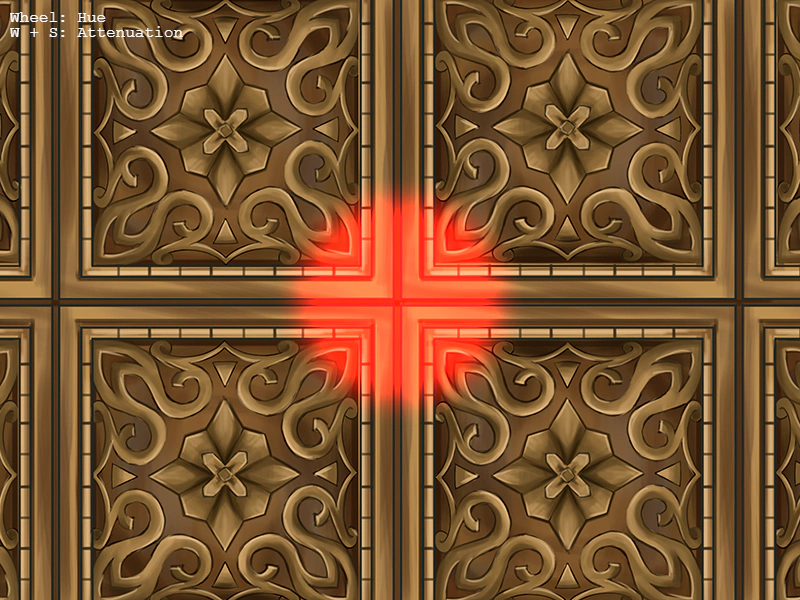 Point Light with Camera ZoomDemonstrates how to maintain a consistent Point Light visual size during camera zooming and movement, featuring interactive color cycling, attenuation controls, and pointer tracking.
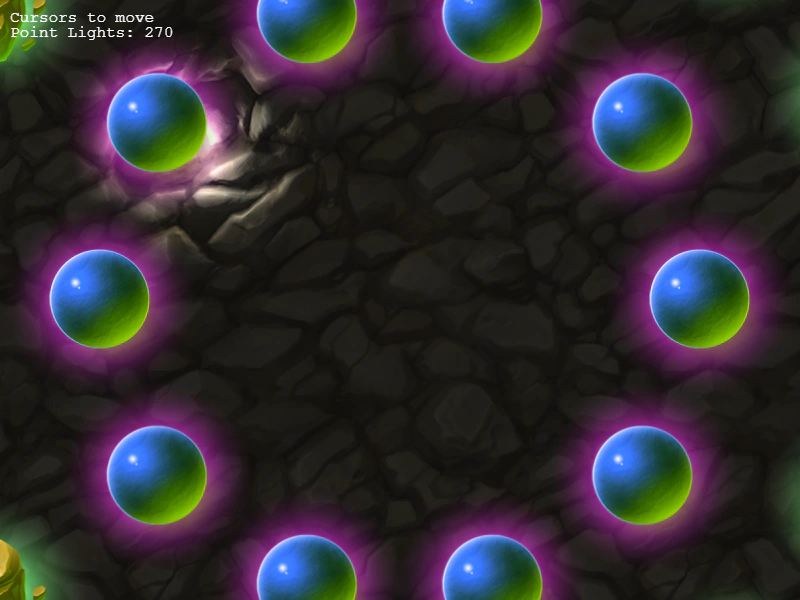 Point Lights and Normal MapsDemonstrates the dynamic lighting system using normal-mapped textures, interactive spotlights, camera zooming, and multiple Point Light game objects.
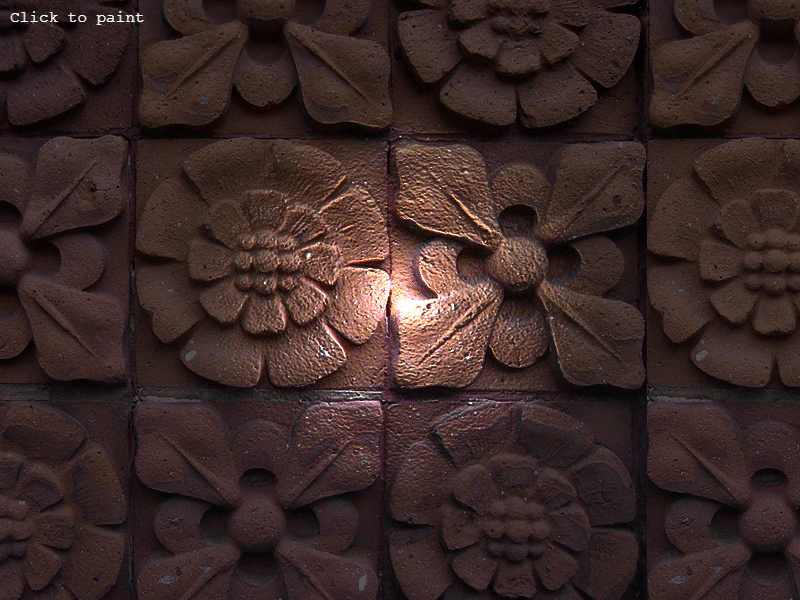 Render Texture LightingDemonstrates how to enable the 2D lighting system on a RenderTexture, allowing drawn textures to react to scene lights using normal maps.
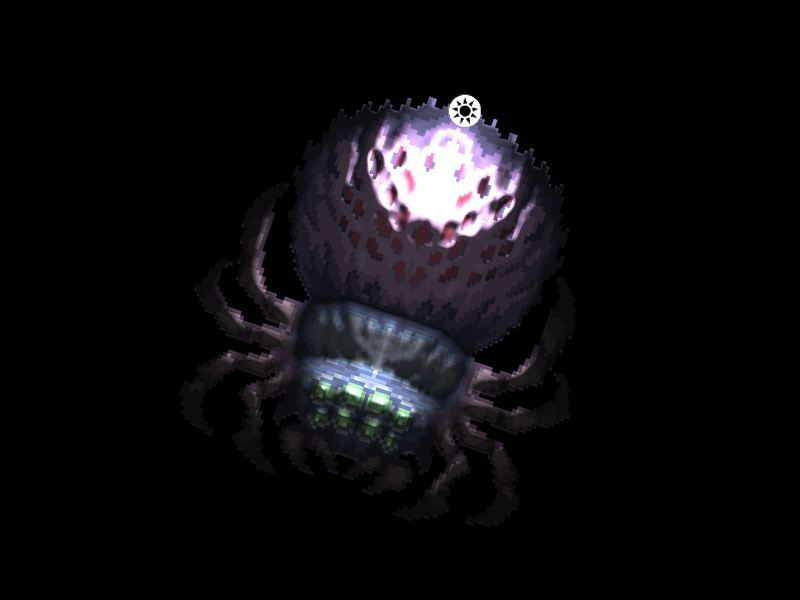 Rotated Sprite with 2D LightingDemonstrates how a sprite using a normal map correctly reacts to 2D lights while it is rotating.