Input Interactivity with Sprite Origins
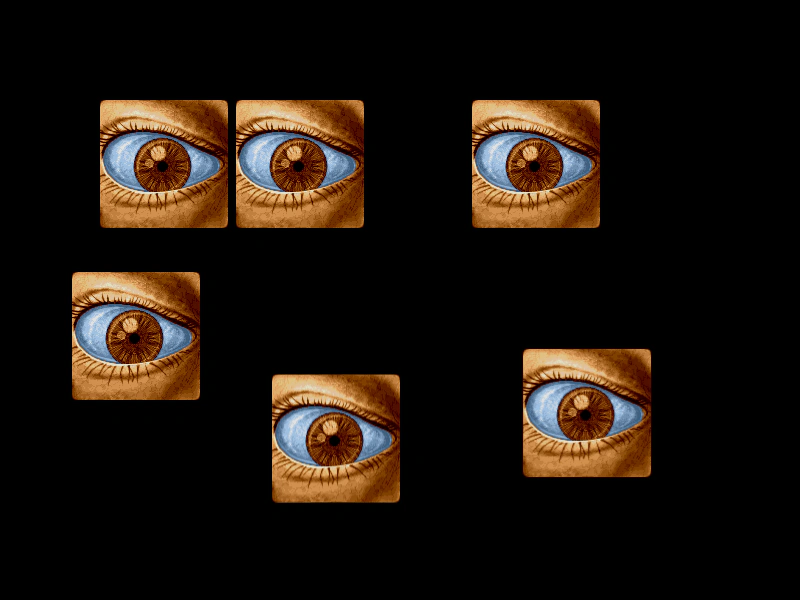
Demonstrates how setting different origin points on interactive Sprites affects their hit detection and mouse hover areas.
800 × 600
class Example extends Phaser.Scene
{
    preload ()
    {
        this.load.setBaseURL('https://cdn.phaserfiles.com/v410');
        this.load.image('eye', 'assets/pics/lance-overdose-loader-eye.png');
    }

    create ()
    {
        this.add.sprite(100, 100, 'eye').setInteractive().setOrigin(0);
        this.add.sprite(300, 100, 'eye').setInteractive().setOrigin(0.5, 0);
        this.add.sprite(600, 100, 'eye').setInteractive().setOrigin(1, 0);
        this.add.sprite(200, 400, 'eye').setInteractive().setOrigin(1, 1);
        this.add.sprite(400, 400, 'eye').setInteractive().setOrigin(1, 0.2);
        this.add.sprite(600, 400, 'eye').setInteractive().setOrigin(0.6, 0.4);

        this.input.on('gameobjectover', (pointer, gameObject) =>
        {

            gameObject.setTint(0xff0000);

        });

        this.input.on('gameobjectout', (pointer, gameObject) =>
        {

            gameObject.clearTint();

        });
    }
}

const config = {
    scale: { mode: Phaser.Scale.FIT },
    type: Phaser.WEBGL,
    parent: 'game-container',
    width: 800,
    height: 600,
    scene: Example
};

const game = new Phaser.Game(config);
More in Mouse25 examples
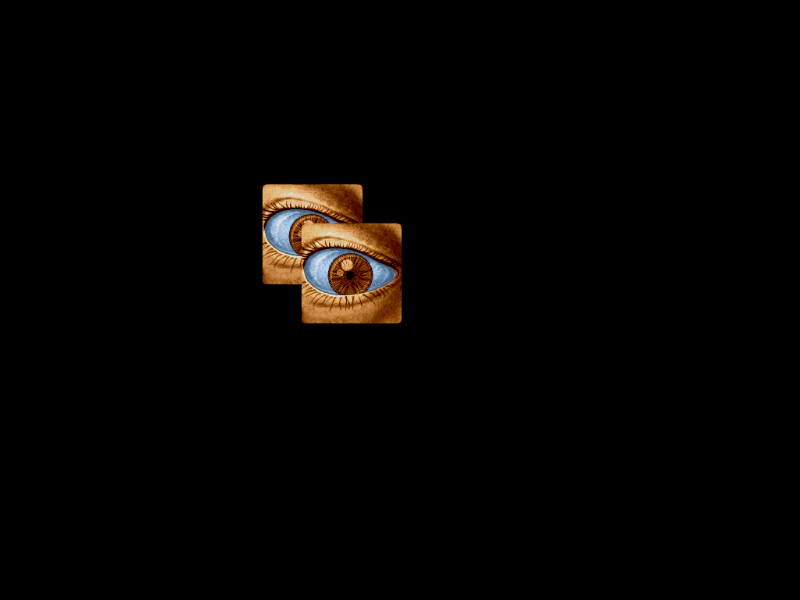 Input Top OnlyDemonstrates how to use the input topOnly property to ensure that only the top-most interactive GameObject receives input events when multiple objects overlap.
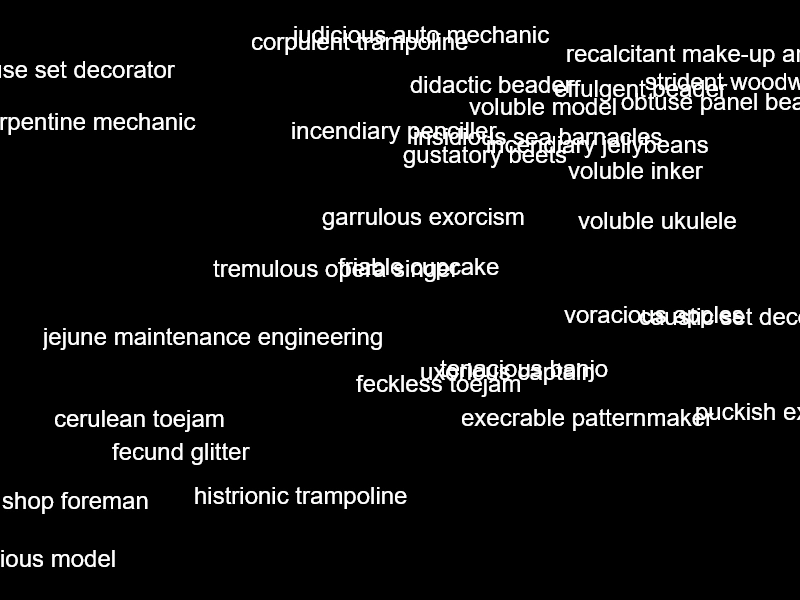 Interactive Text Hover EffectsDemonstrates how to enable input on Text Game Objects and use the gameobjectover and gameobjectout events to apply visual tint effects when hovering.
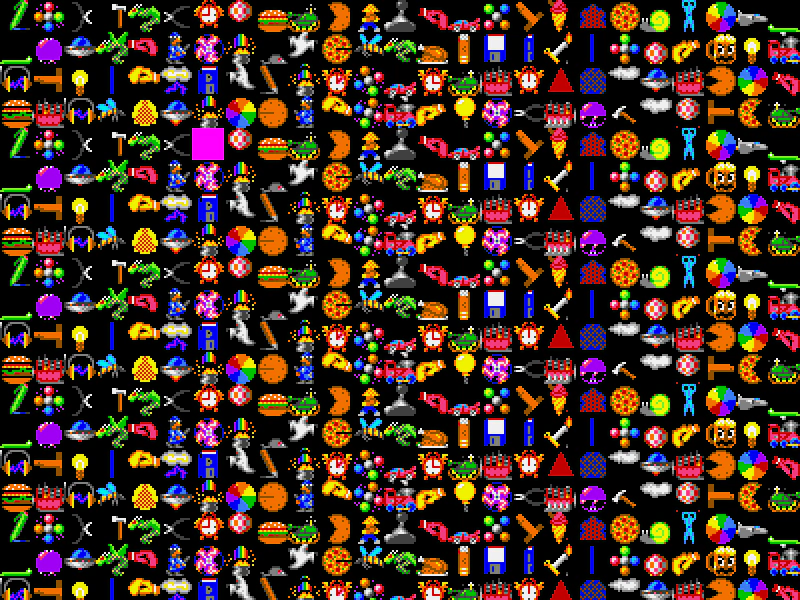 Mass Interactive Sprite GridA performance test featuring 10,000 interactive sprites in a grid. Demonstrates using shared hit areas for input, smoothed camera controls for navigation, and pointer events to highlight or hide objects.
 Mass Scrolling Interactive SpritesA stress test demonstrating input events and performance across 10,000 interactive sprites in a large grid, featuring camera controls and disabled camera culling.