Right Mouse Button Interaction
Demonstrates how to detect right mouse button clicks, disable the default browser context menu, and use pointer duration to handle both short and long press events.
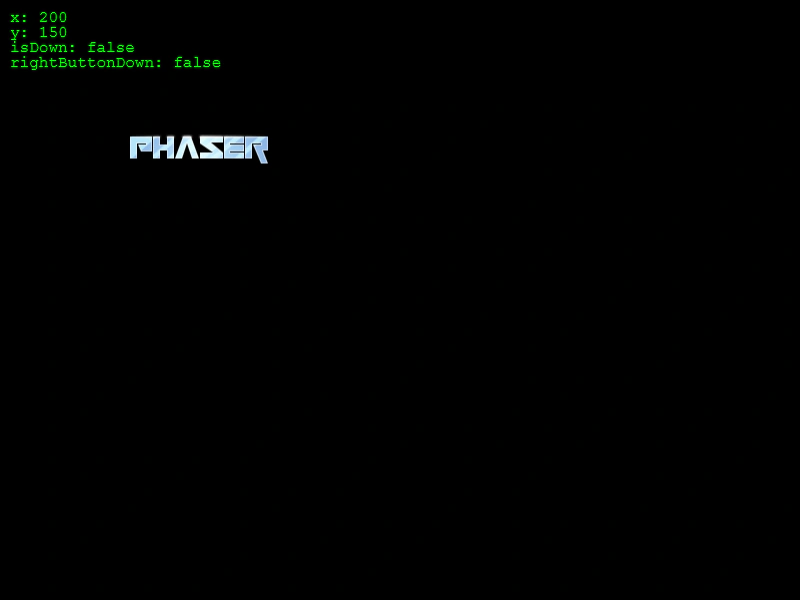
800 × 600
class Example extends Phaser.Scene
{
    text;

    preload ()
    {
        this.load.setBaseURL('https://cdn.phaserfiles.com/v410');
        this.load.image('logo', 'assets/sprites/phaser.png');
        this.load.image('asuna', 'assets/sprites/asuna_by_vali233.png');
        this.load.image('disk', 'assets/sprites/oz_pov_melting_disk.png');
        this.load.image('tree', 'assets/sprites/palm-tree-left.png');
    }

    create ()
    {
        this.text = this.add.text(10, 10, '', { fill: '#00ff00' }).setDepth(1);

        this.input.mouse.disableContextMenu();

        this.input.on('pointerdown', function (pointer)
        {

            if (pointer.rightButtonDown())
            {
                if (pointer.getDuration() > 500)
                {
                    this.add.image(pointer.x, pointer.y, 'disk');
                }
                else
                {
                    this.add.image(pointer.x, pointer.y, 'asuna');
                }
            }
            else
            if (pointer.getDuration() > 500)
            {
                this.add.image(pointer.x, pointer.y, 'tree');
            }
            else
            {
                this.add.image(pointer.x, pointer.y, 'logo');
            }

        }, this);
    }

    update ()
    {
        const pointer = this.input.activePointer;

        this.text.setText([
            `x: ${pointer.worldX}`,
            `y: ${pointer.worldY}`,
            `isDown: ${pointer.isDown}`,
            `rightButtonDown: ${pointer.rightButtonDown()}`
        ]);
    }
}

const config = {
    scale: { mode: Phaser.Scale.FIT },
    width: 800,
    height: 600,
    type: Phaser.AUTO,
    parent: 'game-container',
    scene: Example
};

const game = new Phaser.Game(config);
More in Mouse25 examples
 Sprite Pointer EventsMake a single sprite interactive and handle pointer down and up events to change its tint.
 Top Only Input Over and Out EventsDemonstrates how to use the topOnly property to enable input events for all overlapping Game Objects simultaneously, rather than just the one on the top layer.
 Triangle Hit AreaDemonstrates how to define a custom triangular hit area for a sprite using a geometric shape and a custom callback.
 Check Button ReleasedDetect which specific mouse button (left, right, middle, back, or forward) was released using pointer helper methods like leftButtonReleased and rightButtonReleased.