Fit to Region with Manual Size
Demonstrates how to use Phaser.Actions.FitToRegion on Game Objects that lack intrinsic dimensions, such as Particle Emitters, by providing explicit source width and height.

800 × 600
class Example extends Phaser.Scene
{
    preload ()
    {
        this.load.setBaseURL('https://cdn.phaserfiles.com/v410');
        this.load.atlas('flares', 'assets/particles/flares.png', 'assets/particles/flares.json');
    }

    create ()
    {
        this.createFlameRegion(200, 200, 100, 100);
        this.createFlameRegion(500, 150, 75, 75);
        this.createFlameRegion(600, 300, 50, 50);
        this.createFlameRegion(350, 450, 150, 150);
    }

    createFlameRegion (x, y, width, height)
    {
        const flame = this.add.particles(150, 550, 'flares',
        {
            frame: 'white',
            color: [ 0xfacc22, 0xf89800, 0xf83600, 0x9f0404 ],
            colorEase: 'quad.out',
            lifespan: 2400,
            angle: { min: -100, max: -80 },
            scale: { start: 0.70, end: 0, ease: 'sine.out' },
            speed: 100,
            advance: 2000,
            blendMode: 'ADD'
        });

        const region = { x, y, width, height };

        // Set the dimensions of the target manually, because ParticleEmitter doesn't have size.
        Phaser.Actions.FitToRegion(flame, -1, region, { width: 64, height: 64 });
    }
}

const config = {
    scale: { mode: Phaser.Scale.FIT },
    type: Phaser.AUTO,
    width: 800,
    height: 600,
    backgroundColor: '#000',
    parent: 'game-container',
    scene: Example
};

const game = new Phaser.Game(config);
More in Actions49 examples
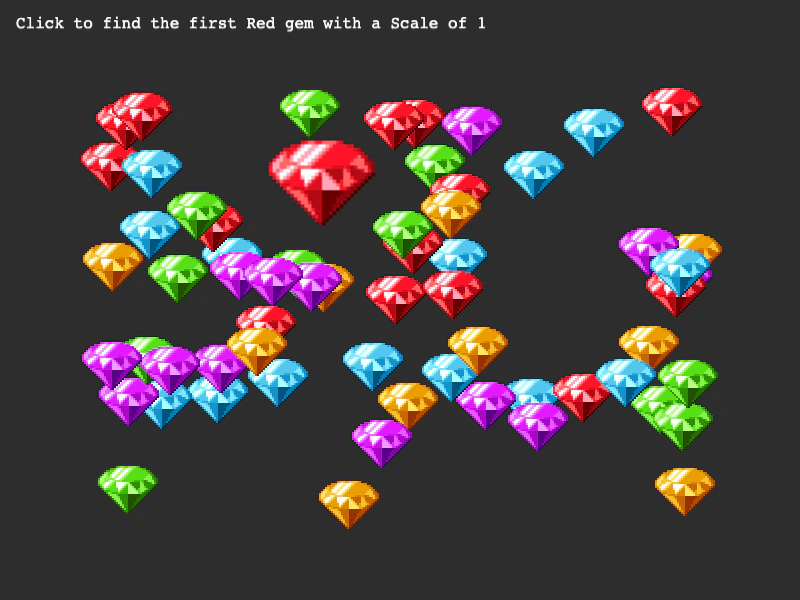 Get First ActionDemonstrates how to use the GetFirst action to find the first game object in an array that matches specific property values, such as scale and frame.
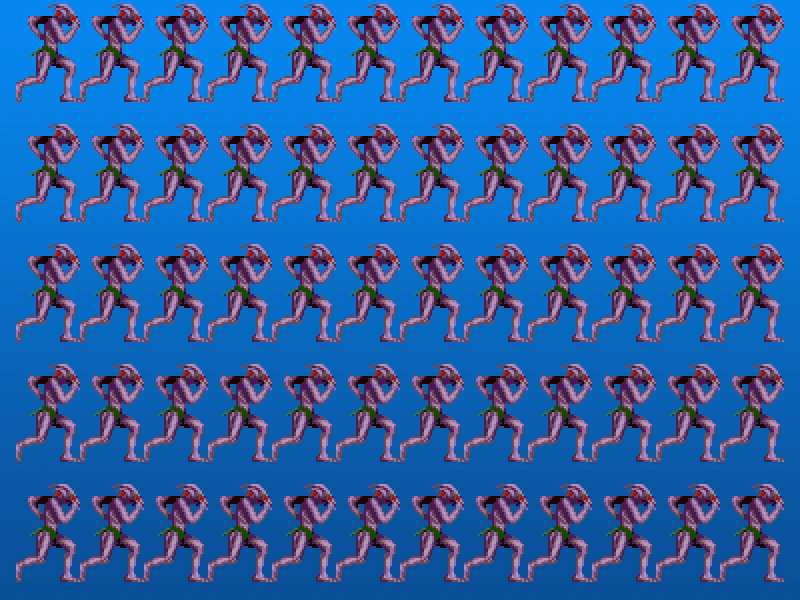 Grid Align AnimationsDemonstrates how to use the GridAlign action to arrange a collection of animated sprites into a structured grid layout.
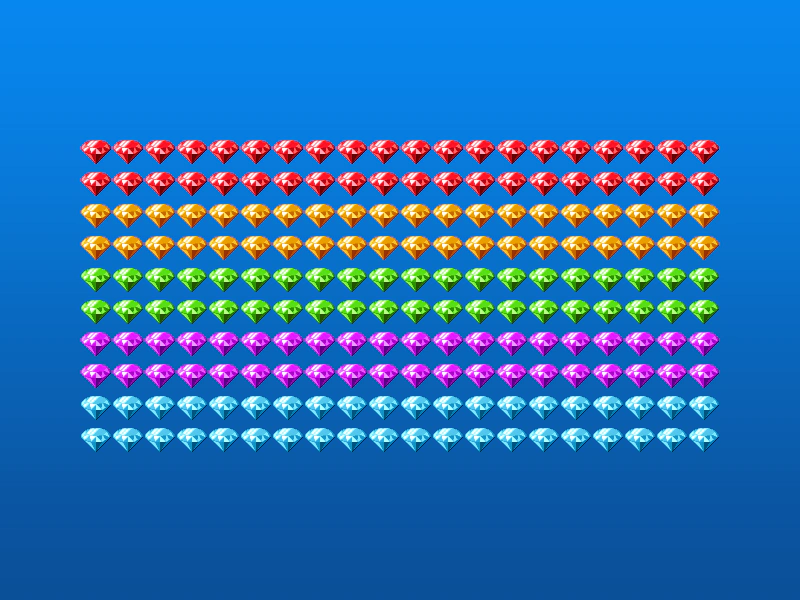 Grid Align GroupDemonstrates how to use the GridAlign action to automatically arrange Game Objects from a Group into a grid formation with defined cell dimensions and positioning.
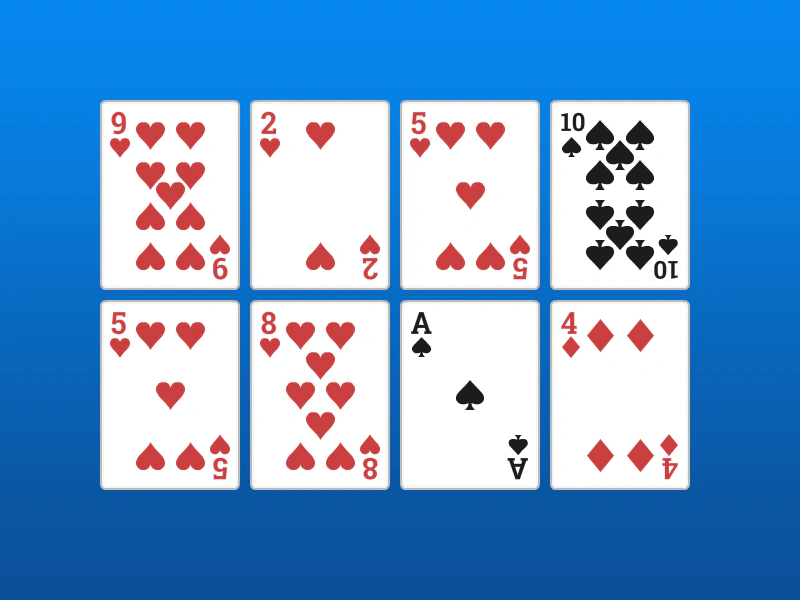 Grid Align SpritesDemonstrates how to arrange an array of sprites into a 4x2 grid using the GridAlign action, specifying cell dimensions and starting coordinates.