Text Alignment
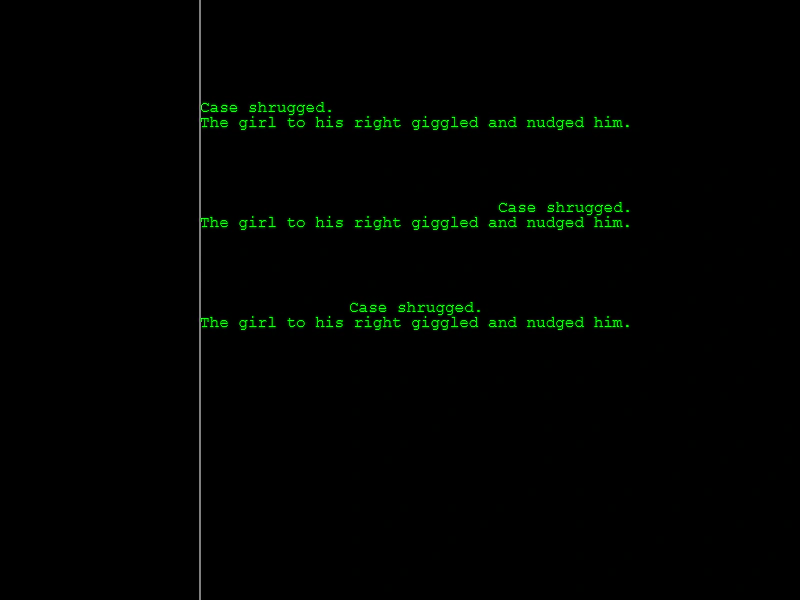
Demonstrates how to align multiple lines of text within a Text Game Object using the left, center, and right alignment properties.
800 × 600
class Example extends Phaser.Scene
{
    create ()
    {
        const graphics = this.add.graphics();

        graphics.lineStyle(1, 0xffffff, 1);
        graphics.lineBetween(200, 0, 200, 600);

        //  Align only works with multi-lined text.

        this.add.text(200, 100, 'Case shrugged.\nThe girl to his right giggled and nudged him.', { color: '#00ff00', align: 'left' });
        this.add.text(200, 200, 'Case shrugged.\nThe girl to his right giggled and nudged him.', { color: '#00ff00', align: 'right' });
        this.add.text(200, 300, 'Case shrugged.\nThe girl to his right giggled and nudged him.', { color: '#00ff00', align: 'center' });
    }
}

const config = {
    scale: { mode: Phaser.Scale.FIT },
    type: Phaser.AUTO,
    parent: 'game-container',
    width: 800,
    height: 600,
    scene: Example
};

const game = new Phaser.Game(config);
More in Text29 examples
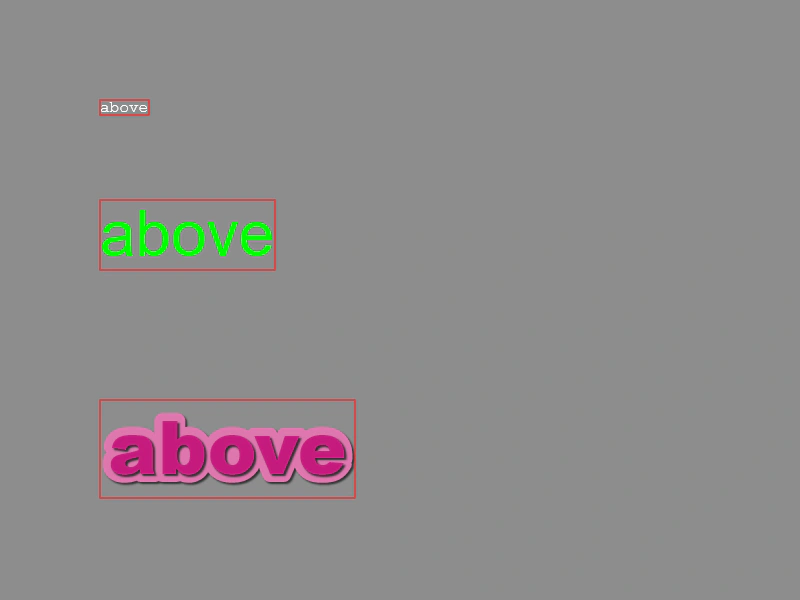 Text BoundsDemonstrates how to retrieve and visualize the rectangular bounds of Text objects. See how the bounding box dynamically updates as content changes and how it accounts for styles like stroke and shadow.
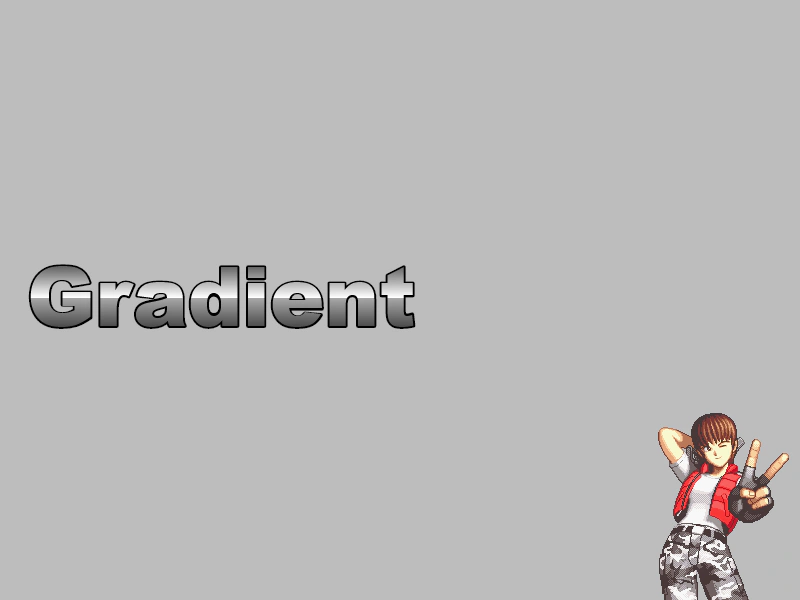 Text GradientApply a linear color gradient to a Text object using the native Canvas context API.
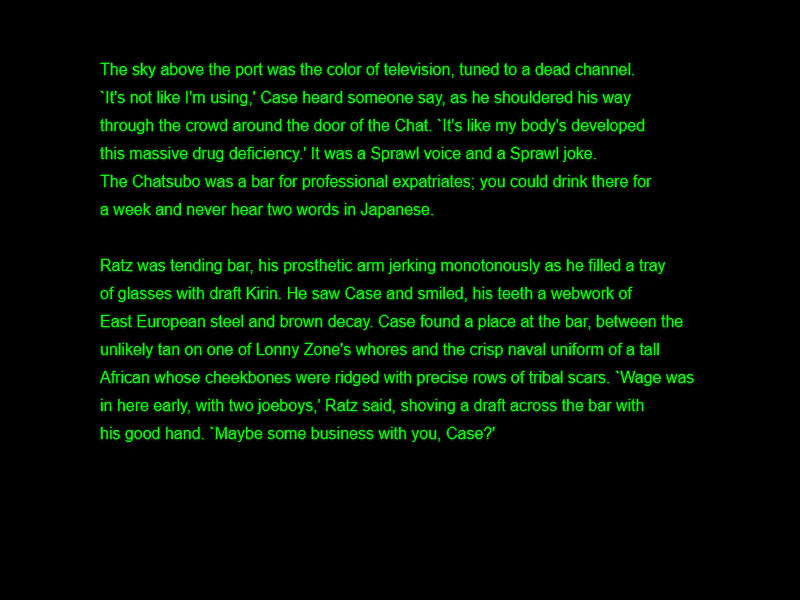 Text Line SpacingDemonstrates how to adjust the vertical distance between multiple lines of text in a Text Game Object using the lineSpacing property.
 Text MetricsProvide pre-defined text metrics in the configuration object to bypass internal canvas scanning and improve initialization performance.