Base Tile Size
Learn how to use a base grid size that differs from the tileset dimensions, allowing larger tiles to overlap vertically on a smaller map grid.
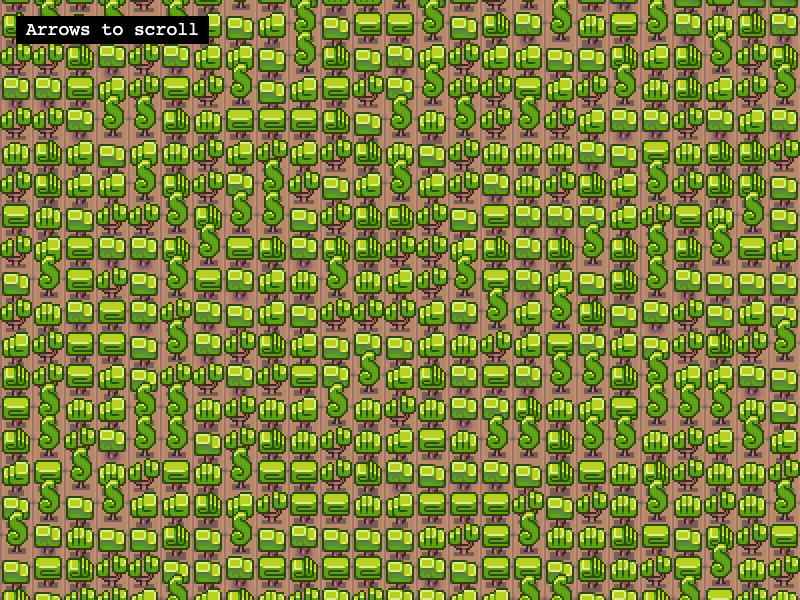
800 × 600
class Example extends Phaser.Scene
{
    controls;

    preload ()
    {
        this.load.setBaseURL('https://cdn.phaserfiles.com/v410');
        this.load.image('walls_1x2', 'assets/tilemaps/tiles/walls_1x2.png');
    }

    create ()
    {
        // Load a blank map with a 32 x 32 px tile size. This is the base tile size. This means that
        // tiles in the map will be placed on a 32 x 32 px grid.
        const map = this.make.tilemap({ width: 200, height: 200, tileWidth: 32, tileHeight: 32 });

        // You can also change the base tile size of map like this:
        // map.setBaseTileSize(32, 32);

        // Load a 32 x 64 px tileset. This tileset was designed to allow tiles to overlap vertically, so
        // placing them on a 32 x 32 grid is exactly what we want.
        const tiles = map.addTilesetImage('walls_1x2', null, 32, 64);

        // Create a layer filled with random trees
        const layer = map.createBlankLayer('layer1', tiles);

        layer.randomize(0, 0, map.width, map.height, [ 0, 1, 2, 3, 4, 5, 6, 7 ]);

        const cursors = this.input.keyboard.createCursorKeys();

        const controlConfig = {
            camera: this.cameras.main,
            left: cursors.left,
            right: cursors.right,
            up: cursors.up,
            down: cursors.down,
            speed: 0.5
        };

        this.controls = new Phaser.Cameras.Controls.FixedKeyControl(controlConfig);

        const help = this.add.text(16, 16, 'Arrows to scroll', {
            fontSize: '18px',
            padding: { x: 10, y: 5 },
            backgroundColor: '#000000',
            fill: '#ffffff'
        });

        help.setScrollFactor(0);
    }

    update (time, delta)
    {
        this.controls.update(delta);
    }
}

const config = {
    scale: { mode: Phaser.Scale.FIT },
    type: Phaser.AUTO,
    width: 800,
    height: 600,
    backgroundColor: '#ffffff',
    parent: 'game-container',
    pixelArt: true,
    scene: Example
};

const game = new Phaser.Game(config);
More in Tilemap48 examples
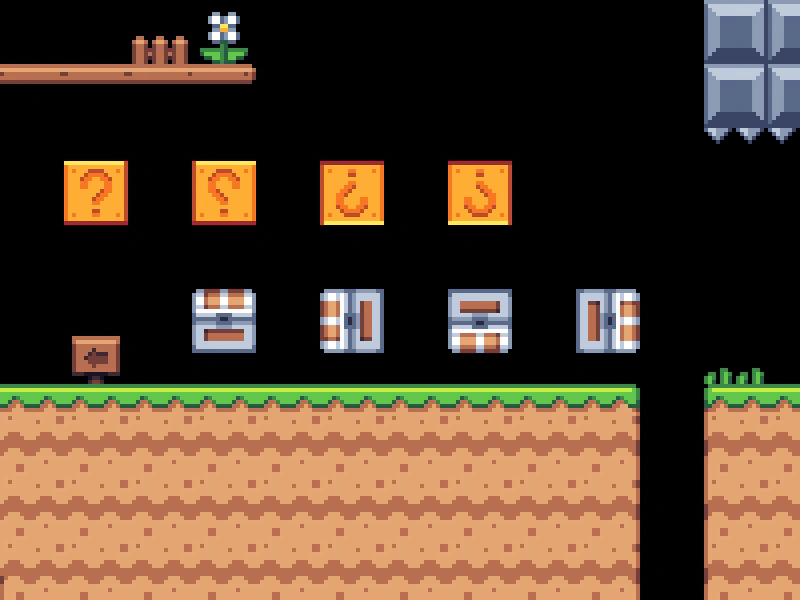 Convert Tiles to SpritesTransform specific tile indices from a tilemap into dynamic Sprite objects using createFromTiles. This example demonstrates using a spritesheet to automatically set the correct texture frames for the converted sprites.
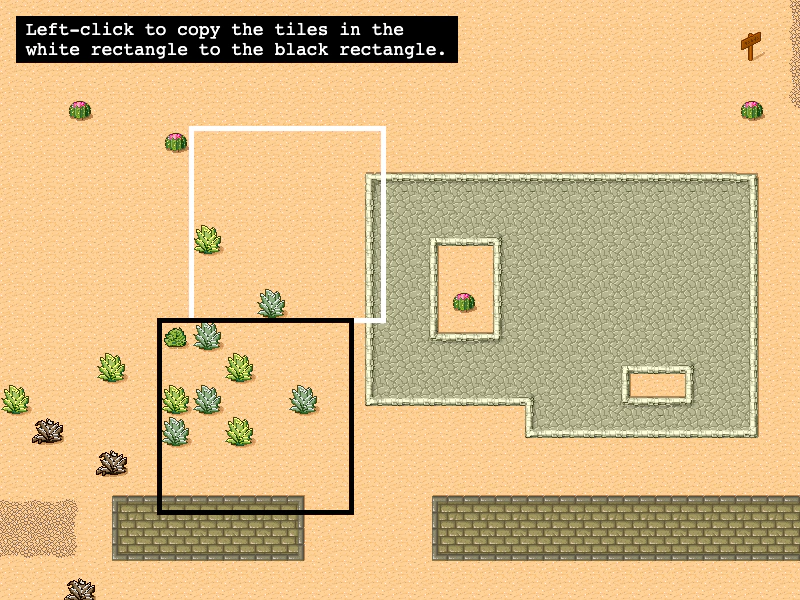 Copy Tilemap AreaLearn how to copy a rectangular region of tiles from one location to another within a tilemap layer.
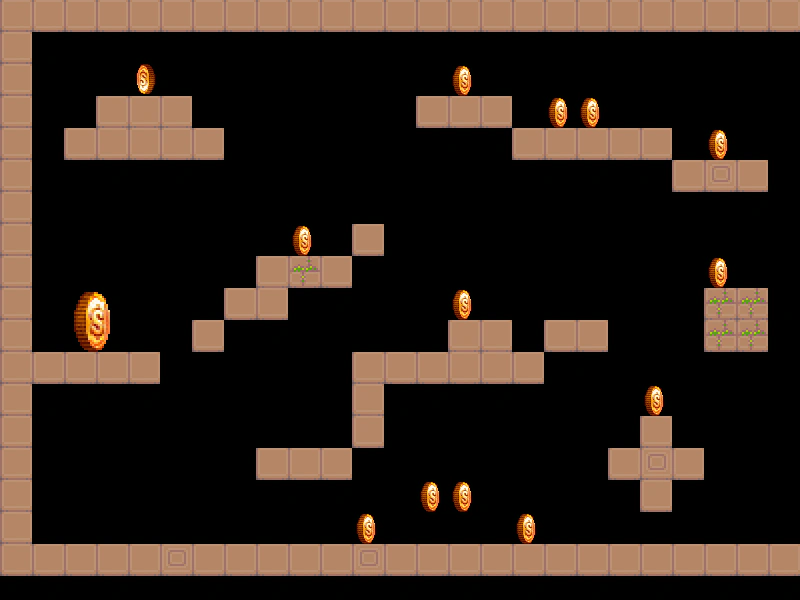 Create Sprites From Tilemap ObjectsDemonstrates how to use createFromObjects to automatically convert Tiled map object data into Phaser Sprites, inheriting positions and custom properties.
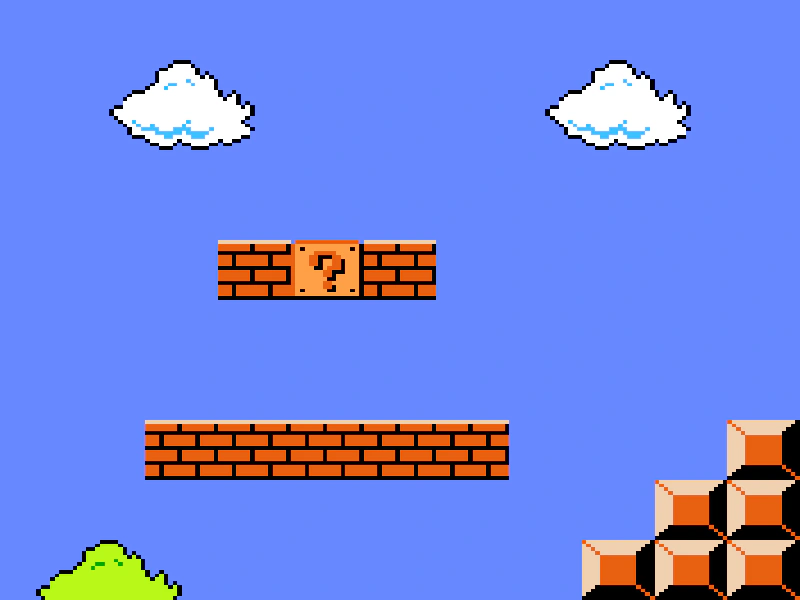 Create Tilemap from ArrayThis example demonstrates how to create a tilemap directly from a 2D JavaScript array of tile indices instead of loading an external data file.