Tilemap Collision Debugging
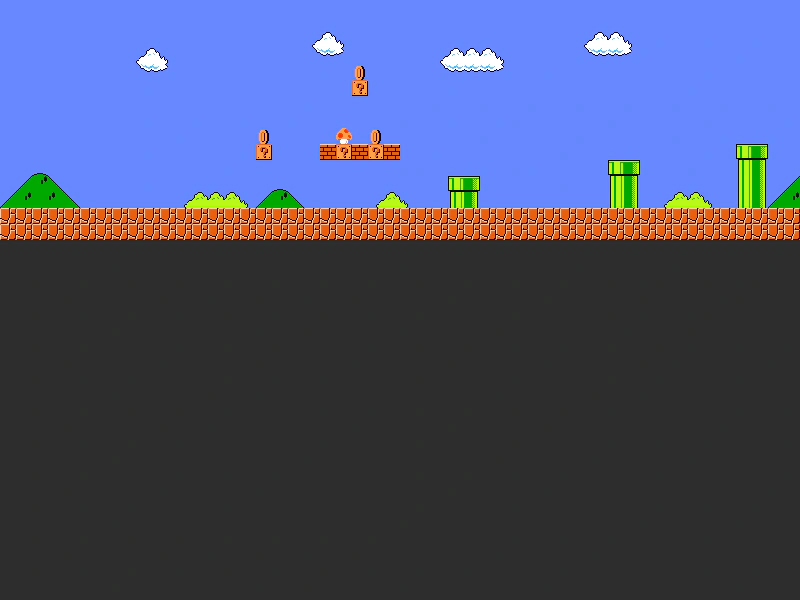
Demonstrates how to use the renderDebug method to visualize tilemap collision data, including highlighting specific colliding tiles and their active edges (faces).
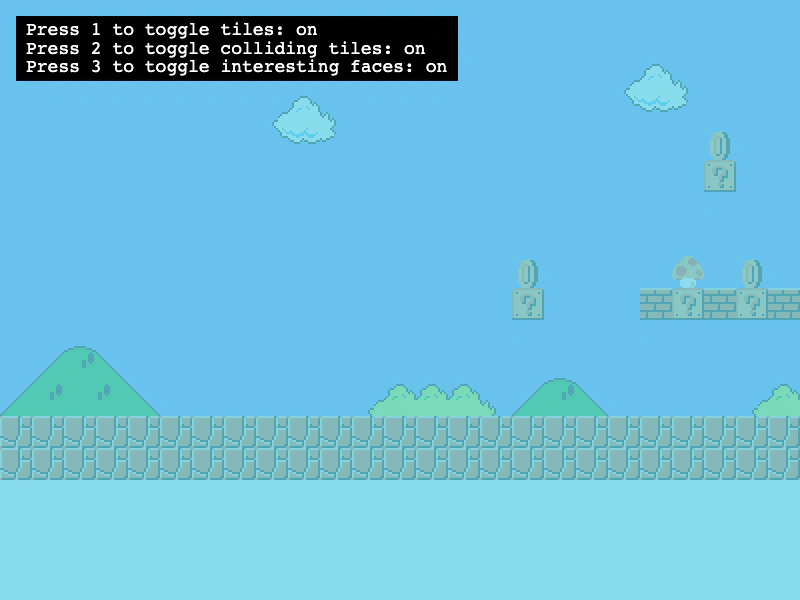
800 × 600
class Example extends Phaser.Scene
{
    showCollidingTiles = true;
    showFaces = true;
    showTiles = true;
    helpText;
    map;
    debugGraphics;
    controls;

    preload ()
    {
        this.load.setBaseURL('https://cdn.phaserfiles.com/v410');
        this.load.tilemapTiledJSON('map', 'assets/tilemaps/maps/super-mario.json');
        this.load.image('SuperMarioBros-World1-1', 'assets/tilemaps/tiles/super-mario.png');
        this.load.bitmapFont('gothic', 'assets/fonts/bitmap/gothic.png', 'assets/fonts/bitmap/gothic.xml');
    }

    create ()
    {
        this.map = this.make.tilemap({ key: 'map' });
        const tileset = this.map.addTilesetImage('SuperMarioBros-World1-1');
        const layer = this.map.createLayer('World1', tileset, 0, 0);
        layer.setScale(2);

        this.map.setCollision([ 14, 15, 16, 20, 21, 22, 23, 24, 25, 27, 28, 29, 33, 39, 40 ]);

        this.debugGraphics = this.add.graphics();

        this.input.keyboard.on('keydown-ONE', event =>
        {
            this.showTiles = !this.showTiles;
            this.drawDebug();
        });

        this.input.keyboard.on('keydown-TWO', event =>
        {
            this.showCollidingTiles = !this.showCollidingTiles;
            this.drawDebug();
        });

        this.input.keyboard.on('keydown-THREE', event =>
        {
            this.showFaces = !this.showFaces;
            this.drawDebug();
        });

        const cursors = this.input.keyboard.createCursorKeys();
        const controlConfig = {
            camera: this.cameras.main,
            left: cursors.left,
            right: cursors.right,
            speed: 0.5
        };

        this.controls = new Phaser.Cameras.Controls.FixedKeyControl(controlConfig);

        this.helpText = this.add.text(16, 16, this.getHelpMessage(), {
            fontSize: '18px',
            padding: { x: 10, y: 5 },
            backgroundColor: '#000000',
            fill: '#ffffff'
        });
        this.helpText.setScrollFactor(0);

        this.drawDebug();
    }

    update (time, delta)
    {
        this.controls.update(delta);
    }

    drawDebug ()
    {
        const tileColor = this.showTiles ? new Phaser.Display.Color(105, 210, 231, 200) : null;
        const colldingTileColor = this.showCollidingTiles ? new Phaser.Display.Color(243, 134, 48, 200) : null;
        const faceColor = this.showFaces ? new Phaser.Display.Color(40, 39, 37, 255) : null;

        this.debugGraphics.clear();

        // Pass in null for any of the style options to disable drawing that component
        this.map.renderDebug(this.debugGraphics, {
            tileColor: tileColor, // Non-colliding tiles
            collidingTileColor: colldingTileColor, // Colliding tiles
            faceColor: faceColor // Interesting faces, i.e. colliding edges
        });

        this.helpText.setText(this.getHelpMessage());
    }

    getHelpMessage ()
    {
        return `Press 1 to toggle tiles: ${this.showTiles ? 'on' : 'off'}\nPress 2 to toggle colliding tiles: ${this.showCollidingTiles ? 'on' : 'off'}\nPress 3 to toggle interesting faces: ${this.showFaces ? 'on' : 'off'}`;
    }
}

const config = {
    scale: { mode: Phaser.Scale.FIT },
    type: Phaser.AUTO,
    width: 800,
    height: 600,
    backgroundColor: '#ffffff',
    parent: 'game-container',
    pixelArt: true,
    scene: Example
};

const game = new Phaser.Game(config);
More in Tilemap48 examples
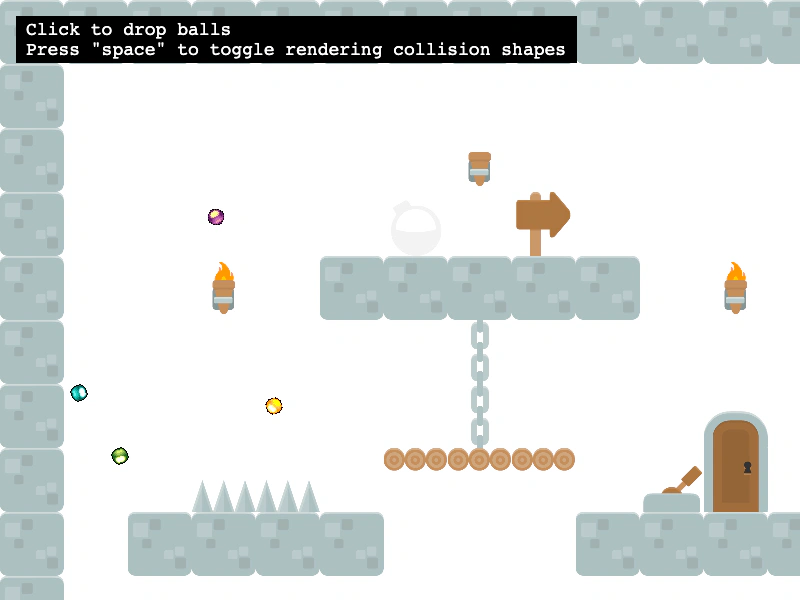 Tilemap Collision From Tiled ShapesEnable collisions on a Tilemap layer using the collision shapes defined in the Tiled editor via setCollisionFromCollisionGroup, with Matter.js physics integration.
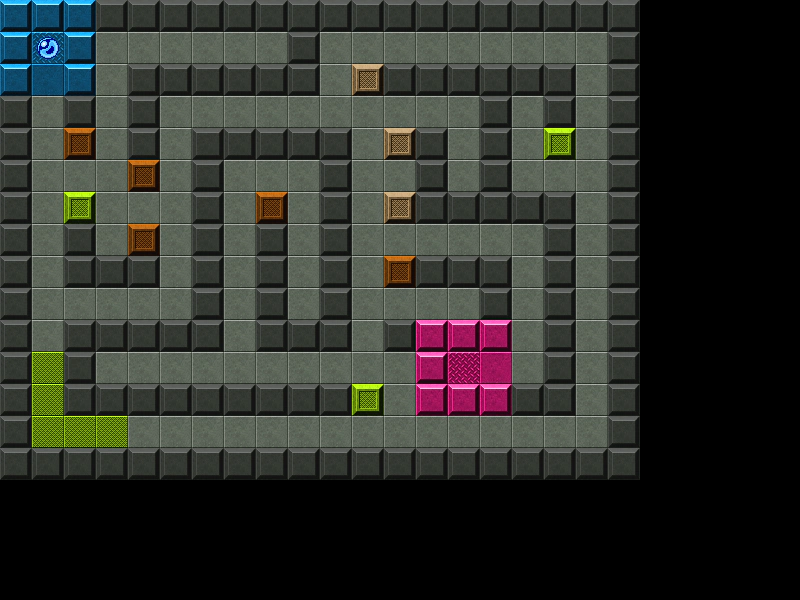 Tilemap Layer CollisionDemonstrates how to enable collision between a physics-enabled sprite and specific tile indices within a Tilemap layer.
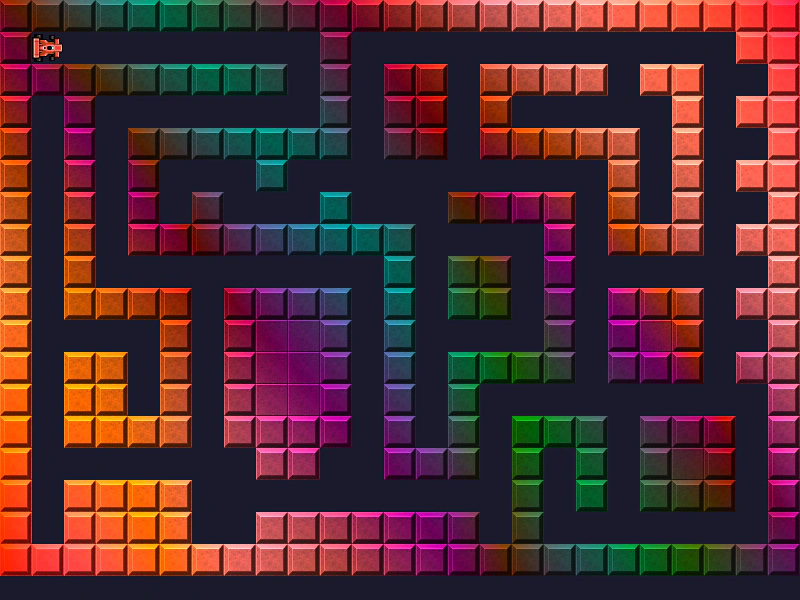 Tilemap Layer FilterDemonstrates how to apply a custom shader filter to a specific Tilemap layer while performing tile-based collision detection.
 Tilemap Layer SizeDemonstrates how to manually adjust the width of a tilemap layer to clip its rendering area and position multiple layers from different tilemaps within the same scene.