Grid Shape
Demonstrates creating Grid Shape Game Objects with custom cell sizes, alternating fill colors, and outlines, as well as animating their dimensions and rotation.
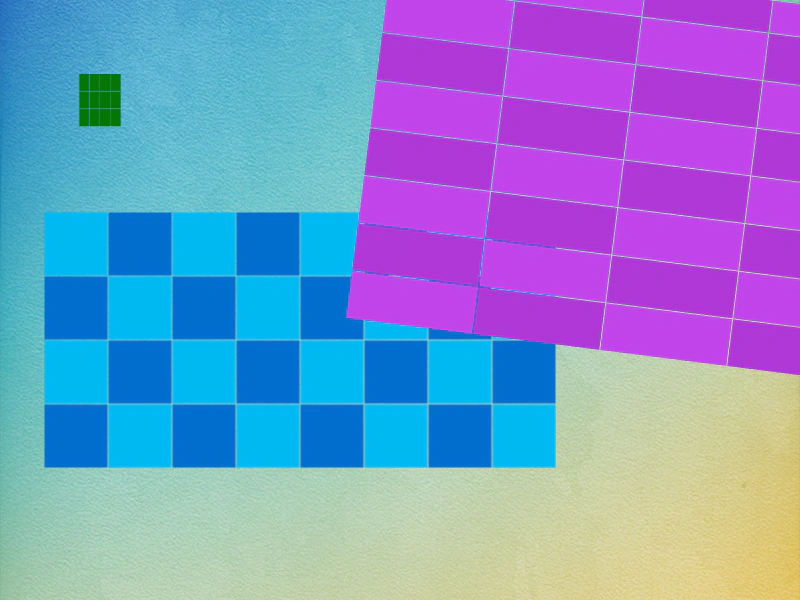
800 × 600
class Example extends Phaser.Scene
{
    preload ()
    {
        this.load.setBaseURL('https://cdn.phaserfiles.com/v410');
        this.load.image('bg', 'assets/skies/background1.png');
    }

    create ()
    {
        this.add.image(400, 300, 'bg');

        const g1 = this.add.grid(100, 100, 128, 96, 32, 32, 0x057605);

        const g2 = this.add.grid(300, 340, 512, 256, 64, 64, 0x00b9f2).setAltFillStyle(0x016fce).setStrokeStyle();

        const g3 = this.add.grid(600, 300, 100, 500, 48, 128, 0xc145ea).setAltFillStyle(0xb038d7).setStrokeStyle().setAngle(-20);

        this.tweens.add({

            targets: g1,
            scaleX: 0.25,
            scaleY: 0.5,
            yoyo: true,
            repeat: -1,
            ease: 'Sine.easeInOut'

        });

        this.tweens.add({

            targets: g3,
            width: 400,
            angle: -90,
            yoyo: true,
            repeat: -1,
            ease: 'Sine.easeInOut'

        });
    }
}

const config = {
    scale: { mode: Phaser.Scale.FIT },
    type: Phaser.AUTO,
    parent: 'game-container',
    width: 800,
    height: 600,
    backgroundColor: '#efefef',
    scene: Example
};

const game = new Phaser.Game(config);
More in Shapes24 examples
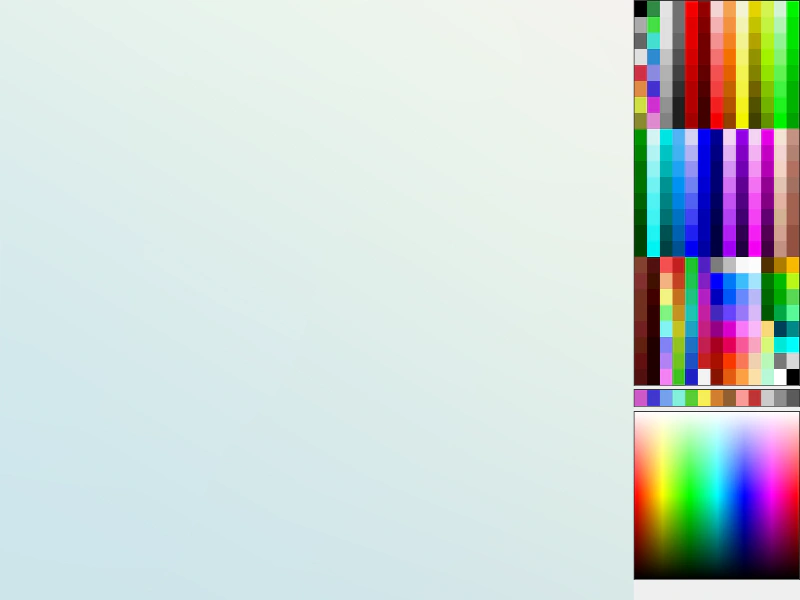 Interactive Shape Drawing ToolDemonstrates how to dynamically create and resize Shape Game Objects (Circles, Rectangles, Ellipses, Stars, and Lines) using pointer input and color picking from a texture palette.
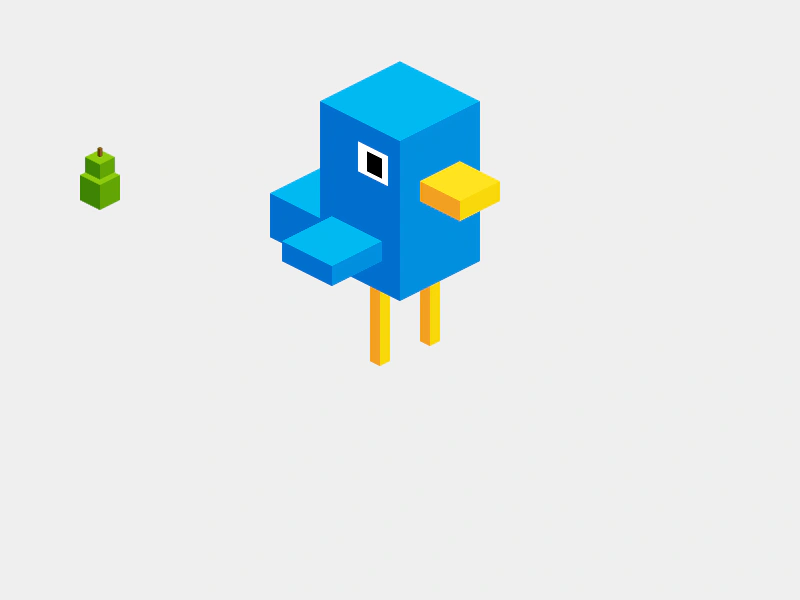 Isometric BirdieBuild a pseudo-3D character by composing multiple IsoBox shapes into a single Container. Demonstrates how to use face coloring and face visibility to create isometric art.
 Isometric Box DrawingLearn how to draw and position IsoBox shapes on an isometric grid, featuring face-specific color shading and coordinate conversion between screen and isometric space.
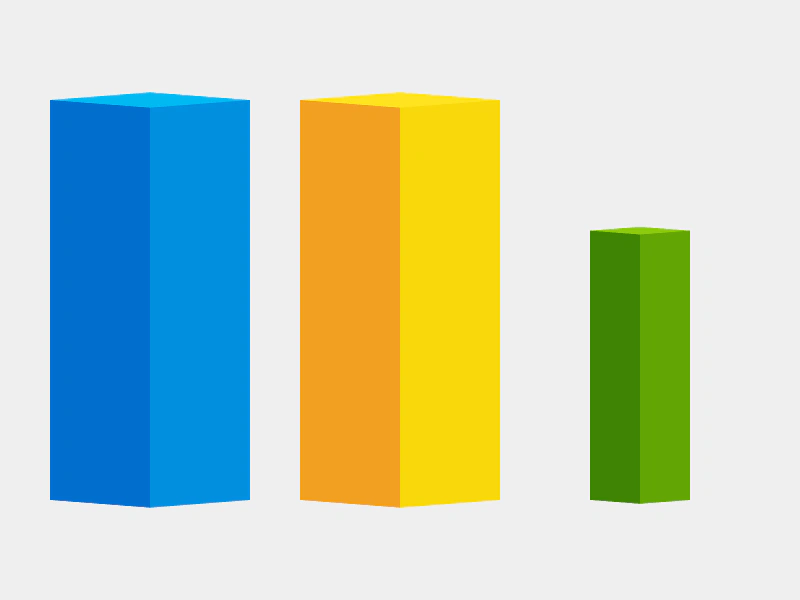 Isometric Box ShapeDemonstrates creating and animating isometric box shapes with customizable face colors and adjustable projection angles.