Drawing Graphics to a Render Texture
Demonstrates how to draw a hidden Graphics object onto a Render Texture and manipulate the output using the RenderTexture's internal camera rotation.

800 × 600
class Example extends Phaser.Scene
{
    graphics;
    rt;

    create ()
    {
        this.graphics = this.add.graphics();
        this.graphics.setVisible(false);

        this.drawStar(this.graphics, 200, 200, 5, 200, 100, 0xffff00);

        this.rt = this.add.renderTexture(400, 300, 400, 400).setOrigin(0.5);
    }

    update ()
    {
        this.rt.camera.rotation -= 0.01;

        this.rt.clear();

        this.rt.draw(this.graphics);

        this.rt.render();
    }

    drawStar (graphics, cx, cy, spikes, outerRadius, innerRadius, color)
    {
        let rot = Math.PI / 2 * 3;
        let x = cx;
        let y = cy;
        const step = Math.PI / spikes;

        graphics.fillStyle(color, 1.0);
        graphics.beginPath();
        graphics.moveTo(cx, cy - outerRadius);

        for (let i = 0; i < spikes; i++)
        {
            x = cx + Math.cos(rot) * outerRadius;
            y = cy + Math.sin(rot) * outerRadius;
            graphics.lineTo(x, y);
            rot += step;

            x = cx + Math.cos(rot) * innerRadius;
            y = cy + Math.sin(rot) * innerRadius;
            graphics.lineTo(x, y);
            rot += step;
        }

        graphics.lineTo(cx, cy - outerRadius);
        graphics.closePath();
        graphics.fillPath();
    }
}

const config = {
    scale: { mode: Phaser.Scale.FIT },
    type: Phaser.AUTO,
    parent: 'game-container',
    width: 800,
    height: 600,
    scene: Example
};

const game = new Phaser.Game(config);
More in Render Texture45 examples
 Drawing Sprites to a Render TextureDemonstrates how to draw multiple Game Objects into a Render Texture at specific coordinates and render the result.
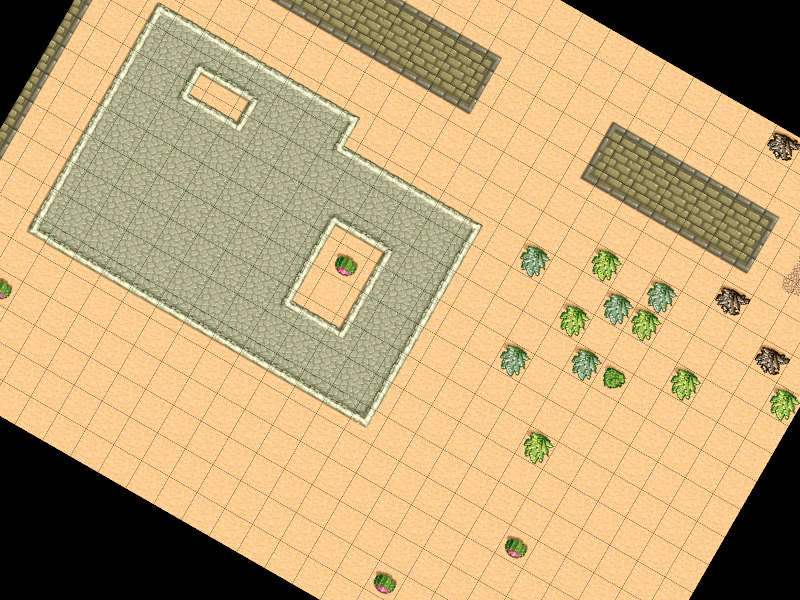 Dynamic Tilemap to Render TextureDemonstrates how to draw a hidden Tilemap Layer to a Render Texture and manipulate it using the Render Texture's internal camera rotation.
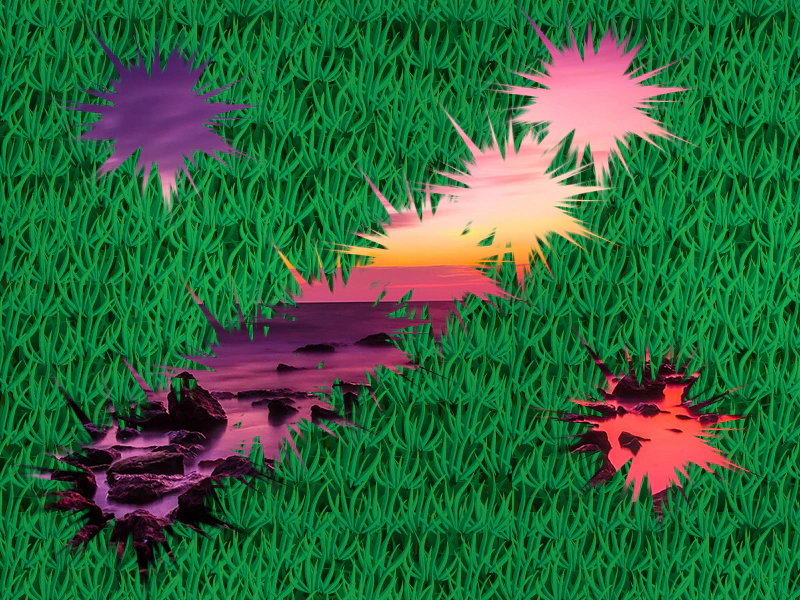 Erase Part of a Render TextureDemonstrates how to use a brush image to erase content from a Render Texture, revealing the objects behind it.
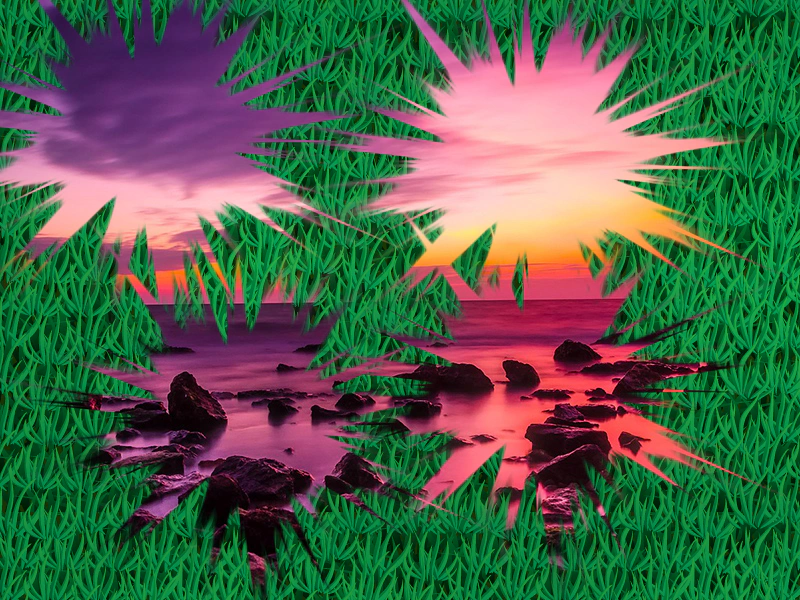 Erase Part of Render Texture (Canvas)Demonstrates how to use an image as a brush to erase portions of a Render Texture in Canvas mode, creating a scratch-off effect.