Render Texture As A Mask
Learn how to use a Render Texture as a dynamic mask for a Game Object. This example demonstrates drawing onto a Render Texture with the mouse to reveal an underlying image.
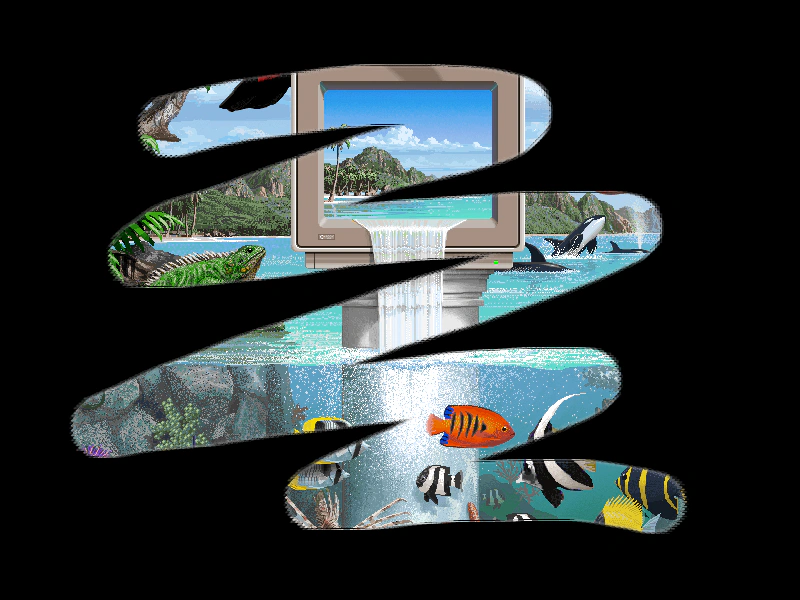
800 × 600
class Example extends Phaser.Scene
{
    preload ()
    {
        this.load.setBaseURL('https://cdn.phaserfiles.com/v410');
        this.load.image('brush', 'assets/sprites/brush1.png');
        this.load.image('pic', 'assets/pics/brilliance-jim-sachs.png');
    }

    create ()
    {
        const rt = this.add.renderTexture(400, 300, 800, 600);

        const pic = this.add.image(400, 300, 'pic');

        pic.enableFilters().filters.external.addMask(rt);

        this.input.on('pointermove', pointer =>
        {
            if (pointer.isDown)
            {
                rt.draw('brush', pointer.x, pointer.y).render();
            }

        }, this);

        this.input.keyboard.on('keydown-SPACE', event =>
        {
            // this.game.scale.resize(800, 600);
            rt.resize(800, 600);
        });
    }
}

const config = {
    scale: { mode: Phaser.Scale.FIT },
    type: Phaser.AUTO,
    parent: 'game-container',
    width: 800,
    height: 600,
    scene: Example
};

const game = new Phaser.Game(config);
More in Render Texture45 examples
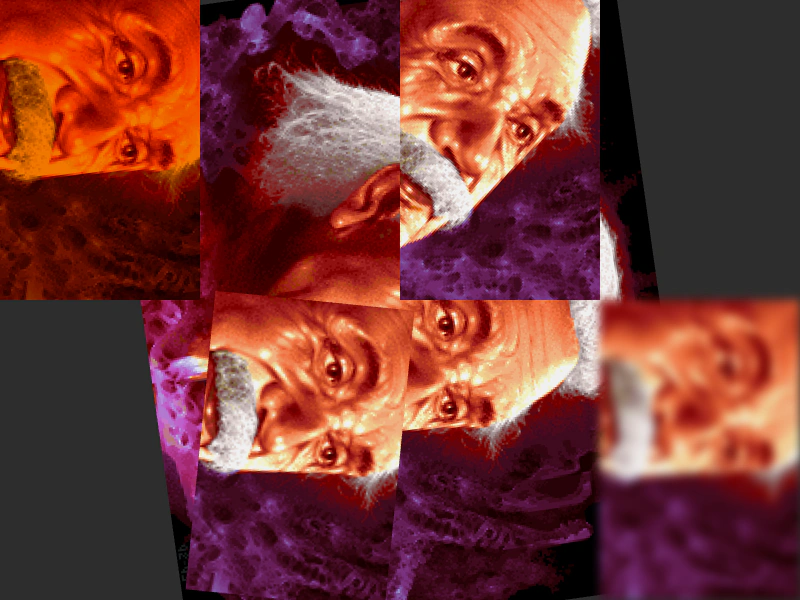 Render Texture as ViewportUse RenderTextures as secondary cameras to display scene content with unique transformations, tints, rotations, and post-processing filters applied to each view.
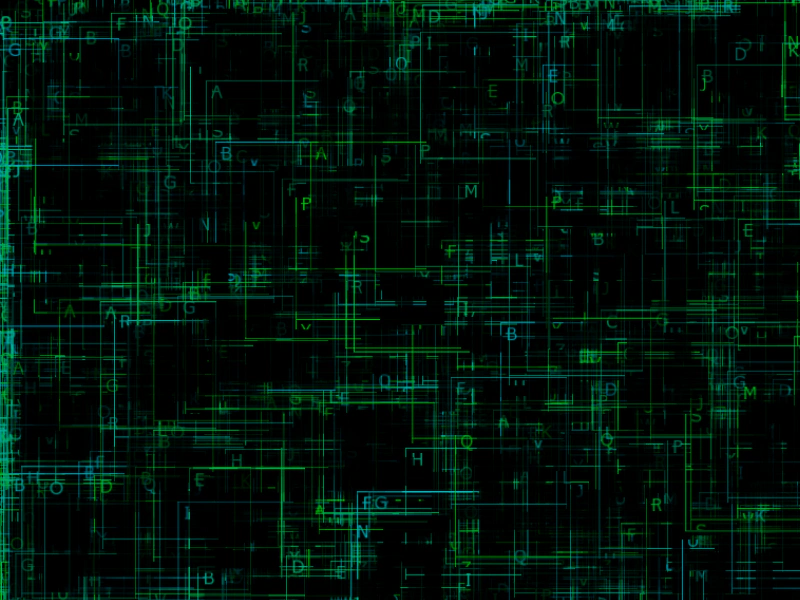 Render Texture Brute ForceDemonstrates high-volume drawing by stamping numerous sprite frames onto a single Render Texture every frame.
 Render Texture Camera TransformationsDemonstrates how to use the internal camera property of a Render Texture to apply rotation, zoom, and positioning when stamping textures.
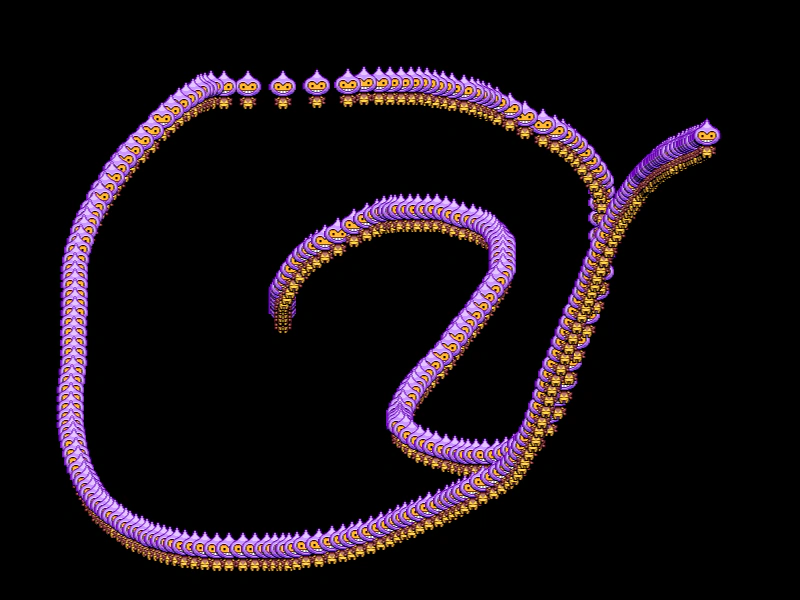 Render Texture Drawing TrailDemonstrates how to create a persistent motion trail by drawing a sprite to a Render Texture every frame without clearing it.