Creating and Drawing Points
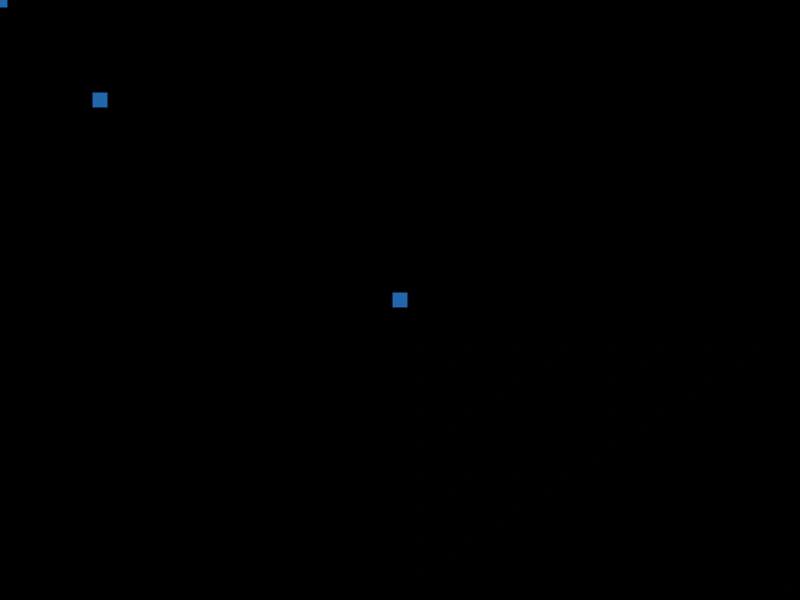
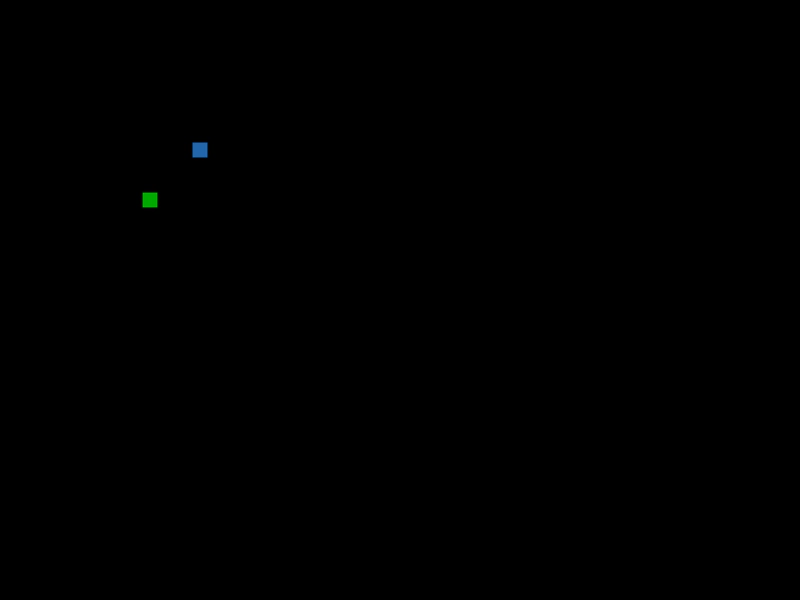
Demonstrates how to initialize Vector2 objects using various constructor arguments and render them as filled shapes using a Graphics object.
800 × 600
class Example extends Phaser.Scene
{
    create ()
    {
        const graphics = this.add.graphics({ fillStyle: { color: 0x2266aa } });

        const point1 = new Phaser.Math.Vector2();// point at 0/0
        const point2 = new Phaser.Math.Vector2(100);// point at 100/100
        const point3 = new Phaser.Math.Vector2(400, 300);// point at 400/300

        graphics.fillPointShape(point1, 15);
        graphics.fillPointShape(point2, 15);
        graphics.fillPointShape(point3, 15);
    }
}

const config = {
    scale: { mode: Phaser.Scale.FIT },
    width: 800,
    height: 600,
    type: Phaser.AUTO,
    parent: 'game-container',
    scene: Example
};

const game = new Phaser.Game(config);
More in Point18 examples
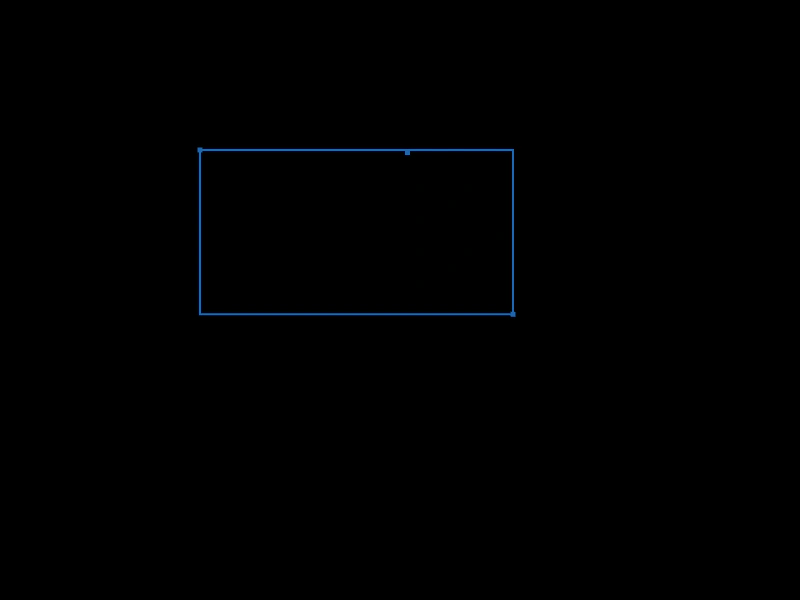 Get Bounding Rectangle from PointsDemonstrates how to calculate a bounding box that encompasses a dynamic set of points using Phaser.Math.GetVec2Bounds.
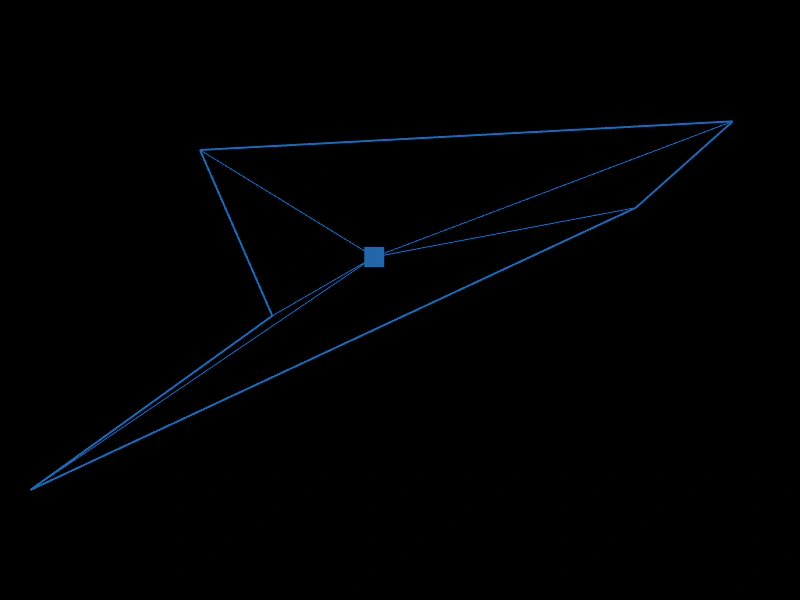 Get CentroidDemonstrates how to use Phaser.Math.GetCentroid to calculate and visualize the geometric center of a dynamic set of points.
 Get Magnitude SquaredDemonstrates using Vector2.lengthSq to efficiently check distances between points by avoiding expensive square root calculations.
 Invert PointDemonstrates using the invert method to negate the x and y components of a Vector2 point.