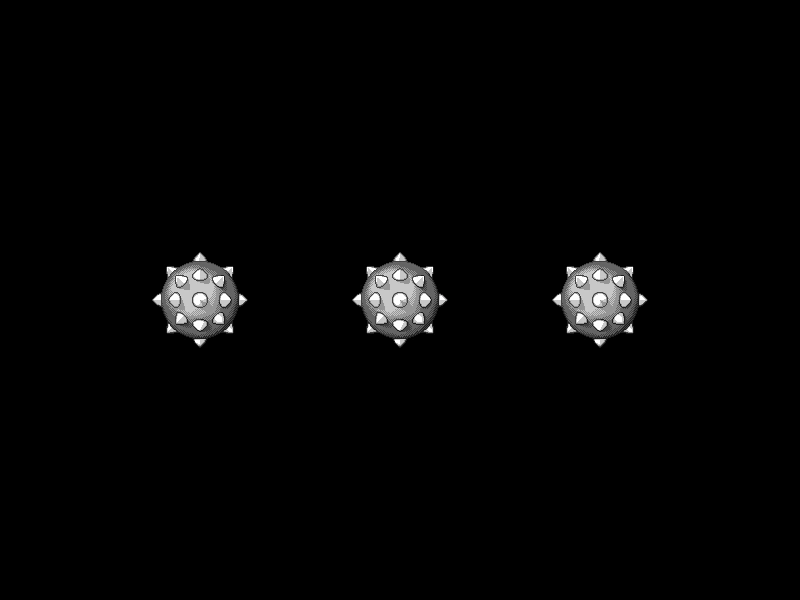
Custom Shape Hit Area
Demonstrates how to define a custom interactive hit area for a Game Object using a geometric shape and a manual hit-test callback function.
800 × 600
class Example extends Phaser.Scene
{
    preload ()
    {
        this.load.setBaseURL('https://cdn.phaserfiles.com/v410');
        this.load.image('ball', 'assets/sprites/spikedball.png');
    }

    create ()
    {
        const shape = new Phaser.Geom.Circle(48, 48, 48);

        const ball1 = this.add.image(200, 300, 'ball').setInteractive(shape, this.handler);
        const ball2 = this.add.image(400, 300, 'ball').setInteractive(shape, this.handler);
        const ball3 = this.add.image(600, 300, 'ball').setInteractive(shape, this.handler);

        ball1.on('pointerdown', function ()
        {
            this.setTint(Math.random() * 16000000);
        });

        ball2.on('pointerdown', function ()
        {
            this.setTint(Math.random() * 16000000);
        });

        ball3.on('pointerdown', function ()
        {
            this.setTint(Math.random() * 16000000);
        });
    }

    handler (shape, x, y, gameObject)
    {
        if (shape.radius > 0 && x >= shape.left && x <= shape.right && y >= shape.top && y <= shape.bottom)
        {
            const dx = (shape.x - x) * (shape.x - x);
            const dy = (shape.y - y) * (shape.y - y);

            return (dx + dy) <= (shape.radius * shape.radius);
        }
        else
        {
            return false;
        }
    }
}

const config = {
    scale: { mode: Phaser.Scale.FIT },
    type: Phaser.AUTO,
    parent: 'game-container',
    width: 800,
    height: 600,
    scene: Example
};

const game = new Phaser.Game(config);
More in Game Object19 examples
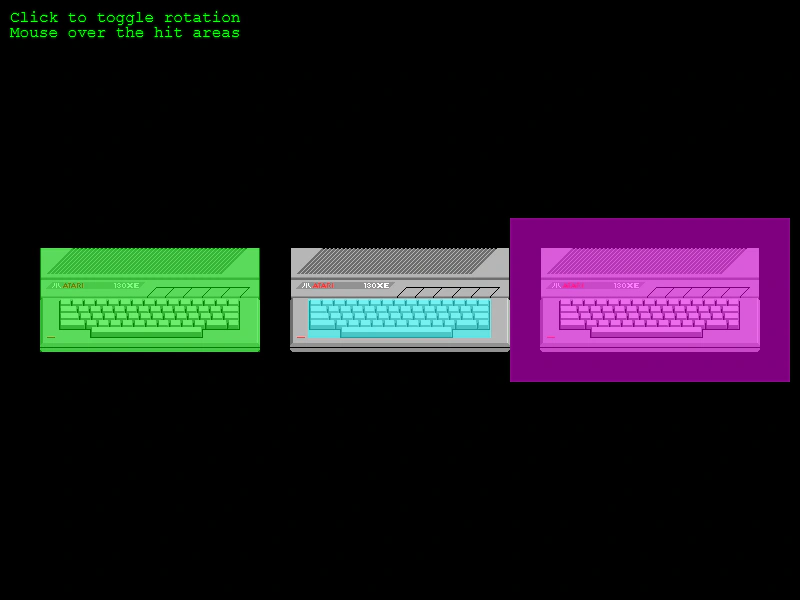 Custom Sprite Hit Area SizeDemonstrates how to adjust a Sprite's input hit area to be smaller, larger, or offset compared to its texture size using the hitArea.setTo method.
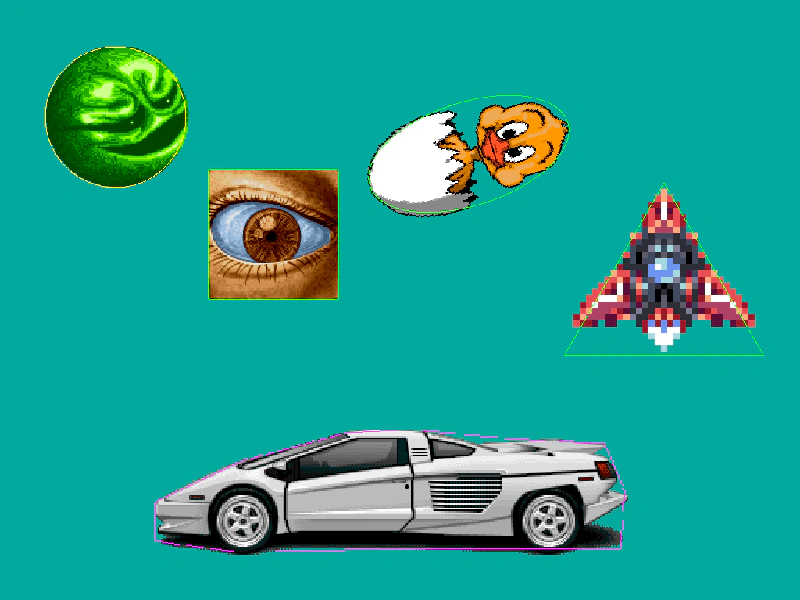 Debug HitareasLearn how to visualize and debug interactive hit areas using different geometric shapes like Polygons, Circles, Ellipses, Rectangles, and Triangles.
 Destroy Sprite on ClickLearn how to remove interactive Game Objects from the scene by calling the destroy method within a global 'gameobjectdown' input event listener.
 Game Object Pointer Move EventDemonstrates how to listen for the pointermove event on a specific interactive Game Object, updating its color tint as the pointer moves across it.