Select and Deselect Sprites
Manage object selection state by toggling texture frames on click and using event propagation to deselect items when clicking the background.
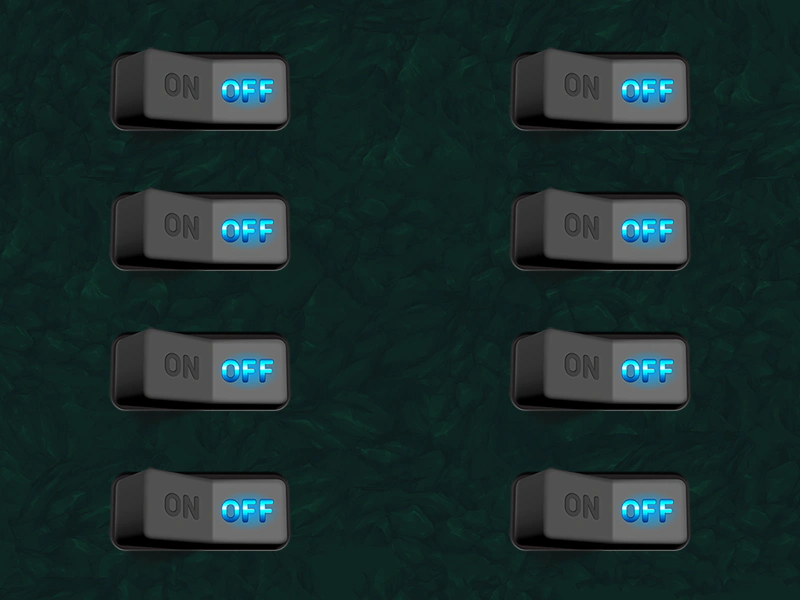
800 × 600
class Example extends Phaser.Scene
{
    preload ()
    {
        this.load.setBaseURL('https://cdn.phaserfiles.com/v410');
        this.load.image('bg', 'assets/skies/darkstone.png');
        this.load.atlas('ui', 'assets/ui/dark-ui.png', 'assets/ui/dark-ui.json');
    }

    create ()
    {
        this.add.image(400, 300, 'bg');

        this.currentSwitch = null;

        //  Create a bunch of toggles

        for (let i = 0; i < 8; i++)
        {
            const x = (i < 4) ? 200 : 600;
            const y = (i % 4) * 140 + 100;

            const sprite = this.add.sprite(x, y, 'ui', 'toggle-off').setInteractive();

            sprite.on('pointerdown', (pointer, x, y, event) => {

                if (this.currentSwitch)
                {
                    this.currentSwitch.setFrame('toggle-off');
                }

                if (this.currentSwitch === sprite)
                {
                    this.currentSwitch = null;
                }
                else
                {
                    this.currentSwitch = sprite;

                    sprite.setFrame('toggle-on');
                }

                event.stopPropagation();

            });
        }

        //  Clicking anywhere else in the game will deselect the current switch

        this.input.on('pointerdown', () => {

            if (this.currentSwitch)
            {
                this.currentSwitch.setFrame('toggle-off');
                this.currentSwitch = null;
            }

        });
    }
}

const config = {
    scale: { mode: Phaser.Scale.FIT },
    type: Phaser.AUTO,
    parent: 'game-container',
    width: 800,
    height: 600,
    scene: Example
};

const game = new Phaser.Game(config);
More in Game Object19 examples
 Sprite Pointer EventsDemonstrates how to listen for pointer down and up events on an interactive Game Object to trigger actions like changing a sprite's tint.
 Sprite Pointer EventsDemonstrates how to change a sprite's texture frame when the mouse pointer enters and leaves its interactive area.
 TileSprite Input InteractionDemonstrates how to make a TileSprite interactive and handle pointer events, such as changing its tint and position when clicked.
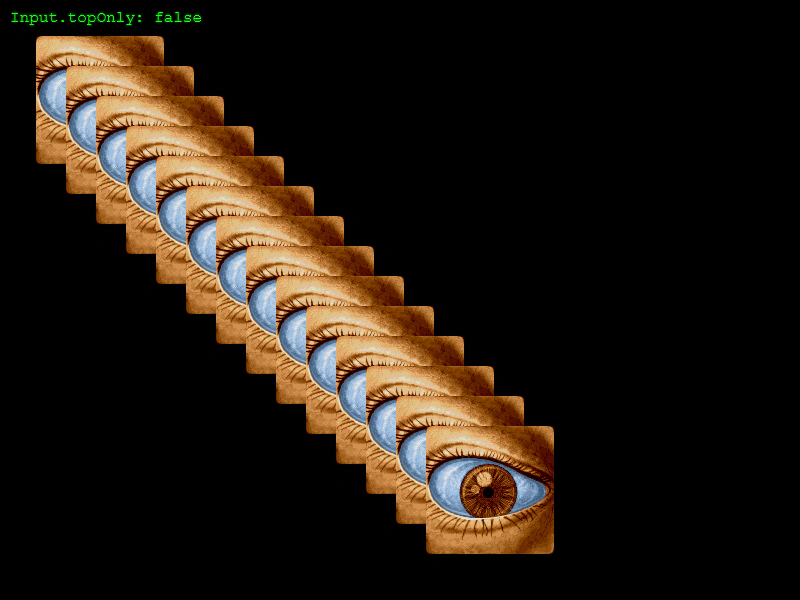 Top Only Over and Out EventsDemonstrates how to toggle the topOnly input property to control whether hover events fire only for the topmost object or for all overlapping Game Objects.