Filter Sampler
Demonstrates how to use the Sampler filter to retrieve color data from a specific pixel coordinate on an image, using the result to update the game background color.
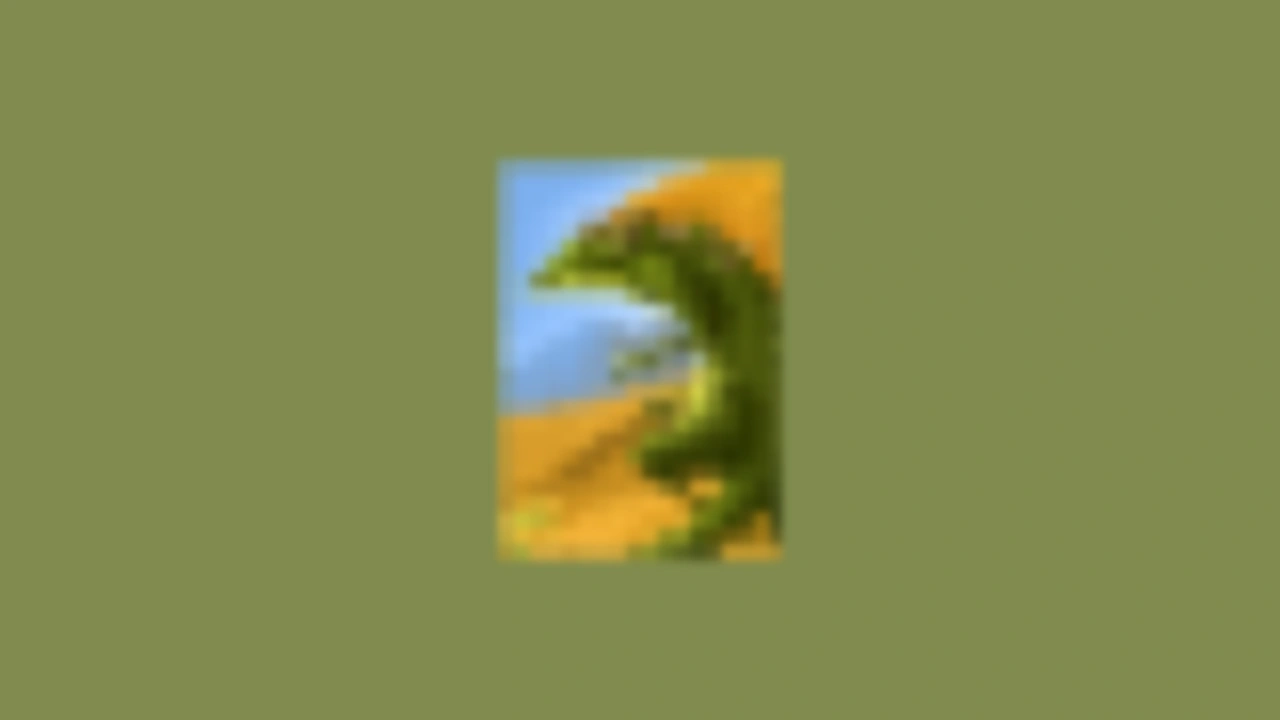
1280 × 720
class Example extends Phaser.Scene
{
    preload ()
    {
        this.load.setBaseURL('https://cdn.phaserfiles.com/v410');
        this.load.image('card2', 'assets/pics/card2.png');
    }

    create ()
    {
        const card = this.add.image(640, 360, 'card2');

        // Add filters to the card.
        card.enableFilters();

        // Pixelate the card.
        const pixelate = card.filters.internal.addPixelate(30);

        // Sample the card at the center and update the background color.
        card.filters.internal.addSampler((color) => {
            this.game.renderer.config.backgroundColor = color;
        }, { x: 142, y: 200 });

        // Blur the card. The sampler is unaffected.
        const blur = card.filters.internal.addBlur(0, 2, 2, 2);
        blur.setPaddingOverride(null);

        this.tweens.add({
            targets: pixelate,
            amount: -1,
            duration: 10000,
            yoyo: true,
            loop: -1
        });

        this.tweens.add({
            targets: blur,
            strength: 0,
            duration: 10000,
            yoyo: true,
            loop: -1
        });
    }
}

const config = {
    scale: { mode: Phaser.Scale.FIT },
    type: Phaser.AUTO,
    width: 1280,
    height: 720,
    backgroundColor: '#000000',
    parent: 'game-container',
    scene: Example
};

let game = new Phaser.Game(config);
More in Filters14 examples
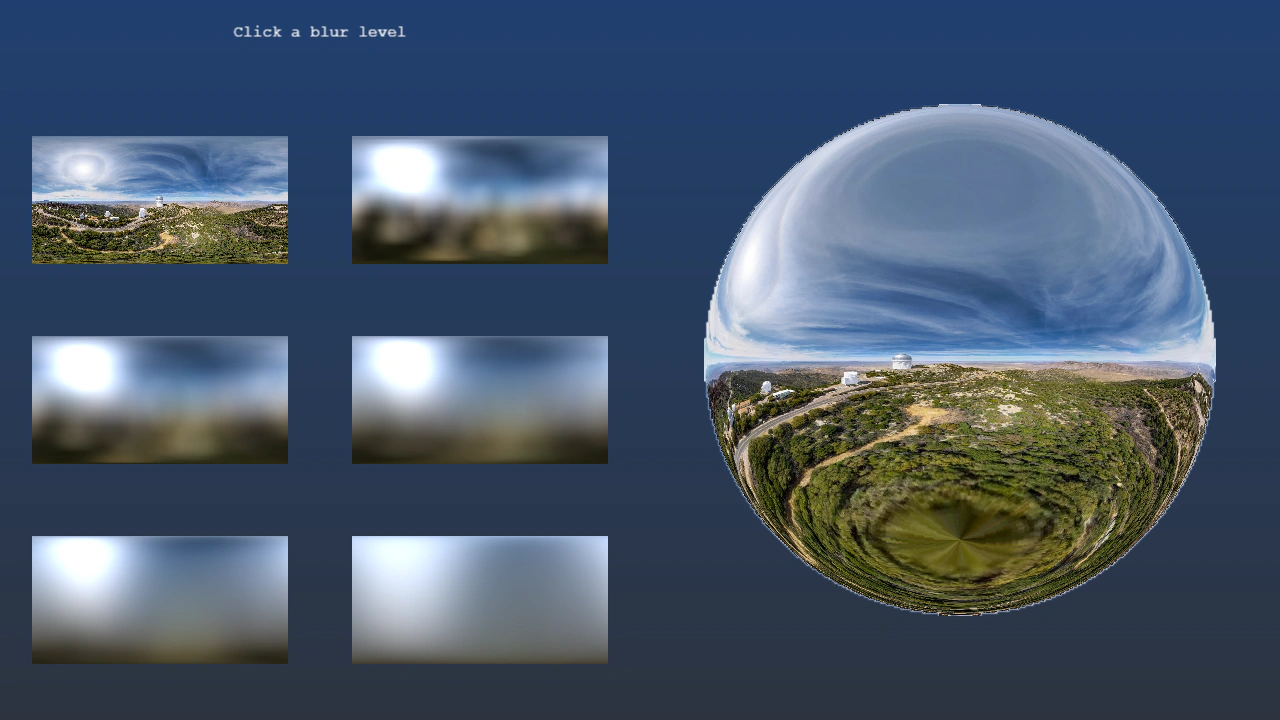 Panorama Blur FilterUse the Panorama Blur filter to pre-render blurred environment maps and apply them to normal-mapped sprites via the Image Light filter.
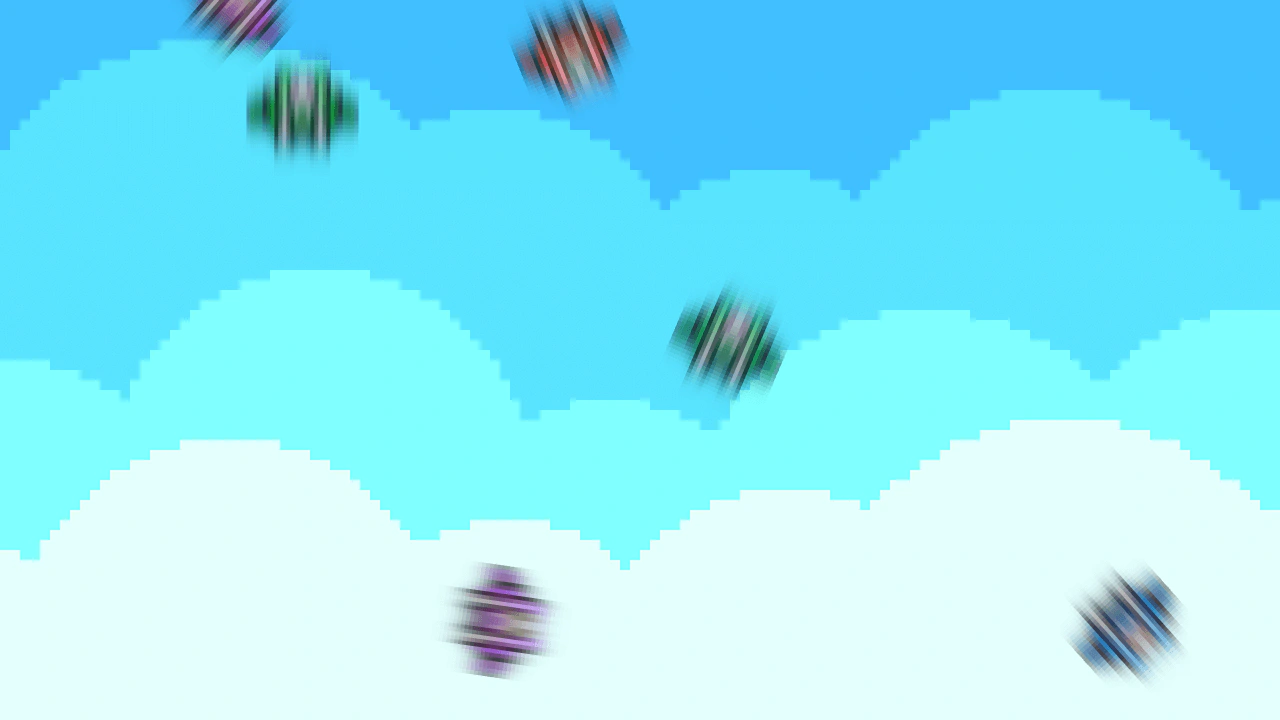 Sprite Filter Auto-FocusDemonstrates how filters automatically adapt to transformed Game Objects. This example applies color shifts and dynamic motion blur to multiple rotating and moving sprites.
 Threshold FilterApply a threshold filter to a particle emitter to create high-contrast, sharp-edged visual effects.
 Additive Blend HighlightingDemonstrates creating glow and highlight effects by applying additive blend filters to Render Textures, including color channel manipulation and tweening filter intensity.