Tint and Alpha
This example demonstrates how to apply color tints and transparency levels to images simultaneously, including the use of fill tint modes.
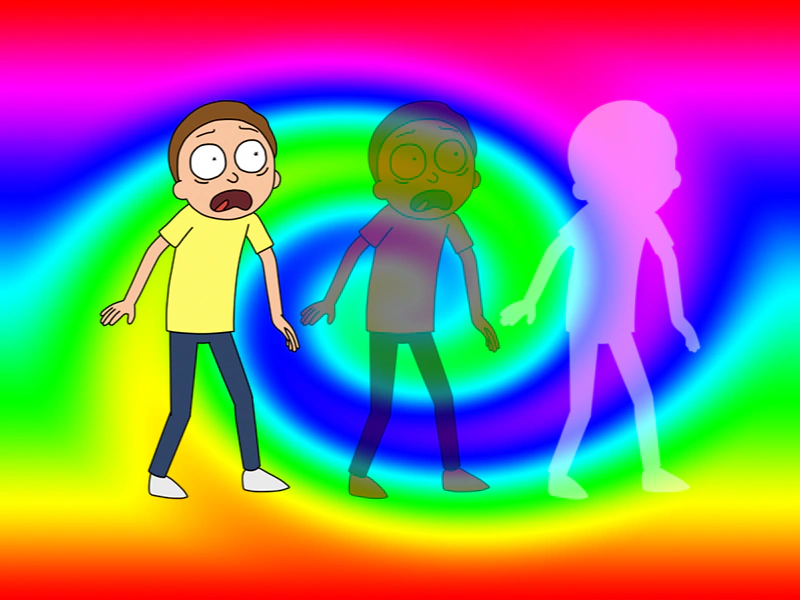
800 × 600
class Example extends Phaser.Scene
{
    constructor ()
    {
        super();
    }

    preload ()
    {
        this.load.setBaseURL('https://cdn.phaserfiles.com/v410');
        this.load.image('bg', 'assets/pics/swirl1.jpg');
        this.load.image('morty', 'assets/pics/morty.png');
    }

    create ()
    {
        this.add.image(400, 300, 'bg');

        const image1 = this.add.image(200, 300, 'morty');
        const image2 = this.add.image(400, 300, 'morty');
        const image3 = this.add.image(600, 300, 'morty');

        image2.setTint(0xff0000);
        image2.setAlpha(0.5);

        // image3.setTint(0xff0000, 0xff0000, 0xffff00, 0xffff00).setTintMode(Phaser.TintModes.FILL);
        // image3.setTint(0xff0000).setTintMode(Phaser.TintModes.FILL);
        image3.setTint(0xffffff).setTintMode(Phaser.TintModes.FILL);
        image3.setAlpha(0.5);
    }
}

const config = {
    scale: { mode: Phaser.Scale.FIT },
    type: Phaser.WEBGL,
    parent: 'game-container',
    width: 800,
    height: 600,
    scene: Example
};

const game = new Phaser.Game(config);
More in Tint15 examples
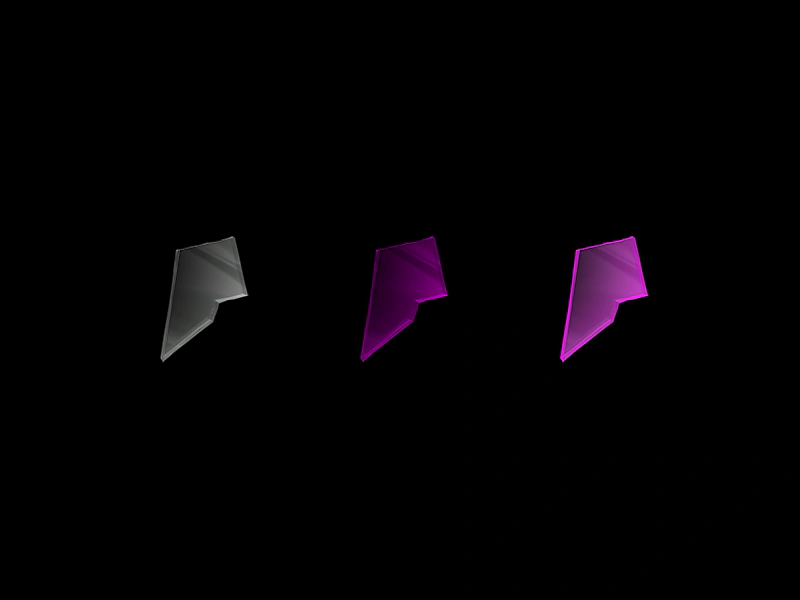 Tint Fill EffectDemonstrates the difference between standard multiplicative tinting and the solid color tint fill mode on images.
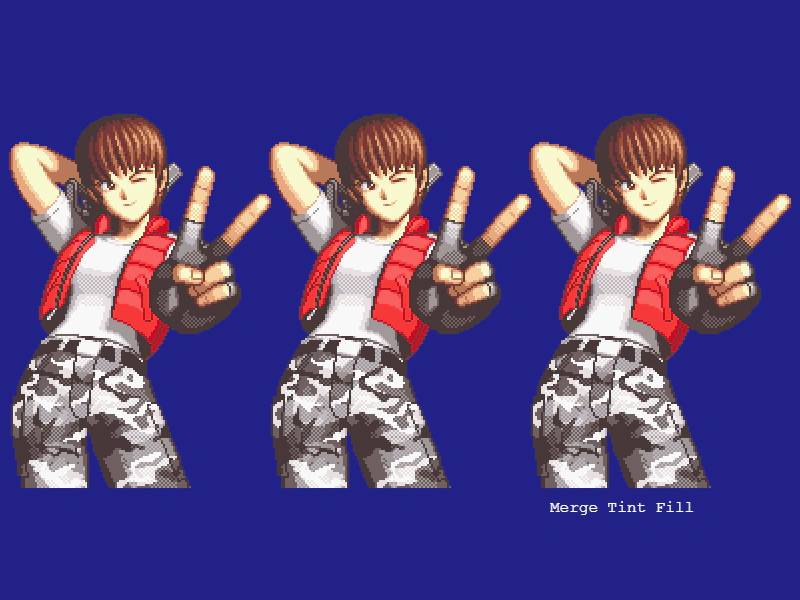 Tint Fill ModesDemonstrates the difference between standard multiply tinting and tint fill modes, showing how to apply solid color overlays or gradients to sprites.
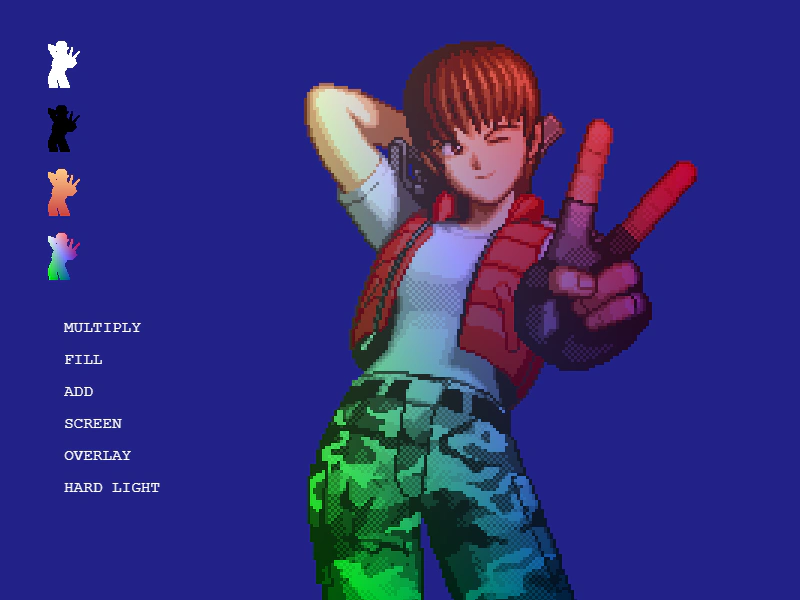 Tint ModesAn interactive demonstration of various tinting modes including Multiply, Fill, Add, Screen, Overlay, and Hard Light, showing how they affect the rendering of an image.
 Tinting Multiple ImagesDemonstrates how to apply different color tints to multiple Image Game Objects using the same source texture.