Tint Modes
An interactive demonstration of various tinting modes including Multiply, Fill, Add, Screen, Overlay, and Hard Light, showing how they affect the rendering of an image.
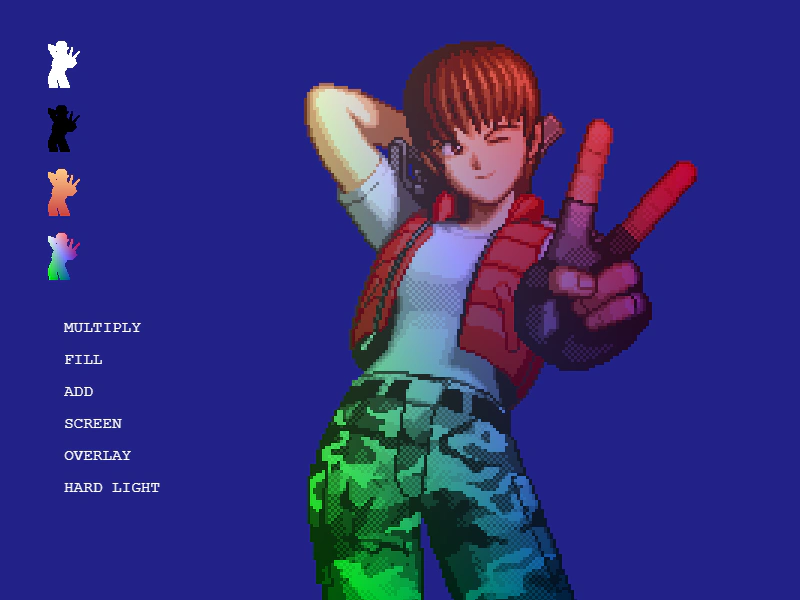
800 × 600
class Example extends Phaser.Scene
{
    constructor ()
    {
        super();
    }

    preload ()
    {
        this.load.setBaseURL('https://cdn.phaserfiles.com/v410');
        this.load.image('lulu', 'assets/pics/shocktroopers-lulu2.png');
    }

    create ()
    {
        const setWhite = this.add.image(64, 64, 'lulu')
        .setScale(1/4)
        .setInteractive({ pixelPerfect: true })
        .setTintMode(Phaser.TintModes.FILL);

        const setBlack = this.add.image(64, 64 * 2, 'lulu')
        .setScale(1/4)
        .setInteractive({ pixelPerfect: true })
        .setTintMode(Phaser.TintModes.FILL)
        .setTint(0x000000);

        const setHot = this.add.image(64, 64 * 3, 'lulu')
        .setScale(1/4)
        .setInteractive({ pixelPerfect: true })
        .setTintMode(Phaser.TintModes.FILL)
        .setTint(0xffcc88, 0xffcc88, 0xcc4444, 0xcc4444);

        const setRGB = this.add.image(64, 64 * 4, 'lulu')
        .setScale(1/4)
        .setInteractive({ pixelPerfect: true })
        .setTintMode(Phaser.TintModes.FILL)
        .setTint(0xffffff, 0xff0000, 0x00ff00, 0x0000ff);

        const setMultiply = this.add.text(64, 64 * 5, 'MULTIPLY')
        .setInteractive();

        const setFill = this.add.text(64, 64 * 5.5, 'FILL')
        .setInteractive();

        const setAdd = this.add.text(64, 64 * 6, 'ADD')
        .setInteractive();

        const setScreen = this.add.text(64, 64 * 6.5, 'SCREEN')
        .setInteractive();

        const setOverlay = this.add.text(64, 64 * 7, 'OVERLAY')
        .setInteractive();

        const setHardLight = this.add.text(64, 64 * 7.5, 'HARD_LIGHT')
        .setInteractive();

        const texts = [ setMultiply, setFill, setAdd, setScreen, setOverlay, setHardLight ];

        const demo = this.add.image(500, 320, 'lulu')
        .setScale(3);

        setWhite.on('pointerdown', () => {
            demo.setTint(0xffffff);
        });
        setBlack.on('pointerdown', () => {
            demo.setTint(0x000000);
        });
        setHot.on('pointerdown', () => {
            demo.setTint(0xffcc88, 0xffcc88, 0xcc4444, 0xcc4444);
        });
        setRGB.on('pointerdown', () => {
            demo.setTint(0xffffff, 0xff0000, 0x00ff00, 0x0000ff);
        });
        setMultiply.on('pointerdown', function () {
            texts.forEach(text => text.clearTint());
            this.setTint(0xffff00);
            demo.setTintMode(Phaser.TintModes.MULTIPLY);
        });
        setFill.on('pointerdown', function () {
            texts.forEach(text => text.clearTint());
            this.setTint(0xffff00);
            demo.setTintMode(Phaser.TintModes.FILL);
        });
        setAdd.on('pointerdown', function () {
            texts.forEach(text => text.clearTint());
            this.setTint(0xffff00);
            demo.setTintMode(Phaser.TintModes.ADD);
        });
        setScreen.on('pointerdown', function () {
            texts.forEach(text => text.clearTint());
            this.setTint(0xffff00);
            demo.setTintMode(Phaser.TintModes.SCREEN);
        });
        setOverlay.on('pointerdown', function () {
            texts.forEach(text => text.clearTint());
            this.setTint(0xffff00);
            demo.setTintMode(Phaser.TintModes.OVERLAY);
        });
        setHardLight.on('pointerdown', function () {
            texts.forEach(text => text.clearTint());
            this.setTint(0xffff00);
            demo.setTintMode(Phaser.TintModes.HARD_LIGHT);
        });
    }
}

const config = {
    scale: { mode: Phaser.Scale.FIT },
    type: Phaser.WEBGL,
    parent: 'game-container',
    width: 800,
    height: 600,
    backgroundColor: '#222288',
    pixelArt: true,
    scene: Example
};

const game = new Phaser.Game(config);
More in Tint15 examples
 Tinting Multiple ImagesDemonstrates how to apply different color tints to multiple Image Game Objects using the same source texture.
 Tweening Image TintAnimate the tint of an image by using a Tween Counter to dynamically update color values over time.
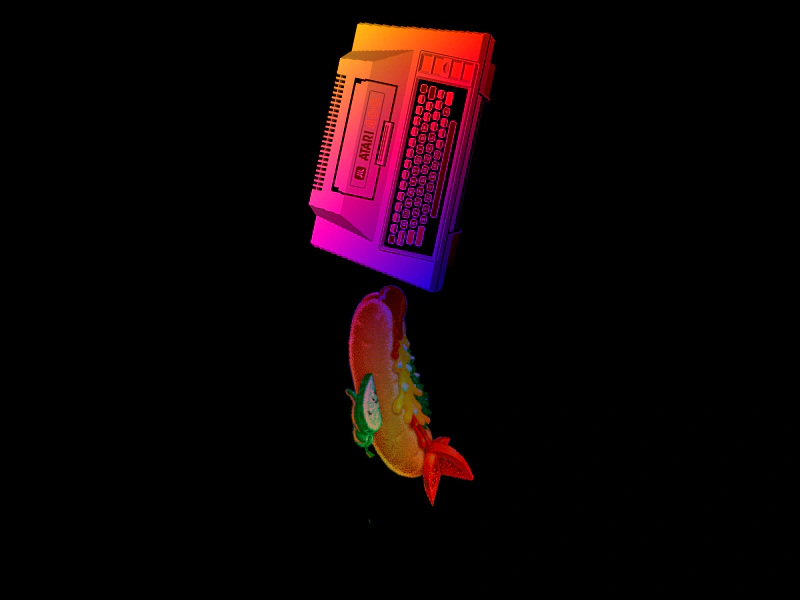 Atlas Frame TintDemonstrates applying multi-color gradient tints to individual images loaded from a texture atlas.
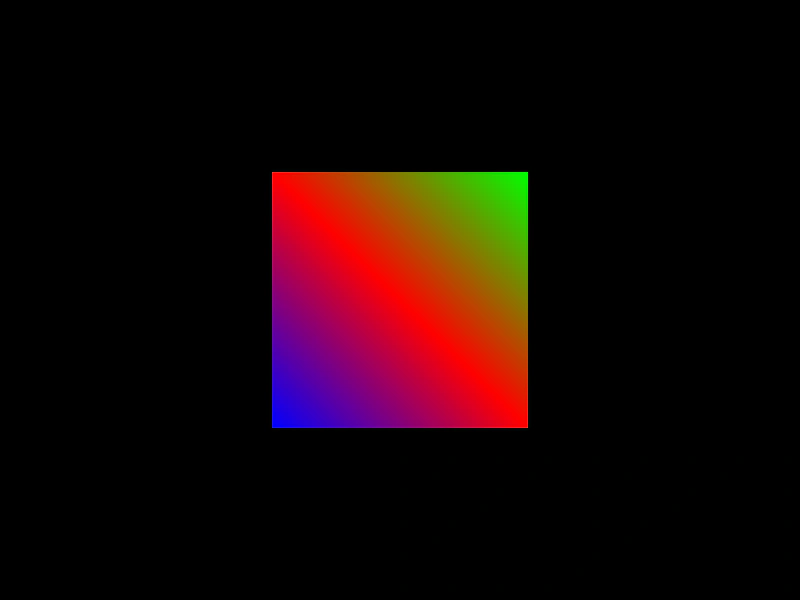 Corner TintDemonstrates how to apply distinct colors to the four corners of a Game Object to create multi-color gradient effects.