Flip X
Demonstrates three ways to horizontally flip a Game Object: using the setFlipX method, the flipX property, or the toggleFlipX function.
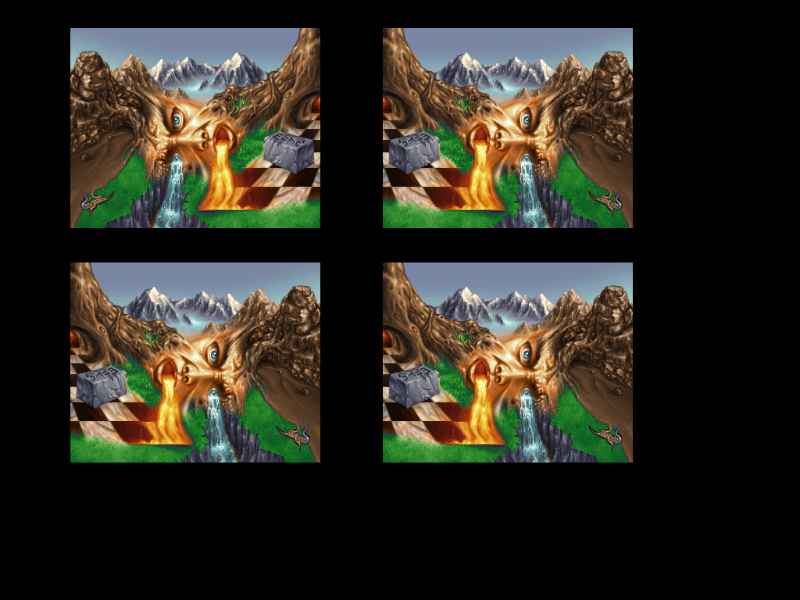
1024 × 768
class Example extends Phaser.Scene
{
    preload ()
    {
        this.load.setBaseURL('https://cdn.phaserfiles.com/v410');
        this.load.image('pic', 'assets/pics/cougar-face-of-nature.png');
    }

    create ()
    {
        //  Default non-flipped image
        this.add.image(250, 164, 'pic');

        //  Flipped via a call to setFlipX
        this.add.image(250, 464, 'pic').setFlipX(true);

        const image = this.add.image(650, 164, 'pic');

        //  Flipped via setting the flipX property
        image.flipX = true;

        const image2 = this.add.image(650, 464, 'pic');

        this.input.on('pointerdown', () =>
        {

            //  Flipped via a call to toggleFlipX
            image2.toggleFlipX();

        });
    }
}

const config = {
    scale: { mode: Phaser.Scale.FIT },
    type: Phaser.AUTO,
    parent: 'game-container',
    scene: Example
};

const game = new Phaser.Game(config);
More in Transform13 examples
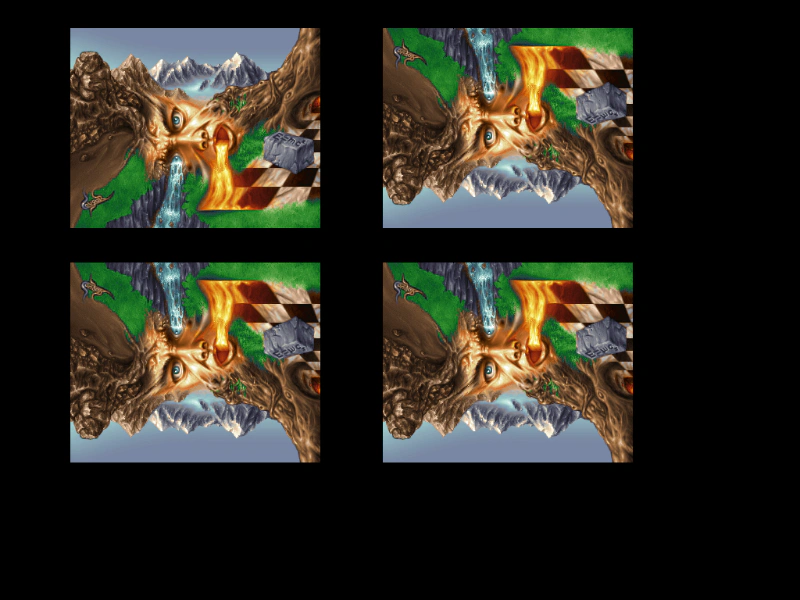 Flip YDemonstrates how to vertically flip an image using the setFlipY method, the flipY property, and the toggleFlipY function.
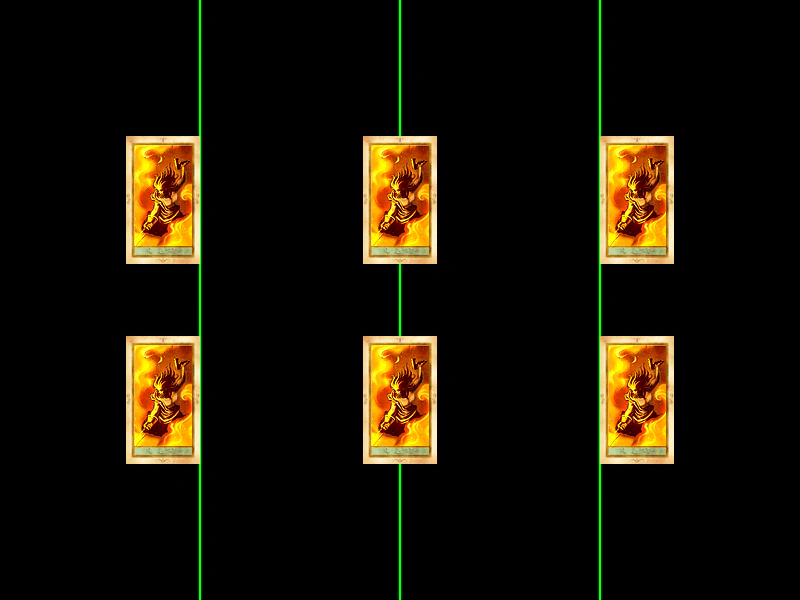 Horizontal Origin AlignmentDemonstrates how changing the horizontal origin (originX) affects how a Game Object is positioned relative to its x-coordinate, showing left, center, and right alignment.
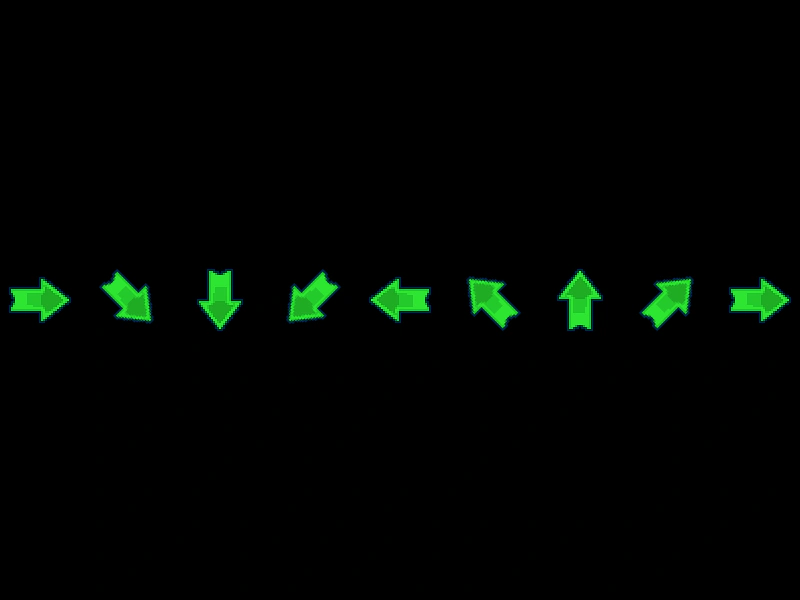 Image AngleDemonstrates how to set the rotation of an image in degrees using the angle property and setAngle method.
 RotationDemonstrates how to rotate game objects over time by updating the rotation property for both individual images and texture atlas frames.