Scale XY
Demonstrates how to set the scale of a Game Object using the setScale method for uniform or independent scaling, and by directly modifying the scaleX and scaleY properties.
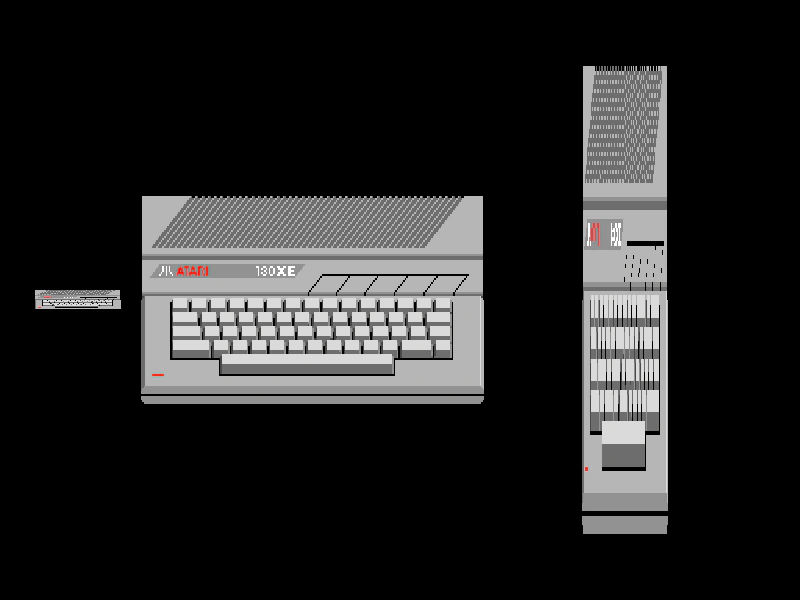
1024 × 600
class Example extends Phaser.Scene
{
    preload ()
    {
        this.load.setBaseURL('https://cdn.phaserfiles.com/v410');
        this.load.image('atari', 'assets/sprites/atari130xe.png');
    }

    create ()
    {
        //  setScale sets the x and y scale values
        this.add.image(100, 300, 'atari').setScale(0.5, 0.2);

        //  If you just provide one value then both x and y are set to it
        this.add.image(400, 300, 'atari').setScale(2);

        const image2 = this.add.image(800, 300, 'atari');

        //  You can also set the scale via the scaleX and scaleY properties:
        image2.scaleX = 0.5;
        image2.scaleY = 4.5;
    }
}

const config = {
    scale: { mode: Phaser.Scale.FIT },
    type: Phaser.AUTO,
    parent: 'game-container',
    width: 1024,
    height: 600,
    pixelArt: true,
    scene: Example
};

const game = new Phaser.Game(config);
More in Transform13 examples
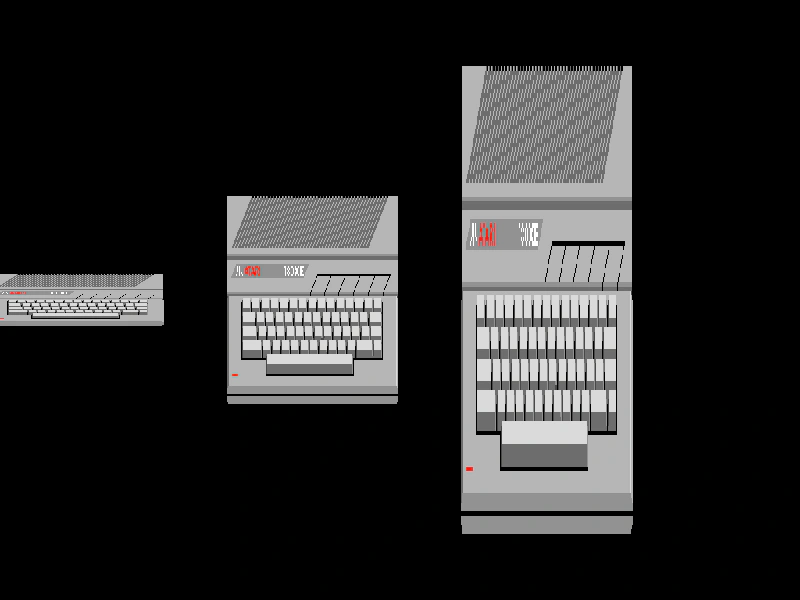 Scale YDemonstrates how to adjust the vertical scale of an image using the setScale method and the scaleY property.
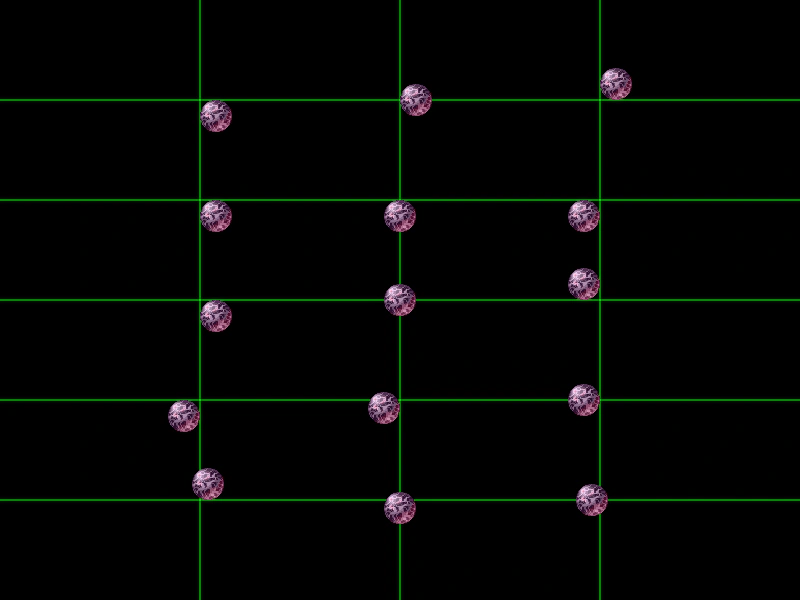 Sprite Origin X and YDemonstrates how setting the origin (or anchor point) of an image affects its positioning relative to its coordinates.
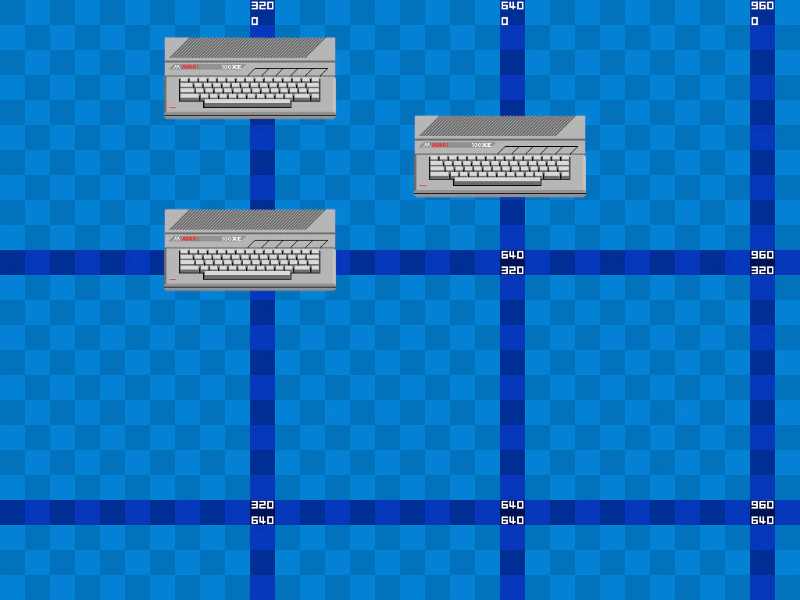 Sprite PositioningDemonstrates different ways to position Game Objects, including using constructor arguments, direct property assignment, and the setPosition method.
 Vertical Origin AlignmentDemonstrates how to adjust the vertical origin of images and atlas frames to align them by their top, center, or bottom edge.