Arcade Body Controls
An interactive demonstration of Arcade Physics body properties including velocity, acceleration, gravity, bounce, and drag using a GUI to modify values in real-time.
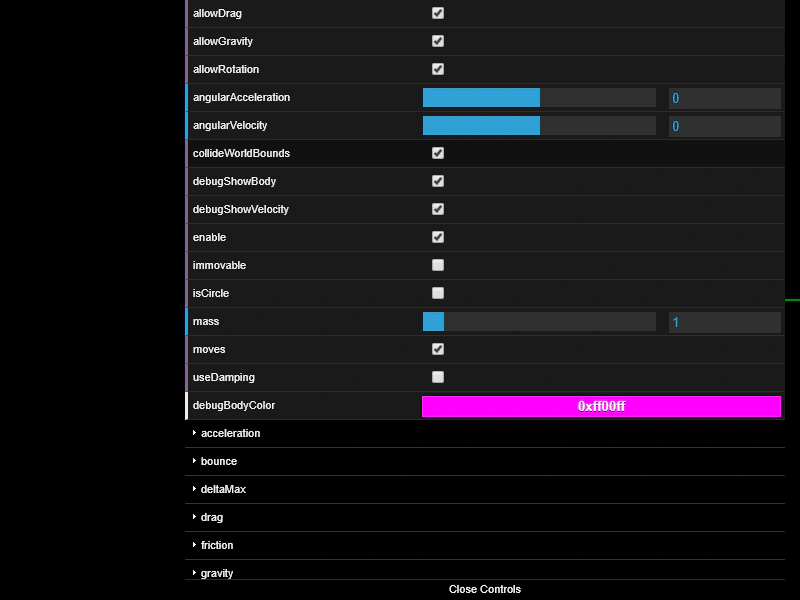
800 × 600
class Example extends Phaser.Scene
{
    sprite;

    preload ()
    {
        this.load.setBaseURL('https://cdn.phaserfiles.com/v410');
        this.load.image('mushroom', 'assets/sprites/mushroom2.png');
        this.load.image('block', 'assets/sprites/atari800.png');
    }

    create ()
    {
        this.sprite = this.physics.add.image(400, 300, 'mushroom')
            .setBounce(1, 1)
            .setVelocityX(300);

        const block = this.physics.add.staticImage(400, 450, 'block');

        this.physics.add.collider(this.sprite, block);

        this.createBodyGui(this.sprite.body);
    }

    update ()
    {
        this.physics.world.wrap(this.sprite);
    }

    createBodyGui (body)
    {
        const gui = new dat.GUI({ width: 600 });

        gui.add(body, 'allowDrag');
        gui.add(body, 'allowGravity');
        gui.add(body, 'allowRotation');
        gui.add(body, 'angularAcceleration', -360, 360, 5);
        gui.add(body, 'angularVelocity', -360, 360, 5);
        gui.add(body, 'collideWorldBounds');
        gui.add(body, 'debugShowBody');
        gui.add(body, 'debugShowVelocity');
        gui.add(body, 'enable');
        gui.add(body, 'immovable');
        gui.add(body, 'isCircle');
        gui.add(body, 'mass', 0.1, 10, 0.1);
        gui.add(body, 'moves');
        gui.add(body, 'useDamping');
        gui.addColor(body, 'debugBodyColor');

        this.createVectorGui(gui, 'acceleration', body.acceleration, -600, 600, 10);
        this.createVectorGui(gui, 'bounce', body.bounce, 0, 1, 0.1);
        this.createVectorGui(gui, 'deltaMax', body.deltaMax, 0, 60, 1);
        this.createVectorGui(gui, 'drag', body.drag, 0, 60, 0.1);
        this.createVectorGui(gui, 'friction', body.friction, 0, 1, 0.05);
        this.createVectorGui(gui, 'gravity', body.gravity, -600, 600, 10);
        this.createVectorGui(gui, 'maxVelocity', body.maxVelocity, 0, 10000, 100);
        this.createVectorGui(gui, 'velocity', body.velocity, -600, 600, 10);

        const check = gui.addFolder('checkCollision');
        check.add(body.checkCollision, 'left');
        check.add(body.checkCollision, 'up');
        check.add(body.checkCollision, 'right');
        check.add(body.checkCollision, 'down');

        return gui;
    }

    createVectorGui (gui, name, vector, min, max, step)
    {
        const folder = gui.addFolder(name);

        folder.add(vector, 'x', min, max, step);
        folder.add(vector, 'y', min, max, step);

        return folder;
    }
}

const config = {
    scale: { mode: Phaser.Scale.FIT },
    type: Phaser.AUTO,
    width: 800,
    height: 600,
    parent: 'game-container',
    physics: {
        default: 'arcade',
        arcade: { debug: true }
    },
    scene: Example
};

const game = new Phaser.Game(config);
More in Arcade132 examples
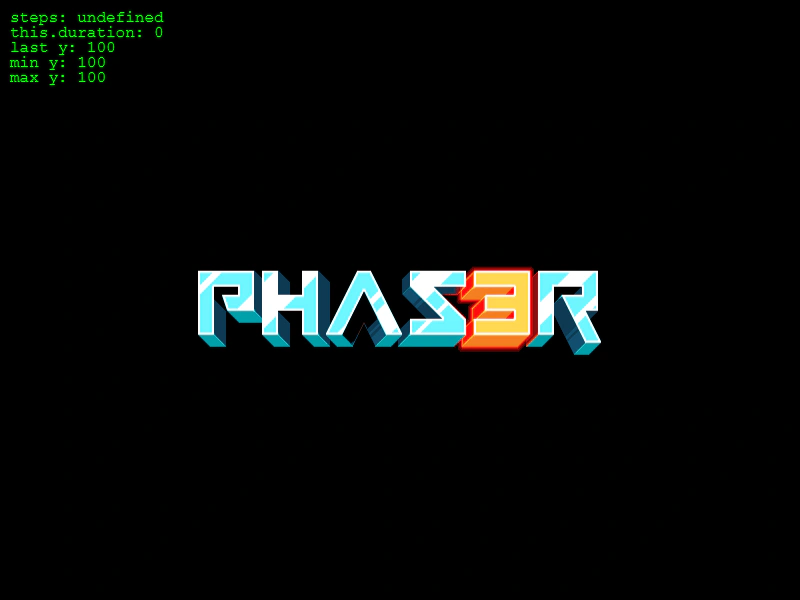 Arcade Physics Bounce TrackingDemonstrates an object bouncing against world bounds using Arcade Physics with elastic bounce settings. It tracks and visualizes peak heights, velocity direction changes, and the duration between bounces.
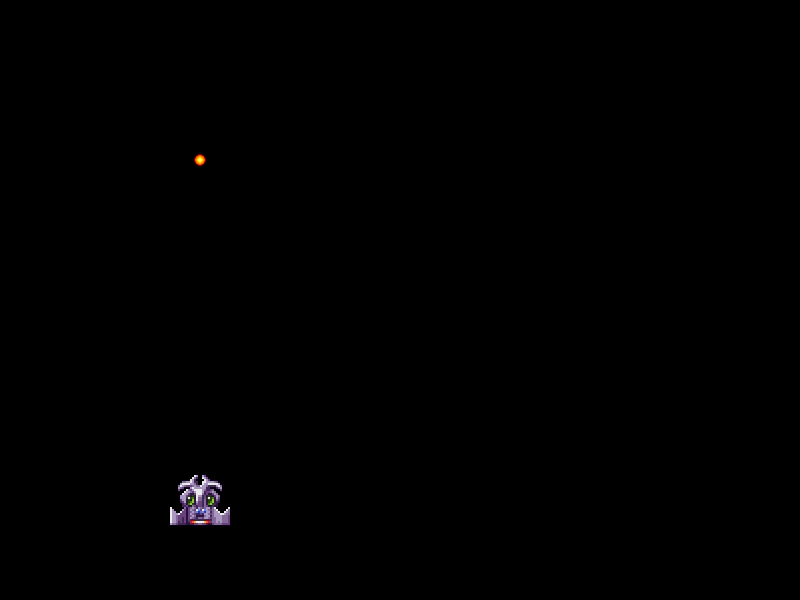 Arcade Physics Bullets GroupDemonstrates bullet pooling using custom Sprite and Group classes to efficiently manage, fire, and recycle projectiles in Arcade Physics.
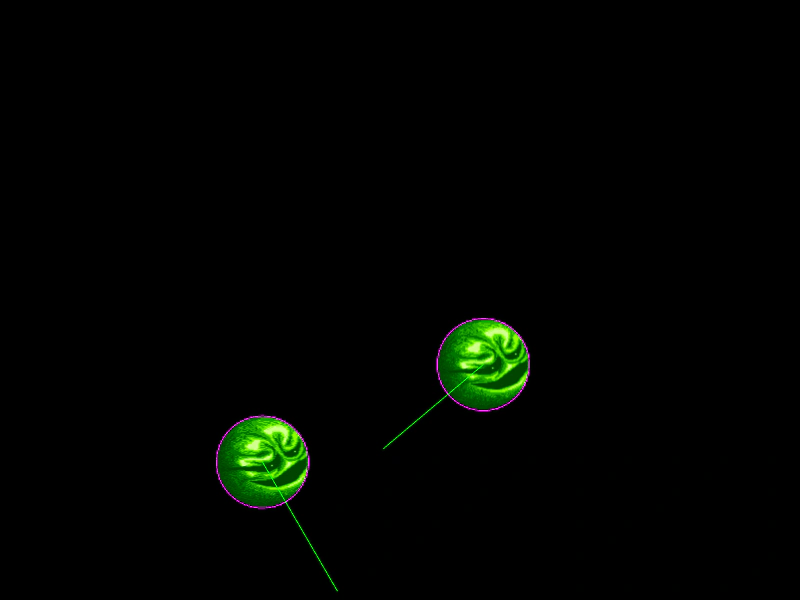 Arcade Physics Circular BodiesDemonstrates how to assign circular collision bodies to Arcade Physics sprites using setCircle instead of the default rectangular bounding box.
 Arcade Physics Circular CollisionsDemonstrates how to use circular physics bodies instead of rectangular ones for accurate collisions between round objects, featuring both static and dynamic bodies.