Restarting a Physics Scene
Demonstrates a complete scene lifecycle (Main Menu, Game, and Game Over) and how to properly restart a scene containing Arcade Physics sprites, custom world bounds, and camera controls.
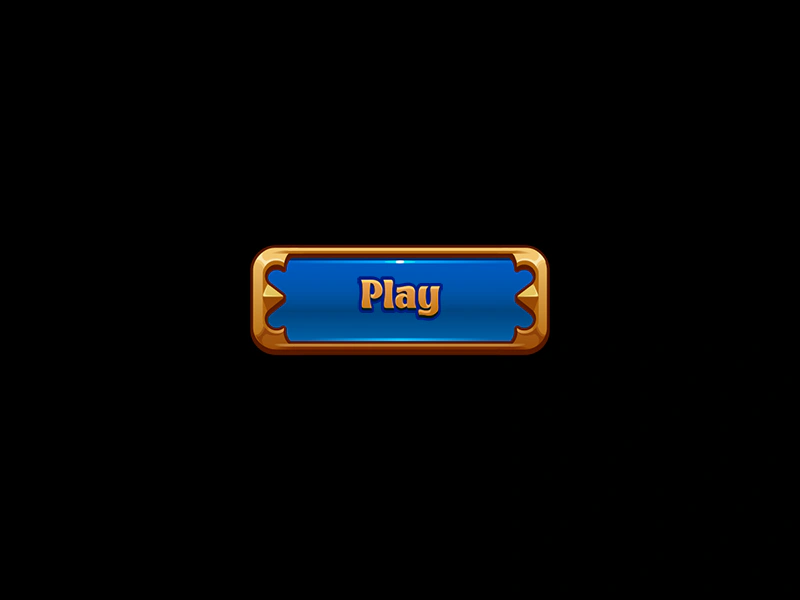
800 × 600
class Preloader extends Phaser.Scene
{
    constructor ()
    {
        super({ key: 'preloader' });
    }

    preload ()
    {
        this.load.setBaseURL('https://cdn.phaserfiles.com/v410');
        this.load.atlas('gems', 'assets/tests/columns/gems.png', 'assets/tests/columns/gems.json');
        this.load.image('buttonBG', 'assets/sprites/button-bg.png');
        this.load.image('buttonText', 'assets/sprites/button-text.png');
        this.load.image('ayu', 'assets/pics/ayu.png');
    }

    create ()
    {
        console.log('%c Preloader ', 'background: green; color: white; display: block;');

        this.anims.create({ key: 'diamond', frames: this.anims.generateFrameNames('gems', { prefix: 'diamond_', end: 15, zeroPad: 4 }), repeat: -1 });
        this.anims.create({ key: 'prism', frames: this.anims.generateFrameNames('gems', { prefix: 'prism_', end: 6, zeroPad: 4 }), repeat: -1 });
        this.anims.create({ key: 'ruby', frames: this.anims.generateFrameNames('gems', { prefix: 'ruby_', end: 6, zeroPad: 4 }), repeat: -1 });
        this.anims.create({ key: 'square', frames: this.anims.generateFrameNames('gems', { prefix: 'square_', end: 14, zeroPad: 4 }), repeat: -1 });

        this.scene.start('mainmenu');
    }
}

class MainMenu extends Phaser.Scene
{
    constructor ()
    {
        super({ key: 'mainmenu' });
        window.MENU = this;
    }

    create ()
    {
        console.log('%c MainMenu ', 'background: green; color: white; display: block;');

        const bg = this.add.image(0, 0, 'buttonBG');
        const text = this.add.image(0, 0, 'buttonText');

        this.add.container(400, 300, [ bg, text ]);

        bg.setInteractive();

        bg.once('pointerup', function ()
        {

            this.scene.start('game');

        }, this);
    }
}

class Game extends Phaser.Scene
{
    constructor ()
    {
        super({ key: 'game' });
        window.GAME = this;

        this.controls;
        this.track;
        this.text;
    }

    create ()
    {
        console.log('%c Game ', 'background: green; color: white; display: block;');

        this.physics.world.setBounds(0, 0, 800 * 2, 600 * 2);

        const spriteBounds = Phaser.Geom.Rectangle.Inflate(Phaser.Geom.Rectangle.Clone(this.physics.world.bounds), -100, -100);

        //  Create loads of random sprites

        const anims = [ 'diamond', 'prism', 'ruby', 'square' ];

        for (let i = 0; i < 50; i++)
        {
            const pos = Phaser.Geom.Rectangle.Random(spriteBounds);

            const block = this.physics.add.sprite(pos.x, pos.y, 'gems');

            block.setVelocity(Phaser.Math.Between(200, 400), Phaser.Math.Between(200, 400));
            block.setBounce(1).setCollideWorldBounds(true);

            if (Math.random() > 0.5)
            {
                block.body.velocity.x *= -1;
            }
            else
            {
                block.body.velocity.y *= -1;
            }

            block.play(Phaser.Math.RND.pick(anims));

            if (i === 0)
            {
                this.track = block;
            }
        }

        const cursors = this.input.keyboard.createCursorKeys();

        const controlConfig = {
            camera: this.cameras.main,
            left: cursors.left,
            right: cursors.right,
            up: cursors.up,
            down: cursors.down,
            zoomIn: this.input.keyboard.addKey(Phaser.Input.Keyboard.KeyCodes.Q),
            zoomOut: this.input.keyboard.addKey(Phaser.Input.Keyboard.KeyCodes.E),
            acceleration: 0.06,
            drag: 0.0005,
            maxSpeed: 1.0
        };

        this.controls = new Phaser.Cameras.Controls.SmoothedKeyControl(controlConfig);

        this.add.text(0, 0, 'Use Cursors to scroll camera.\nClick to Quit', { font: '18px Courier', fill: '#00ff00' }).setScrollFactor(0);

        this.text = this.add.text(400, 0, '', { font: '16px Courier', fill: '#00ff00' });

        this.input.once('pointerup', function ()
        {

            this.scene.start('gameover');

        }, this);

    }

    update (time, delta)
    {
        this.controls.update(delta);

        this.text.setText([
            `x: ${this.track.x}`,
            `y: ${this.track.y}`
        ]);
    }
}

class GameOver extends Phaser.Scene
{
    constructor ()
    {
        super({ key: 'gameover' });
        window.OVER = this;
    }

    create ()
    {
        console.log('%c GameOver ', 'background: green; color: white; display: block;');

        this.add.sprite(400, 300, 'ayu');

        this.add.text(300, 500, 'Game Over - Click to start restart', { font: '16px Courier', fill: '#00ff00' });

        this.input.once('pointerup', function (event)
        {

            this.scene.start('mainmenu');

        }, this);
    }
}

const config = {
    scale: { mode: Phaser.Scale.FIT },
    type: Phaser.AUTO,
    width: 800,
    height: 600,
    backgroundColor: '#000000',
    parent: 'game-container',
    physics: {
        default: 'arcade',
        arcade: {
            gravity: { y: 100 },
            debug: true
        }
    },
    scene: [ Preloader, MainMenu, Game, GameOver ]
};

const game = new Phaser.Game(config);
More in Arcade132 examples
 Rolling BodyDemonstrates how to simulate a rolling effect by synchronizing a physics body's angular velocity with its horizontal linear velocity.
 Rotate To PointerDemonstrates how to steer an Arcade Physics body towards the mouse pointer by calculating the shortest angle and applying angular velocity.
 Scene-Specific Physics ConfigurationDemonstrates how to define Arcade Physics settings, such as gravity, within an individual Scene's configuration object rather than the global Game configuration.
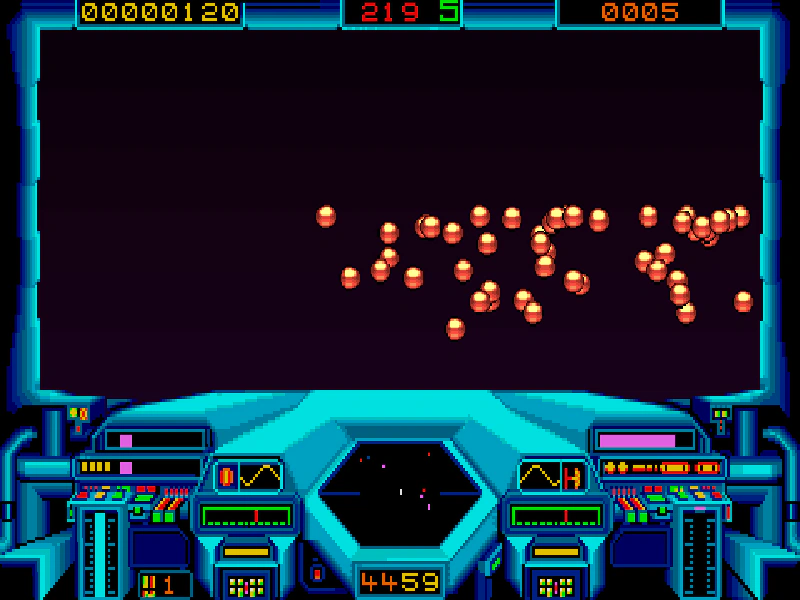 Set World BoundsLearn how to define custom boundaries for the Arcade Physics world, constraining movement and collisions to a specific area smaller than the game canvas.