Tweening Arcade Physics Velocity
Use the Tween Manager to smoothly manipulate Arcade Physics body velocity. This example demonstrates how to ease a physics body to a stop and accelerate it again by targeting the velocity vector and custom speed properties.
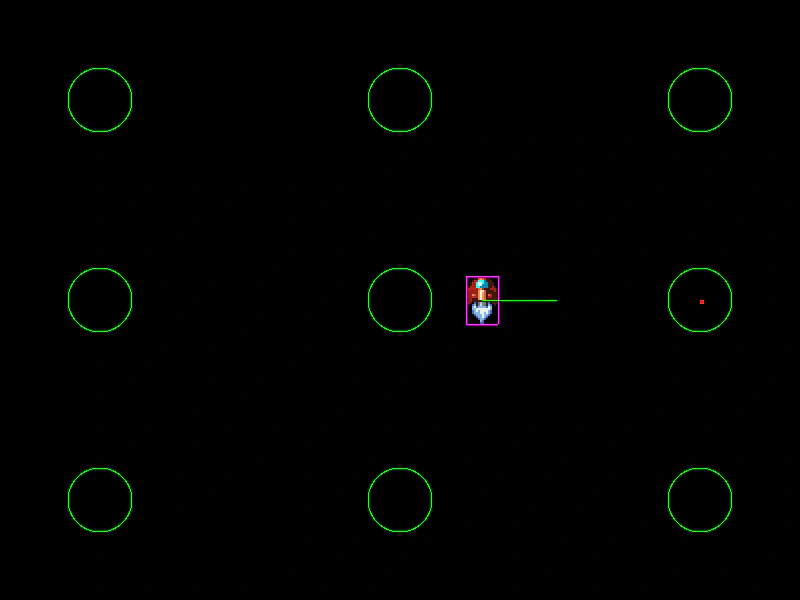
800 × 600
class Ship extends Phaser.Physics.Arcade.Sprite
{

    constructor (scene, x, y, points)
    {
        super(scene, x, y, 'ship', 2);

        scene.add.existing(this);
        scene.physics.add.existing(this);

        this.setScale(2);
        this.play('thrust');

        this.speed = 150;
        this.points = points;

        this.target;
        this.targetIndex = -1;

        this.isSeeking = true;

        this.seek();
    }

    seek ()
    {
        //  Pick a random target point
        const entry = Phaser.Utils.Array.GetRandom(this.points);

        this.target = entry;

        this.isSeeking = false;

        this.scene.tweens.add({
            targets: this.body.velocity,
            x: 0,
            y: 0,
            ease: 'Linear',
            duration: 500,
            onComplete: function (tween, targets, ship)
            {
                ship.isSeeking = true;
                ship.scene.tweens.add({
                    targets: ship,
                    speed: 150,
                    delay: 500,
                    ease: 'Sine.easeOut',
                    duration: 1000
                });
            },
            onCompleteParams: [ this ]
        });
    }

    preUpdate (time, delta)
    {
        super.preUpdate(time, delta);

        //  Is the ship within the radius of the target?
        if (this.target.contains(this.x, this.y))
        {
            this.seek();
        }
        else if (this.isSeeking)
        {
            const angle = Math.atan2(this.target.y - this.y, this.target.x - this.x);

            this.scene.physics.velocityFromRotation(angle, this.speed, this.body.velocity);
        }
    }

}

class Example extends Phaser.Scene
{
    preload ()
    {
        this.load.setBaseURL('https://cdn.phaserfiles.com/v410');
        this.load.spritesheet('ship', 'assets/games/lazer/ship.png', { frameWidth: 16, frameHeight: 24 });
    }

    create ()
    {
        this.anims.create(
            {
                key: 'thrust',
                frames: this.anims.generateFrameNumbers('ship', { frames: [ 2, 7 ] }),
                frameRate: 20,
                repeat: -1
            });

        const points = [
            new Phaser.Geom.Circle(100, 100, 32),
            new Phaser.Geom.Circle(400, 100, 32),
            new Phaser.Geom.Circle(700, 100, 32),
            new Phaser.Geom.Circle(100, 300, 32),
            new Phaser.Geom.Circle(400, 300, 32),
            new Phaser.Geom.Circle(700, 300, 32),
            new Phaser.Geom.Circle(100, 500, 32),
            new Phaser.Geom.Circle(400, 500, 32),
            new Phaser.Geom.Circle(700, 500, 32)
        ];

        const debug = this.add.graphics();

        debug.lineStyle(1, 0x00ff00);

        for (const p of points)
        {
            debug.strokeCircleShape(p);
        }

        this.graphics = this.add.graphics();

        this.ship = new Ship(this, 400, 300, points);
    }

    update ()
    {
        this.graphics.clear();
        this.graphics.fillStyle(0xff0000);
        this.graphics.fillRect(this.ship.target.x, this.ship.target.y, 4, 4);
    }
}

const config = {
    scale: { mode: Phaser.Scale.FIT },
    type: Phaser.AUTO,
    parent: 'game-container',
    width: 800,
    height: 600,
    pixelArt: true,
    physics: {
        default: 'arcade',
        arcade: {
            debug: true,
            gravity: { y: 0 }
        }
    },
    scene: Example
};

const game = new Phaser.Game(config);
More in Arcade132 examples
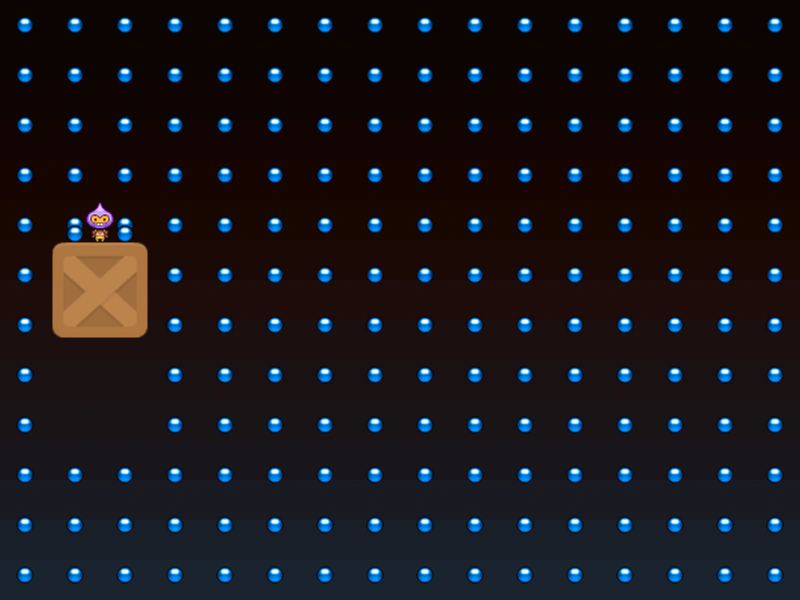 Tweening Physics Velocity ChainDemonstrates controlling an Arcade Physics body's velocity using a Tween Chain to create complex movement patterns that interact with other physics objects.
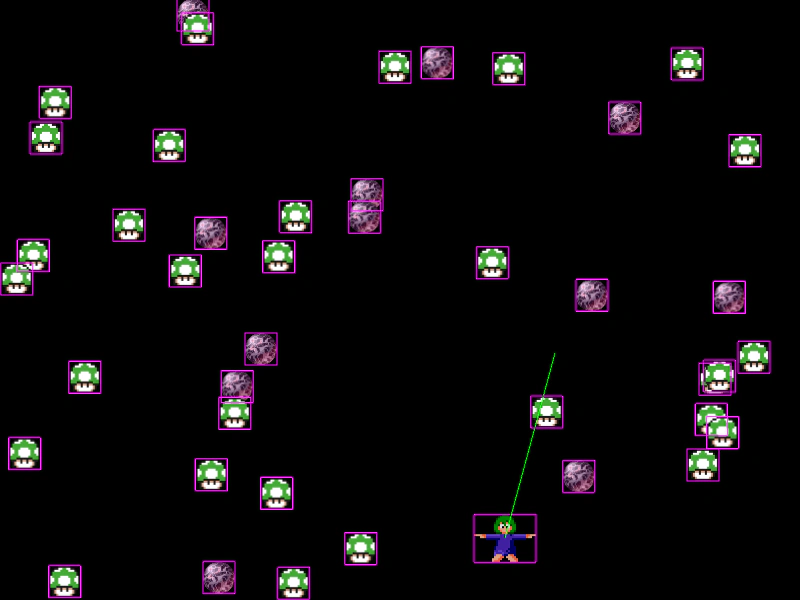 Using Collide and Overlap in UpdateDemonstrates calling physics.collide and physics.overlap directly within the Scene update loop instead of using pre-defined colliders.
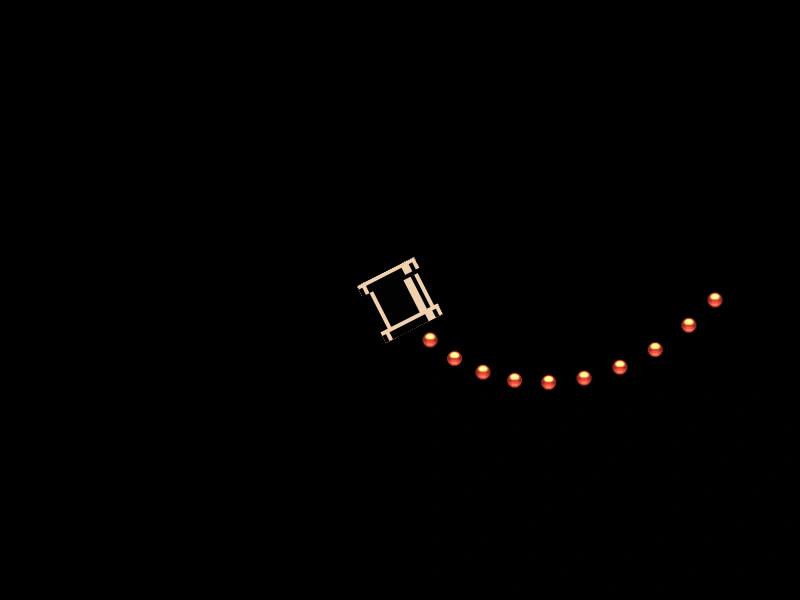 Velocity From Rotating AngleDemonstrates using the velocityFromAngle method to launch physics bodies at a specific speed in the direction of a rotating object's current angle.
 Velocity from RotationDemonstrates how to set an Arcade Physics body's velocity using a rotation angle and speed, illustrated by launching a sprite from a cannon toward the mouse pointer.