Custom Bounds
Demonstrates how to restrict an Arcade Physics body to a custom rectangular area instead of the default global world bounds.
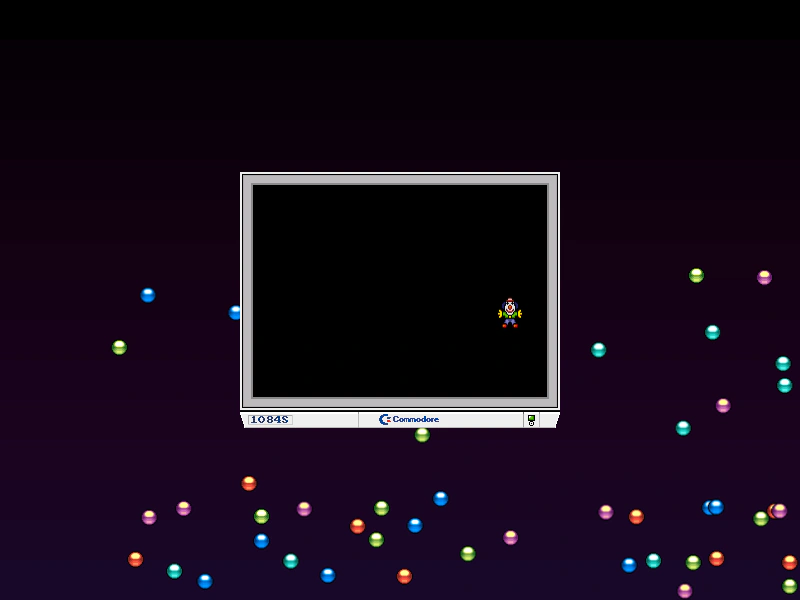
800 × 600
class Example extends Phaser.Scene
{
    preload ()
    {
        this.load.setBaseURL('https://cdn.phaserfiles.com/v410');
        this.load.image('clown', 'assets/sprites/clown.png');
        this.load.image('monitor', 'assets/demoscene/monitor.png');
        this.load.image('sky', 'assets/skies/space2.png');
        this.load.spritesheet('ball', 'assets/sprites/balls.png', { frameWidth: 17, frameHeight: 17 });
    }

    create ()
    {
        this.add.image(400, 300, 'sky');

        // Balls in the default world bounds

        const balls = this.physics.add.group({
            key: 'ball',
            frame: [ 0, 1, 2, 3, 4 ],
            frameQuantity: 10,
            bounceX: 1,
            bounceY: 1,
            collideWorldBounds: true,
            velocityX: 100,
            velocityY: 100
        });

        Phaser.Actions.RandomRectangle(balls.getChildren(), this.physics.world.bounds);

        this.add.image(400, 300, 'monitor');

        // Clown in smaller bounds

        const clown = this.physics.add.image(400, 300, 'clown')
            .setCollideWorldBounds(true, 1, 1)
            .setVelocity(100, -100);

        clown.body.setBoundsRectangle(new Phaser.Geom.Rectangle(254, 186, 292, 210));
    }
}

const config = {
    scale: { mode: Phaser.Scale.FIT },
    type: Phaser.AUTO,
    width: 800,
    height: 600,
    parent: 'game-container',
    physics: {
        default: 'arcade',
        arcade: {
            debug: false,
            gravity: { y: 200 }
        }
    },
    scene: Example
};

const game = new Phaser.Game(config);
More in Arcade132 examples
 Custom Collision SeparationDemonstrates how to use the customSeparateY property to disable automatic Arcade Physics vertical separation and implement manual collision logic through a callback function.
 Custom Debug ColorsDemonstrates how to set custom debug colors for Arcade Physics bodies, both globally through the game configuration and individually for specific bodies.
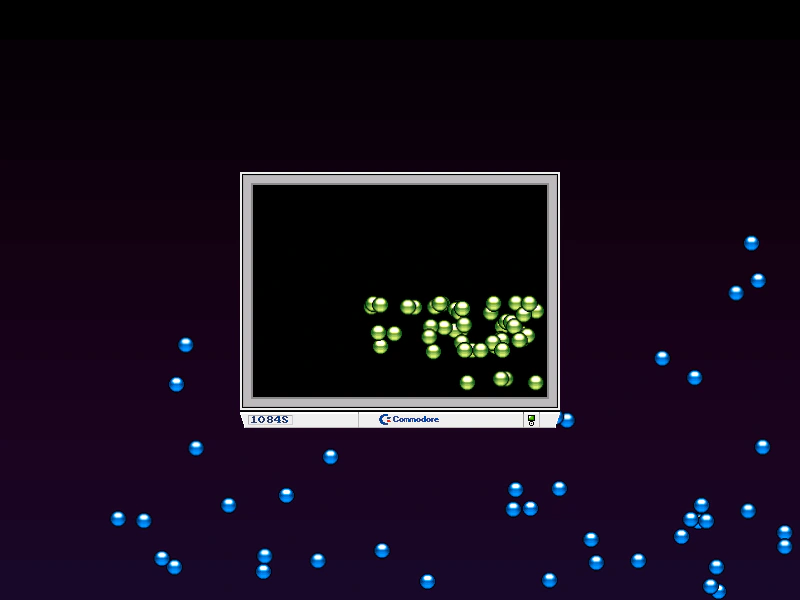 Custom World Bounds for BodiesDemonstrates how to assign specific movement boundaries to individual Arcade Physics bodies using custom bounds rectangles, rather than using the global world bounds.
 Destroy Physics BodyDemonstrates how to remove a physics-enabled Game Object and its associated body from the simulation using the destroy method.