Move to Position by Duration
Demonstrates using the Arcade Physics moveToObject method to calculate and set velocity based on a target duration in milliseconds.
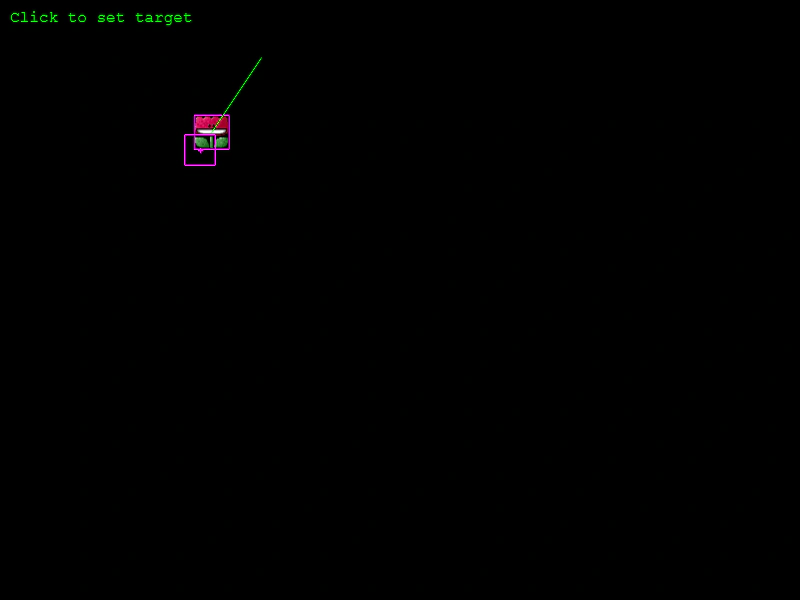
800 × 600
class Example extends Phaser.Scene
{
    preload ()
    {
        this.load.setBaseURL('https://cdn.phaserfiles.com/v410');
        this.load.image('flower', 'assets/sprites/flower-exo.png');
        this.load.image('cursor', 'assets/sprites/drawcursor.png');
    }

    create ()
    {
        const flower = this.physics.add.image(100, 300, 'flower')
            .setBounce(1, 1)
            .setCollideWorldBounds(true);

        const cursor = this.add.image(0, 0, 'cursor').setVisible(false);

        this.add.text(10, 10, 'Click to set target', { fill: '#00ff00' });

        this.input.on('pointerdown', (pointer) =>
        {
            cursor.copyPosition(pointer).setVisible(true);

            // Move toward target in 1 second:
            this.physics.moveToObject(flower, cursor, 0, 1000);

            console.log('New speed is %.3f px/s', flower.body.velocity.length());

            // See <move and stop at position.js> for stopping.
        });
    }
}

const config = {
    scale: { mode: Phaser.Scale.FIT },
    type: Phaser.AUTO,
    width: 800,
    height: 600,
    parent: 'game-container',
    physics: {
        default: 'arcade',
        arcade: { debug: true }
    },
    scene: Example
};

const game = new Phaser.Game(config);
More in Arcade132 examples
 Non-Pushable Arcade Physics BodiesDemonstrates how to use the setPushable method to prevent a physics body from being moved by collisions with other objects while still allowing it to move via gravity and velocity.
 Overlap Detection with Static GroupDemonstrates how to use the physics overlap method to detect when a dynamic sprite intersects with members of a static group without triggering a physical collision response.
 Overlap EventDemonstrates how to trigger and listen for the global physics 'overlap' event by enabling the onOverlap property on an Arcade Physics body.
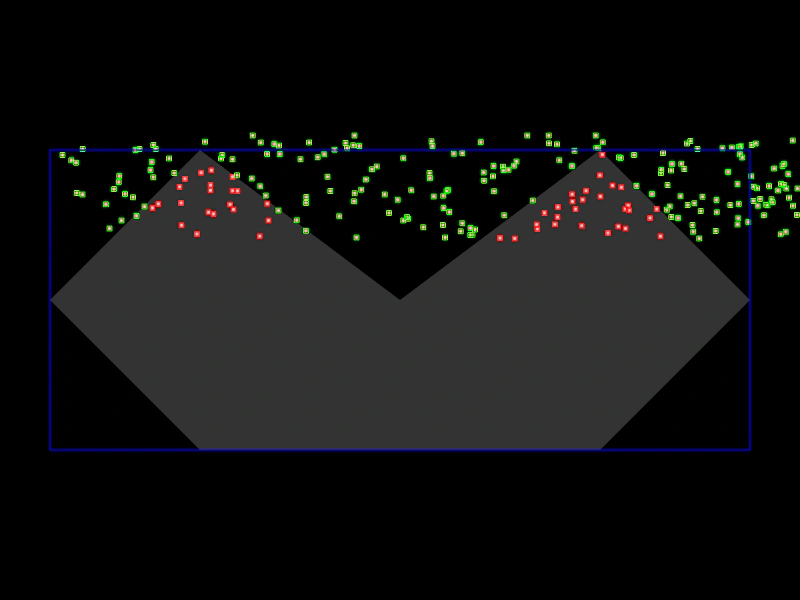 Overlap Process CallbackDemonstrates using a process callback to perform advanced collision filtering, such as checking if an object is within a complex polygon shape during a physics overlap.