Drag on Both Axes
Demonstrates how to apply drag independently to the horizontal and vertical axes in Arcade Physics, causing moving bodies to slow down over time.
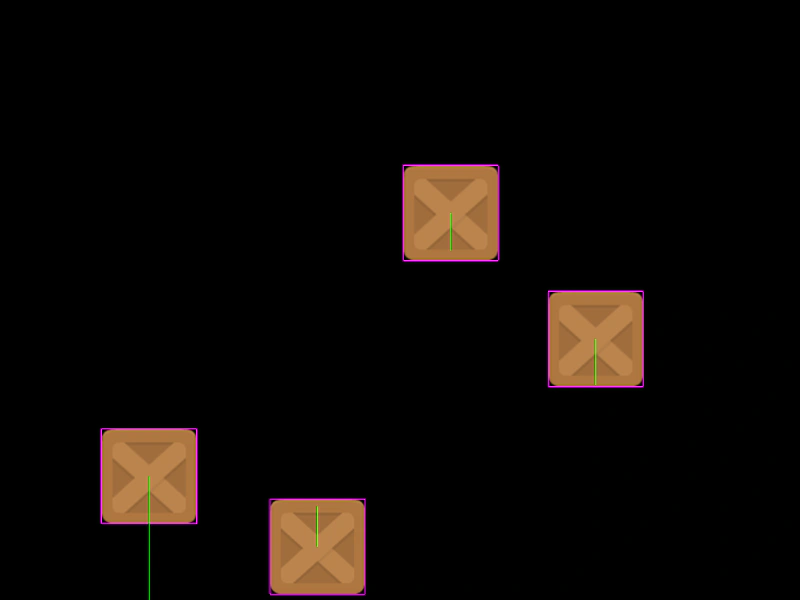
800 × 600
class Example extends Phaser.Scene
{
    preload ()
    {
        this.load.setBaseURL('https://cdn.phaserfiles.com/v410');
        this.load.image('block', 'assets/sprites/block.png');
    }

    create ()
    {
        const group = this.physics.add.group({
            bounceX: 0.5,
            bounceY: 0.5,
            collideWorldBounds: true,
            dragX: 100,
            dragY: 100
        });

        group.create(100, 200, 'block').setVelocity(100, 200);
        group.create(500, 200, 'block').setVelocity(-100, -100);
        group.create(300, 400, 'block').setVelocity(60, 100);
        group.create(600, 300, 'block').setVelocity(-30, -50);

        this.physics.add.collider(group);
    }
}

const config = {
    scale: { mode: Phaser.Scale.FIT },
    type: Phaser.AUTO,
    width: 800,
    height: 600,
    parent: 'game-container',
    physics: {
        default: 'arcade',
        arcade: {
            debug: true,
            gravity: { y: 200 }
        }
    },
    scene: Example
};

const game = new Phaser.Game(config);
More in Arcade132 examples
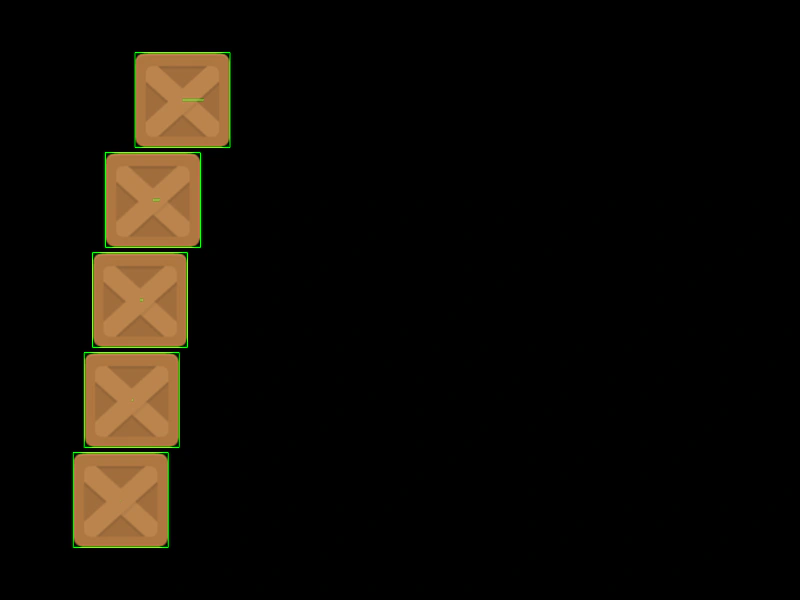 Drag With DampingDemonstrates Arcade Physics drag with damping enabled. In this mode, the drag value represents the proportion of velocity retained each frame, creating smooth deceleration.
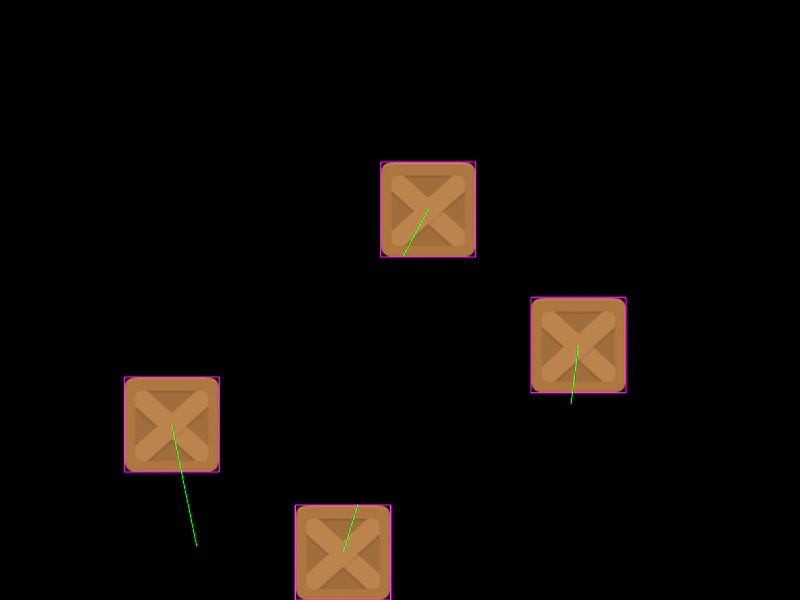 Drag With Damping On Both AxesDemonstrates how to apply physics damping to sprites, causing them to decelerate on both the X and Y axes using a drag multiplier instead of a fixed reduction value.
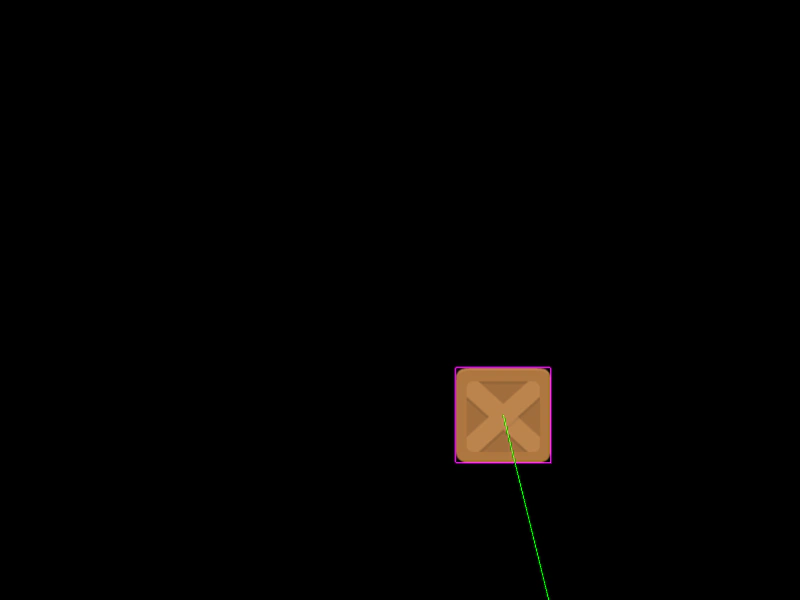 Draggable Physics BodyDemonstrates how to drag an Arcade Physics body by toggling the body's moves property to temporarily disable simulation during the drag event.
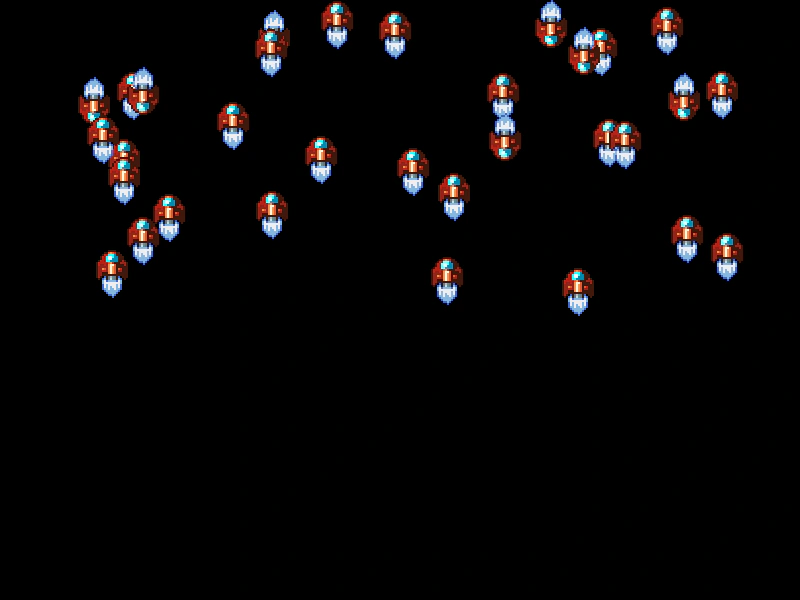 Extending Arcade SpriteDemonstrates how to create custom game object classes by extending the Arcade Physics Sprite class and registering them with the scene and physics world.