Overlap Process Callback
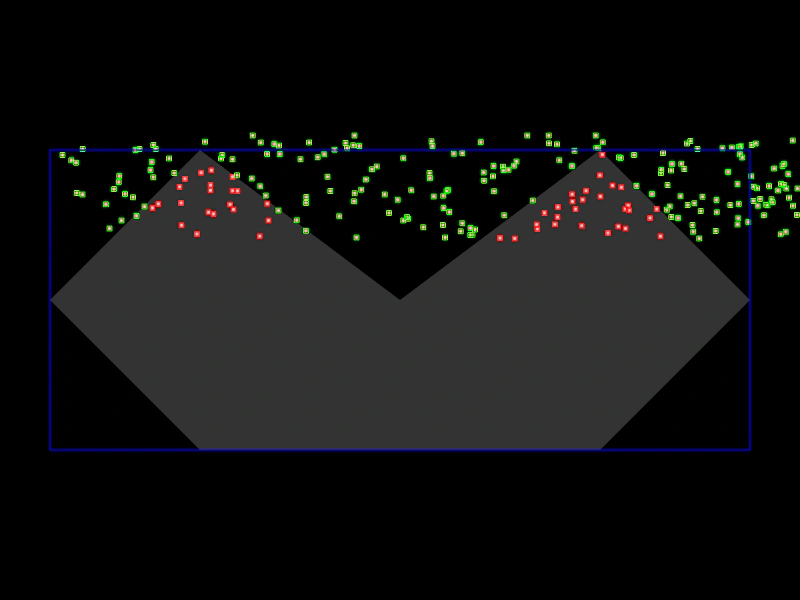
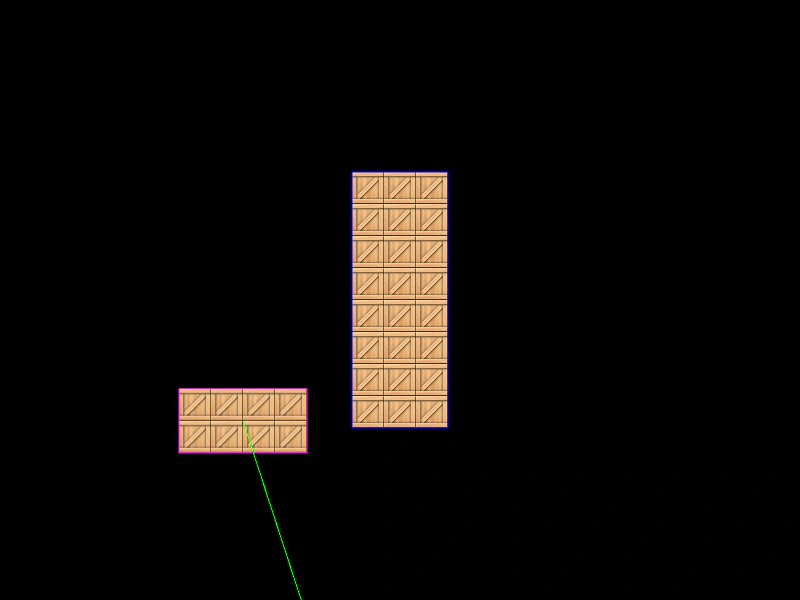
Demonstrates using a process callback to perform advanced collision filtering, such as checking if an object is within a complex polygon shape during a physics overlap.
800 × 600
class Example extends Phaser.Scene
{
    preload ()
    {
        this.load.setBaseURL('https://cdn.phaserfiles.com/v410');
        this.load.image('chunk', 'assets/sprites/chunk.png');
    }

    create ()
    {
        const graphics = this.add.graphics({ lineStyle: { width: 2, color: 0xaa6622 } });

        const polygon = new Phaser.Geom.Polygon([ 200, 150, 400, 300, 600, 150, 750, 300, 600, 450, 200, 450, 50, 300 ]);

        const { left, top, width, height } = Phaser.Geom.Polygon.GetAABB(polygon);

        const boundingBox = this.add.zone(left, top, width, height).setOrigin(0, 0);

        // Static body
        this.physics.add.existing(boundingBox, true);

        const chunks = this.physics.add.group({
            key: 'chunk',
            quantity: 240,
            bounceX: 1,
            bounceY: 1,
            collideWorldBounds: true,
            velocityX: 50,
            velocityY: 50
        });

        Phaser.Actions.RandomRectangle(chunks.getChildren(), { x: 0, y: 0, width: 800, height: 100 });

        this.physics.add.overlap(
            boundingBox,
            chunks,
            null,
            function process (bbox, chunk)
            {
                return Phaser.Geom.Polygon.ContainsPoint(polygon, chunk);
            }
        );

        graphics.fillStyle(0xffffff, 0.2);
        graphics.fillPoints(polygon.points, true);
    }

    update ()
    {
        const bodies = Array.from(this.physics.world.bodies);
        for (const body of bodies)
        {
            body.debugBodyColor = body.touching.none ? 0x00ff00 : 0xff0000;
        }
    }
}

const config = {
    scale: { mode: Phaser.Scale.FIT },
    type: Phaser.AUTO,
    width: 800,
    height: 600,
    parent: 'game-container',
    physics: {
        default: 'arcade',
        arcade: {
            debug: true,
            debugShowVelocity: false,
            gravity: { y: 100 }
        }
    },
    scene: Example
};

const game = new Phaser.Game(config);
More in Arcade132 examples
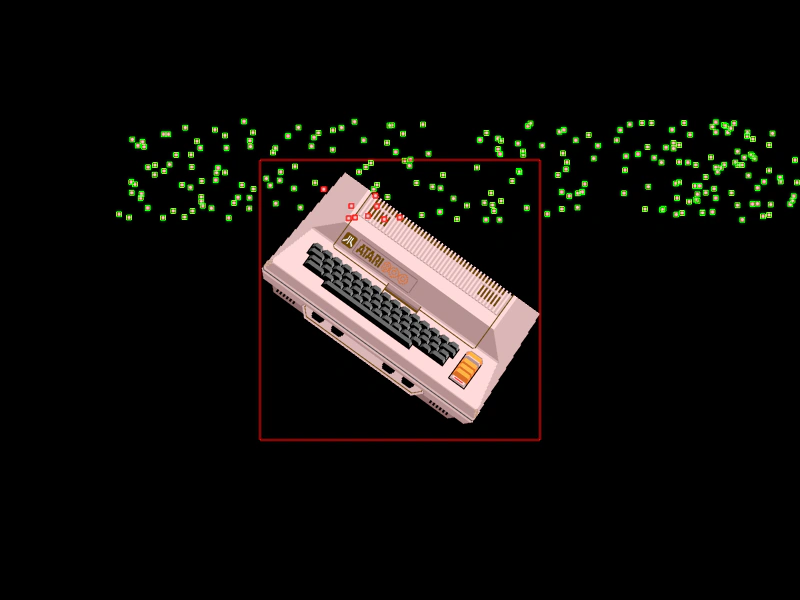 Overlap Process Callback with Local PointsFilter Arcade Physics overlaps using a process callback that converts world coordinates to a sprite's local space to perform precise containment checks.
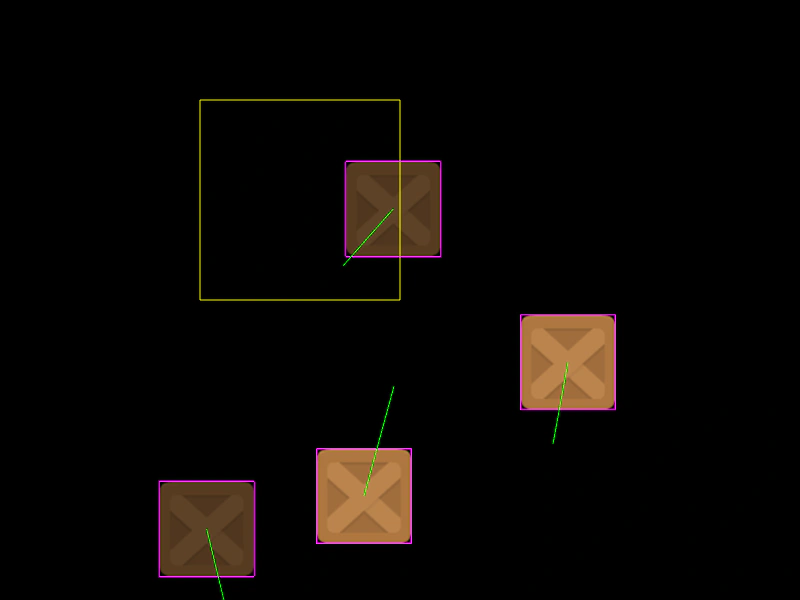 Overlap ZoneDemonstrates how to use a Zone with a static Arcade Physics body to detect overlaps with moving objects, acting as a trigger area.
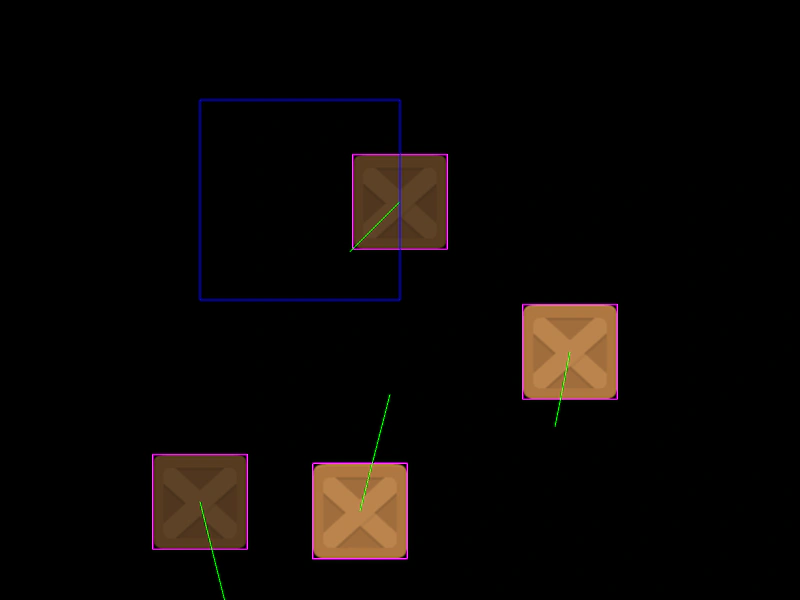 Overlap Zone with Static BodyDemonstrates how to use an invisible Zone with a static physics body to detect overlaps and trigger callbacks when objects enter a specific area.
 Physics Bodies on TileSpritesHow to add dynamic and static Arcade Physics bodies to TileSprite objects, enabling collisions and movement for tiled textures.