Draggable Physics Body
Demonstrates how to drag an Arcade Physics body by toggling the body's moves property to temporarily disable simulation during the drag event.
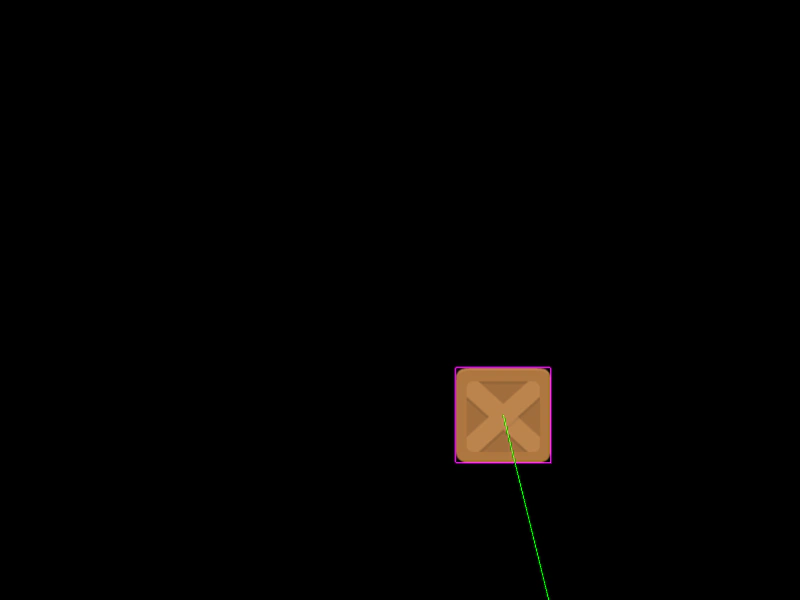
800 × 600
class Example extends Phaser.Scene
{
    block;

    preload ()
    {
        this.load.setBaseURL('https://cdn.phaserfiles.com/v410');
        this.load.image('block', 'assets/sprites/block.png');
    }

    create ()
    {
        this.block = this.physics.add.image(400, 100, 'block')
            .setVelocity(100, 200)
            .setBounce(1, 1)
            .setCollideWorldBounds(true);

        this.input.setDraggable(this.block.setInteractive());

        this.input.on('dragstart', (pointer, obj) =>
        {
            obj.body.moves = false;
        });

        this.input.on('drag', (pointer, obj, dragX, dragY) =>
        {
            obj.setPosition(dragX, dragY);
        });

        this.input.on('dragend', (pointer, obj) =>
        {
            obj.body.moves = true;
        });
    }
}

const config = {
    scale: { mode: Phaser.Scale.FIT },
    type: Phaser.AUTO,
    width: 800,
    height: 600,
    parent: 'game-container',
    physics: {
        default: 'arcade',
        arcade: {
            debug: true,
            gravity: { y: 200 }
        }
    },
    scene: Example
};

const game = new Phaser.Game(config);
More in Arcade132 examples
 Extending Arcade SpriteDemonstrates how to create custom game object classes by extending the Arcade Physics Sprite class and registering them with the scene and physics world.
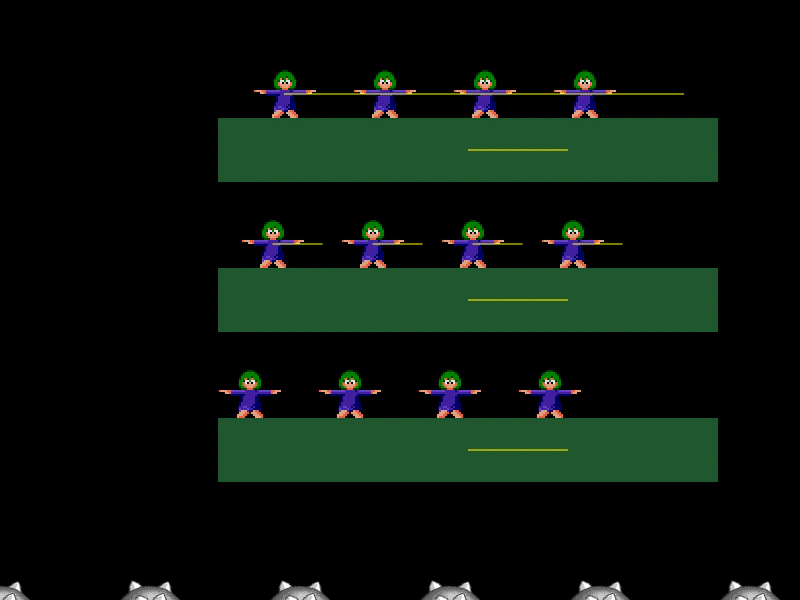 Final Delta DisplacementVisualizes the total displacement of physics bodies after all movement and collision steps are resolved using deltaXFinal and deltaYFinal, while demonstrating how platform friction affects riding objects.
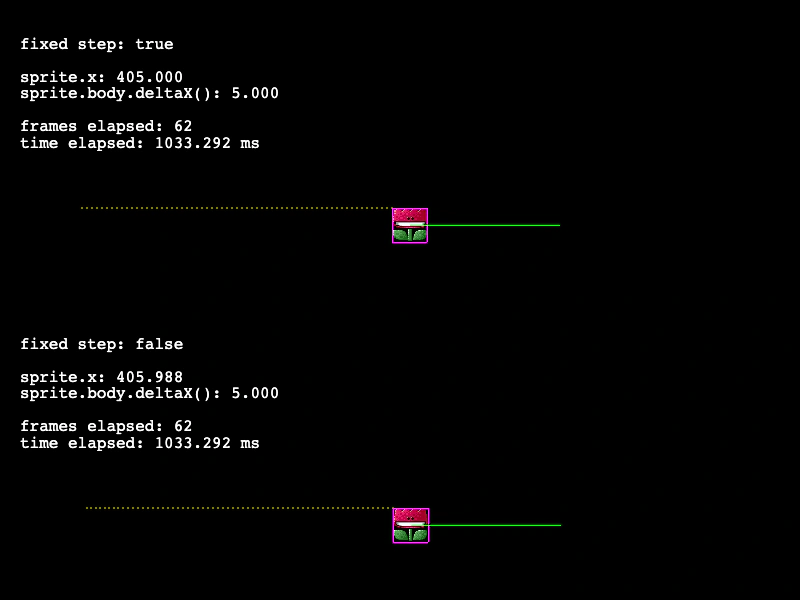 Fixed vs. Variable Step ComparisonCompare Arcade Physics behavior using fixed and variable time steps. This example visualizes how sprite movement and delta calculations differ between the two update modes.
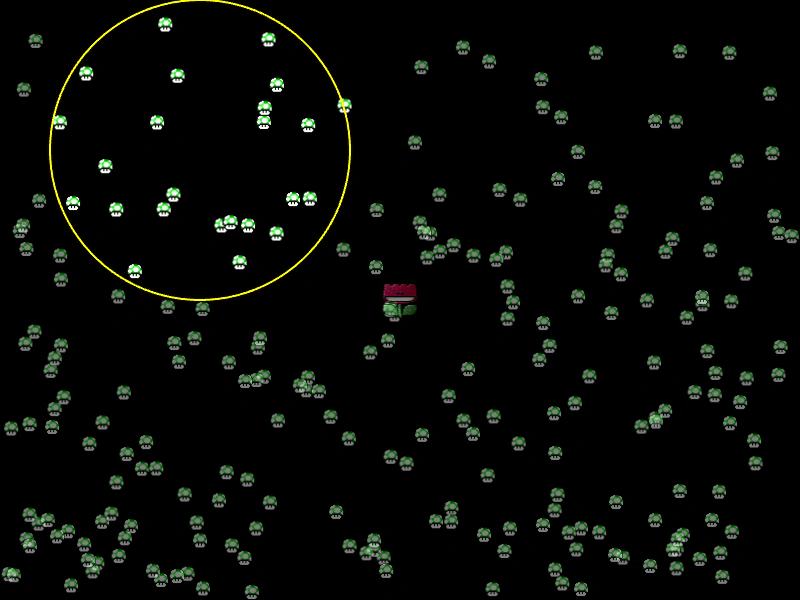 Get Bodies Within CircleDemonstrates how to use the Arcade Physics overlapCirc method to detect and highlight both dynamic and static physics bodies within a circular region.