Arcade Physics Gravity
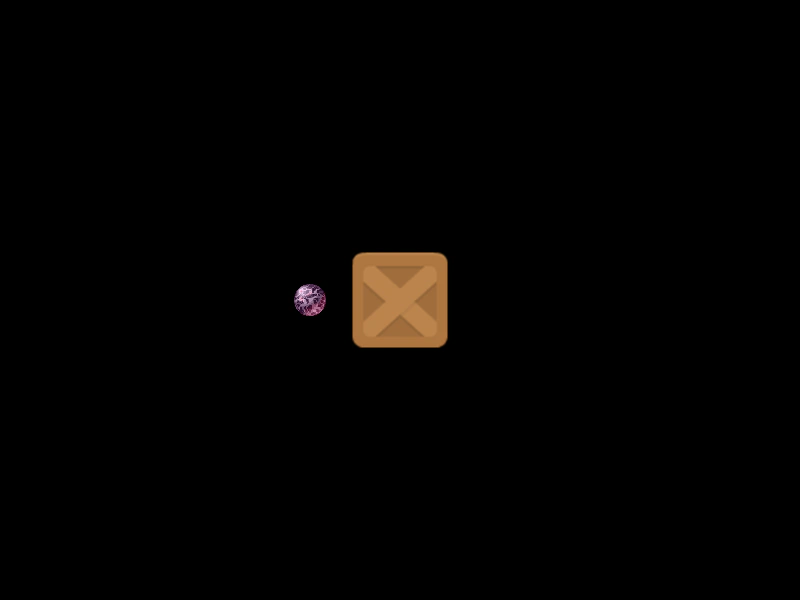
Demonstrates how to apply global world gravity and combine it with individual body gravity settings, including how to disable gravity entirely for specific objects.
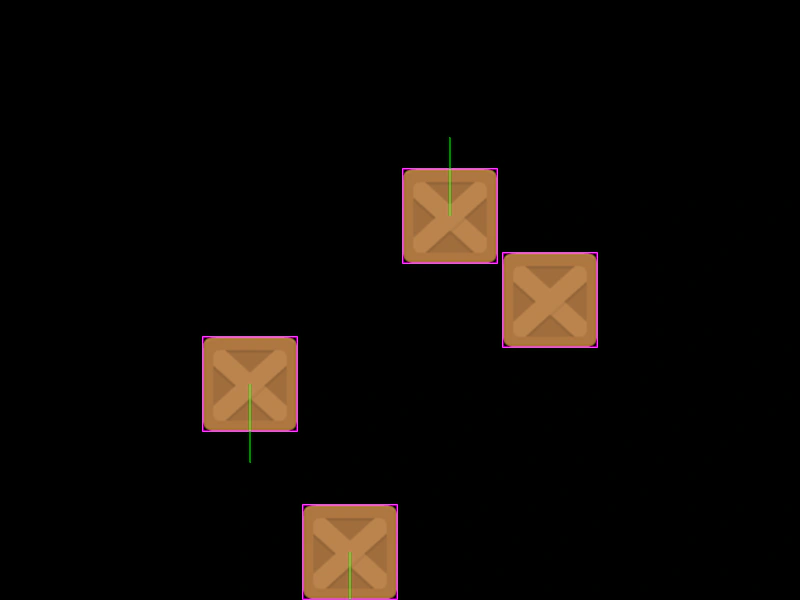
800 × 600
class Example extends Phaser.Scene
{
    preload ()
    {
        this.load.setBaseURL('https://cdn.phaserfiles.com/v410');
        this.load.image('block', 'assets/sprites/block.png');
    }

    create ()
    {
        const group = this.physics.add.group({
            defaultKey: 'block',
            bounceX: 1,
            bounceY: 1,
            collideWorldBounds: true
        });

        // World gravity
        this.physics.world.gravity.y = 150;

        // Total gravity is 150.
        group.create(250, 300);

        // Total gravity is 450.
        group.create(350, 300).setGravity(0, 300);

        // Total gravity is 150.
        group.create(450, 300).setGravity(0, -300);

        // No gravity.
        group.create(550, 300, 'block').body.setAllowGravity(false);
    }
}

const config = {
    scale: { mode: Phaser.Scale.FIT },
    type: Phaser.AUTO,
    width: 800,
    height: 600,
    parent: 'game-container',
    physics: {
        default: 'arcade',
        arcade: { debug: true }
    },
    scene: Example
};

const game = new Phaser.Game(config);
More in Arcade132 examples
 Arcade Physics Group CollisionsDemonstrates collision detection between a player-controlled sprite and a static group of physics bodies.
 Arcade Physics Group vs Group CollisionDemonstrates how to handle collisions between two separate Arcade Physics groups, including using a collision callback to modify the individual objects involved.
 Arcade Physics MassDemonstrates how setting different mass values on Arcade Physics bodies affects the outcome of collisions and momentum transfer.
 Arcade Physics Mass CollisionA demonstration of how setting a specific mass on an Arcade Physics body influences velocity transfer and movement during a collision.