Physics Body Without Sprite
Demonstrates how to manually assign and recycle Arcade Physics bodies to non-physics Game Objects, such as Blitter Bobs, for custom pooling and high-performance physics handling.
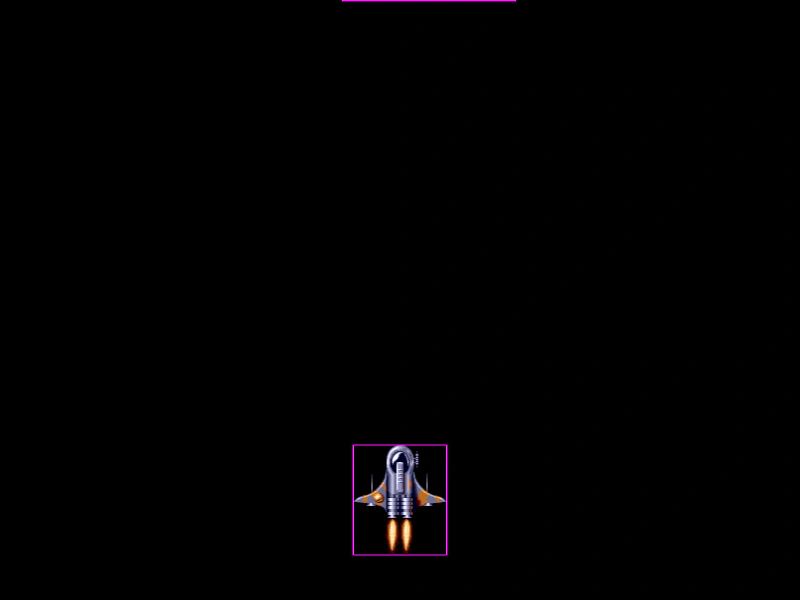
800 × 600
class PhysicsBob extends Phaser.GameObjects.Bob
{
    constructor (blitter, x, y, frame, visible, body)
    {
        super(blitter, x, y, frame, visible);

        this.body = body;

        //  The physics body needs access to the follow properties,
        //  which a Blittle Bob doesn't have by default, so we add them here:
        this.scaleX = 1;
        this.scaleY = 1;
        this.angle = 0;
        this.rotation = 0;
        this.originX = 0;
        this.originY = 0;
        this.displayOriginX = 0;
        this.displayOriginY = 0;
        this.width = this.frame.realWidth;
        this.height = this.frame.realHeight;
    }
}

class Example extends Phaser.Scene
{
    active;
    blitter;
    pool;
    textureFrames;

    preload ()
    {
        this.load.setBaseURL('https://cdn.phaserfiles.com/v410');
        this.load.image('player', 'assets/sprites/ship.png');
        this.load.atlas('atlas', 'assets/atlas/megaset-0.png', 'assets/atlas/megaset-0.json');
    }

    create ()
    {
        this.textureFrames = [ '32x32', 'aqua_ball', 'asteroids_ship', 'block', 'blue_ball', 'bsquadron1', 'carrot', 'eggplant', 'flectrum', 'gem', 'ilkke', 'maggot', 'melon', 'mushroom', 'onion', 'orb-blue', 'orb-green', 'orb-red', 'pepper', 'phaser1', 'pineapple', 'slime', 'space-baddie', 'spinObj_01', 'spinObj_02', 'spinObj_03', 'splat' ];

        this.blitter = this.add.blitter(0, 0, 'atlas');

        const player = this.physics.add.image(400, 500, 'player');

        //  This array contains all the enemy sprites which are currently active and moving
        this.active = [];

        //  Create a pool of 100 physics bodies.

        //  To achieve this, we need a dummy Game Object they can pull default values from.

        this.pool = [];

        const dummy = this.add.image();
        const { world } = this.physics;

        for (let i = 0; i < 100; i++)
        {
            const body = new Phaser.Physics.Arcade.Body(world, dummy);

            this.pool.push(body);
        }

        //  Every 100ms we'll release an enemy
        this.time.addEvent({ delay: 100, callback: () => { this.releaseEnemy(); }, loop: true });

        //  Let the player move the ship with the mouse
        this.input.on('pointermove', (pointer) =>
        {
            player.x = pointer.worldX;
            player.y = pointer.worldY;
        });
    }

    update ()
    {
        this.checkEnemyBounds();
    }

    checkEnemyBounds ()
    {
        const { world } = this.physics;

        //  Check which enemies have left the screen
        for (let i = this.active.length - 1; i >= 0; i--)
        {
            const enemy = this.active[i];

            if (enemy.y > 600 + enemy.height)
            {
                //  Recycle this body
                const { body } = enemy;

                //  Remove it from the internal world trees
                world.disableBody(body);

                //  Clear the gameObject references
                body.gameObject = undefined;

                //  Put it back into the pool
                this.pool.push(body);

                //  Nuke the sprite
                enemy.body = undefined;
                enemy.destroy();

                //  Remove it from the active array
                this.active.splice(i, 1);

                //  ^^^ technically, you wouldn't ever destroy the sprite, but instead
                //  put them back into their own pools for later re-use, otherwise there's no
                //  point recycling the physics bodies!
            }
        }
    }

    releaseEnemy ()
    {
        const { pool } = this;

        const body = pool.pop();

        const x = Phaser.Math.Between(0, 800);
        const y = Phaser.Math.Between(-1200, -300);
        const frame = this.blitter.texture.get(
            Phaser.Utils.Array.GetRandom(this.textureFrames)
        );

        const enemy = new PhysicsBob(this.blitter, x, y, frame, true, body);

        this.blitter.children.add(enemy);

        this.blitter.dirty = true;

        //  Link the sprite to the body - this property doesn't exist
        body.gameObject = enemy;

        //  We need to do this to give the body the frame size of the sprite
        body.setSize();

        //  Insert the body back into the physics world
        this.physics.world.add(body);

        //  Give it some velocity
        body.setVelocity(0, Phaser.Math.Between(200, 500));

        //  Add to our active pool
        this.active.push(enemy);
    }
}

const config = {
    scale: { mode: Phaser.Scale.FIT },
    type: Phaser.AUTO,
    width: 800,
    height: 600,
    parent: 'game-container',
    physics: {
        default: 'arcade',
        arcade: {
            debug: true,
            debugShowVelocity: false
        }
    },
    scene: Example
};

const game = new Phaser.Game(config);
More in Arcade132 examples
 Pushable Physics BodiesDemonstrates the use of setPushable to determine if Arcade Physics bodies are moved when collided with, including how to toggle this property dynamically.
 Racecar MovementDemonstrates top-down vehicle physics using velocityFromRotation to move a sprite based on its orientation, with throttle and angular acceleration control.
 Random VelocityDemonstrates how to scatter physics bodies across a rectangle and assign them random velocity vectors using Phaser.Math.RandomXY.
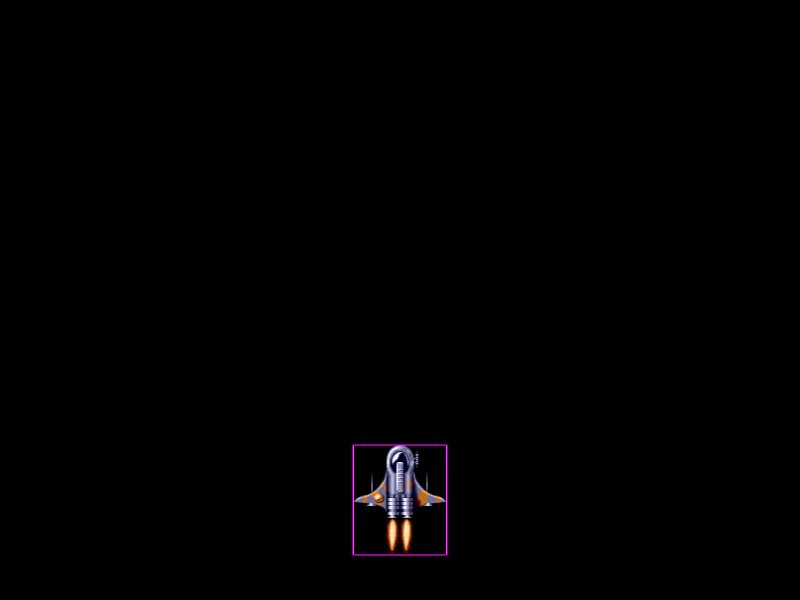 Recycle Arcade Physics BodiesDemonstrates how to optimize performance by pooling and recycling Arcade Physics bodies. Learn how to manually disable bodies, store them in a pool, and re-attach them to new sprites to avoid repeated memory allocation.