Destroy Physics Body
Demonstrates how to remove a physics-enabled Game Object and its associated body from the simulation using the destroy method.
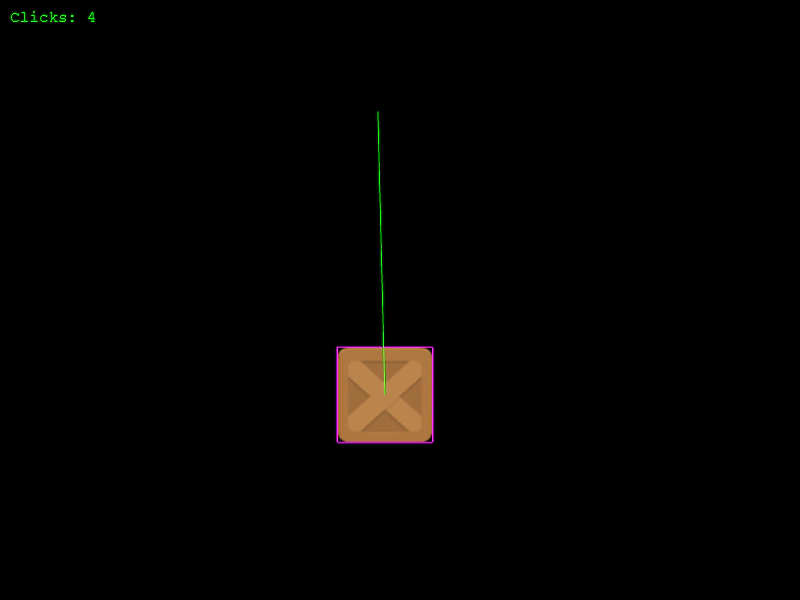
800 × 600
class Example extends Phaser.Scene
{
    preload ()
    {
        this.load.setBaseURL('https://cdn.phaserfiles.com/v410');
        this.load.image('block', 'assets/sprites/block.png');
    }

    create ()
    {
        const block = this.physics.add.image(400, 100, 'block');

        block.setVelocity(100, 200);
        block.setBounce(0.9);
        block.setCollideWorldBounds(true);

        block.setInteractive();

        const text = this.add.text(10, 10, 'Clicks: 5', { font: '16px Courier', fill: '#00ff00' });

        let i = 5;

        this.input.on('pointerdown', function ClickNuke ()
        {

            i--;

            text.setText(`Clicks: ${i}`);

            if (i === 0)
            {
                block.destroy();

                this.input.off('pointerdown', ClickNuke);
            }
            else
            {
                block.setVelocity(Phaser.Math.Between(-300, 300), -600);
            }

        }, this);
    }
}

const config = {
    scale: { mode: Phaser.Scale.FIT },
    type: Phaser.AUTO,
    width: 800,
    height: 600,
    parent: 'game-container',
    physics: {
        default: 'arcade',
        arcade: {
            debug: true,
            gravity: { y: 200 }
        }
    },
    scene: Example
};

const game = new Phaser.Game(config);
More in Arcade132 examples
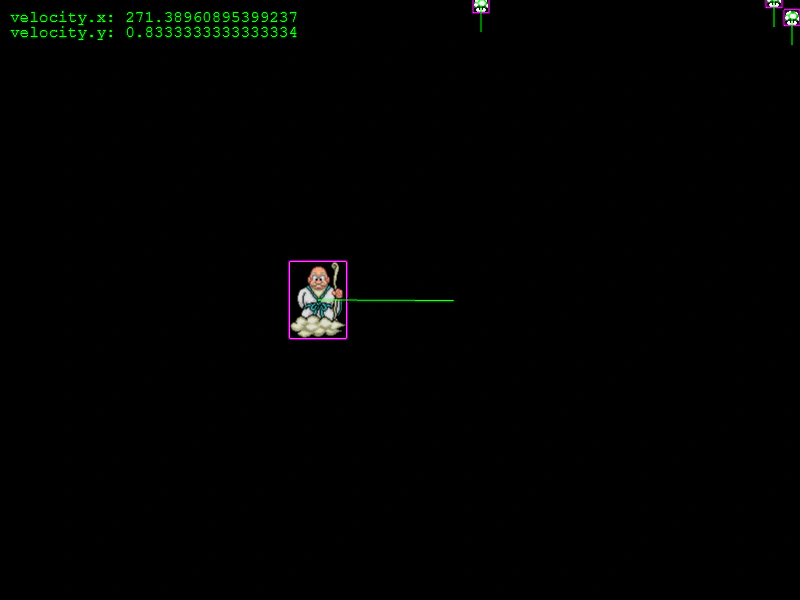 Direct Control Arcade Physics BodyDemonstrates how to use setDirectControl to move a physics body via Tweens or manual coordinate changes while still allowing it to physically interact with and push other objects.
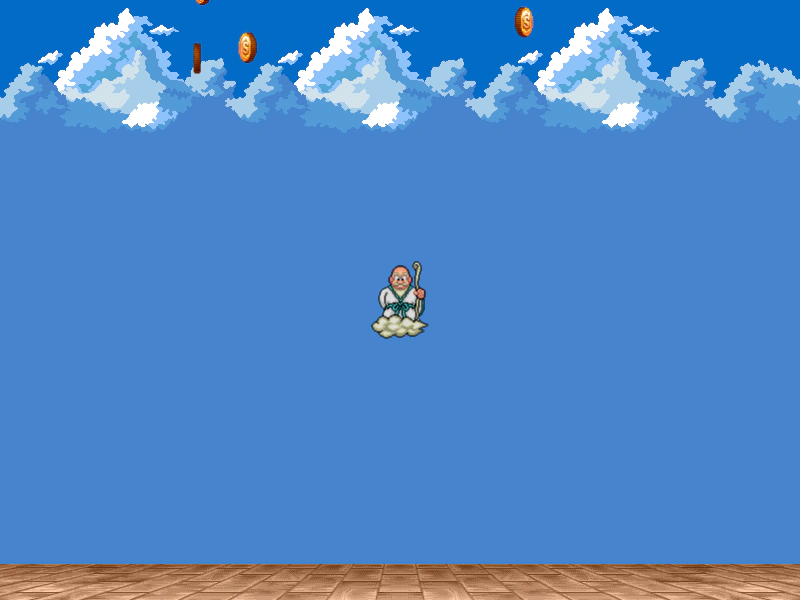 Direct Control Follow MouseDemonstrates how to use Arcade Physics' Direct Control mode to manually position a sprite via the mouse while maintaining collision interactions with other dynamic physics bodies.
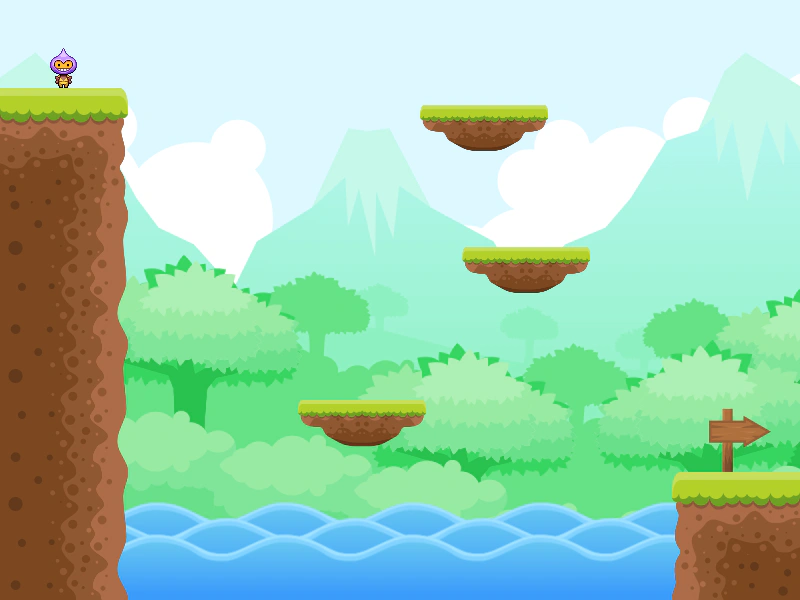 Direct Control PlatformsDemonstrates using direct control on Arcade Physics bodies moved by tweens, allowing them to correctly carry and interact with players while being positioned manually.
 Disable ColliderDemonstrates how to temporarily enable or disable specific Arcade Physics colliders or overlaps by toggling their active property, such as for a temporary invulnerability power-up.