World Bounds Event
Demonstrates how to listen for the 'worldbounds' event in Arcade Physics to detect when a body hits the edge of the screen and respond based on which side was touched.
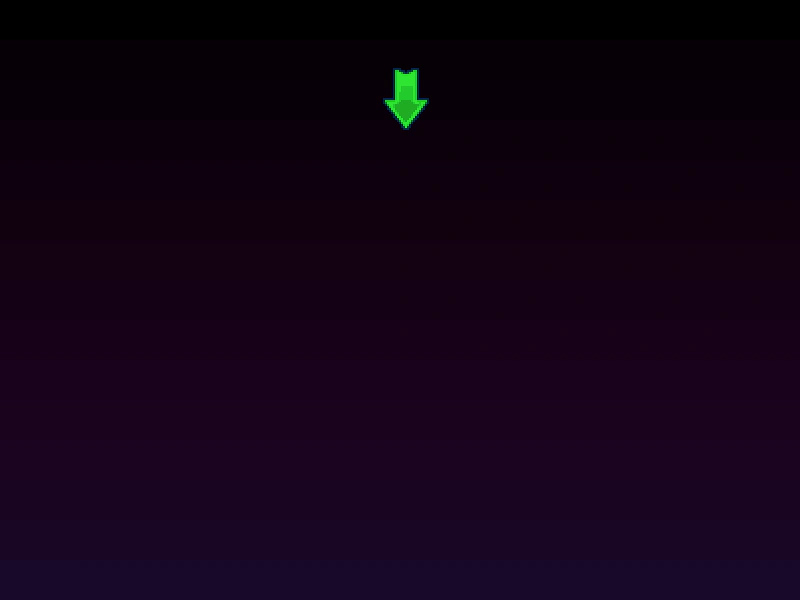
800 × 600
class Example extends Phaser.Scene
{
    preload ()
    {
        this.load.setBaseURL('https://cdn.phaserfiles.com/v410');
        this.load.image('bg', 'assets/skies/space2.png');
        this.load.image('arrow', 'assets/sprites/arrow.png');
    }

    create ()
    {
        this.add.image(400, 300, 'bg');

        this.physics.add.sprite(200, 150, 'arrow')
            .setVelocity(200, -200)
            .setCollideWorldBounds(true, 1, 1, true);

        this.physics.world.on('worldbounds', (body, up, down, left, right) =>
        {
            const { gameObject } = body;

            if (up) { gameObject.setAngle(90); }
            else if (down) { gameObject.setAngle(-90); }
            else if (left) { gameObject.setAngle(0); }
            else if (right) { gameObject.setAngle(180); }
        });
    }
}

const config = {
    scale: { mode: Phaser.Scale.FIT },
    type: Phaser.AUTO,
    width: 800,
    height: 600,
    pixelArt: true,
    parent: 'game-container',
    physics: {
        default: 'arcade',
        arcade: {
            debug: false
        }
    },
    scene: Example
};

const game = new Phaser.Game(config);
More in Arcade132 examples
 World Bounds Event Custom LogicDemonstrates how to use the Arcade Physics worldbounds event to trigger custom functions on Game Objects, such as changing animation frames, when they collide with the world boundaries.
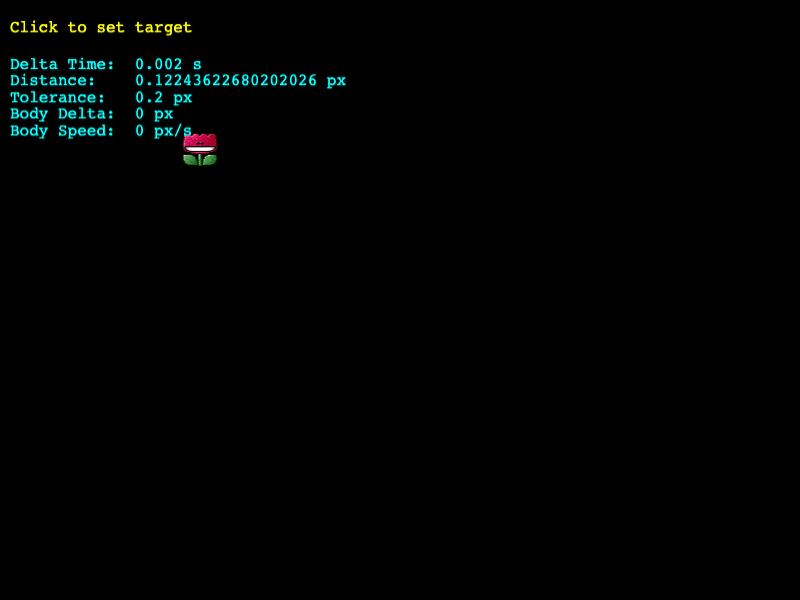 World Step EventListen for the Arcade Physics world step event to perform logic on every physics update, such as calculating distance and stopping a body when it reaches a destination using delta-based tolerance.
 Wrap GroupDemonstrates how to wrap an entire Arcade Physics group around the world bounds so that sprites reappear on the opposite side when they leave.
 Wrap SpriteDemonstrates how to use the physics world wrap method to keep a moving sprite within the screen boundaries by wrapping it to the opposite side.