Arcade Physics World Controls
Interact with Arcade Physics world properties using a GUI to adjust gravity, world bounds, collision checks, time scaling, and debug visualization settings in real-time.
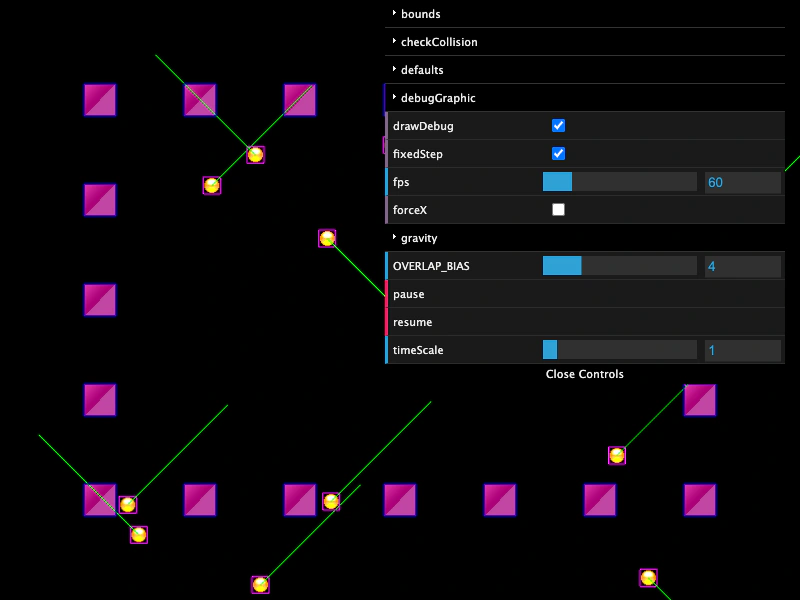
800 × 600
class Example extends Phaser.Scene
{
    graphics;
    blocks;
    balls;

    preload ()
    {
        this.load.setBaseURL('https://cdn.phaserfiles.com/v410');
        this.load.image('ball', 'assets/sprites/yellow_ball.png');
        this.load.image('block', 'assets/sprites/32x32.png');
    }

    create ()
    {
        // this.physics.world.setBounds(50, 50, 700, 500);

        this.graphics = this.add.graphics();

        this.blocks = this.physics.add.staticGroup({
            key: 'block',
            frameQuantity: 20
        });

        Phaser.Actions.PlaceOnRectangle(this.blocks.getChildren(), new Phaser.Geom.Rectangle(100, 100, 600, 400));

        this.blocks.refresh();

        this.balls = this.physics.add.group({
            key: 'ball',
            frameQuantity: 12,
            collideWorldBounds: true,
            bounceX: 1,
            bounceY: 1,
            velocityX: 200,
            velocityY: 200
        });

        Phaser.Actions.RandomRectangle(this.balls.getChildren(), this.physics.world.bounds);

        this.physics.add.collider(this.balls);
        this.physics.add.collider(this.balls, this.blocks);

        this.createWorldGui(this.physics.world);
    }

    update ()
    {
        this.physics.world.wrap(this.balls);

        this.graphics.clear().fillStyle(0).fillRectShape(this.physics.world.bounds);
    }

    createWorldGui (world)
    {
        const gui = new dat.GUI({ width: 400 });

        const bounds = gui.addFolder('bounds');
        bounds.add(world.bounds, 'x', -400, 400, 10);
        bounds.add(world.bounds, 'y', -300, 300, 10);
        bounds.add(world.bounds, 'width', 0, 800, 10);
        bounds.add(world.bounds, 'height', 0, 600, 10);

        const check = gui.addFolder('checkCollision');
        check.add(world.checkCollision, 'left');
        check.add(world.checkCollision, 'up');
        check.add(world.checkCollision, 'right');
        check.add(world.checkCollision, 'down');

        const defaults = gui.addFolder('defaults');
        defaults.add(world.defaults, 'debugShowBody');
        defaults.add(world.defaults, 'debugShowStaticBody');
        defaults.add(world.defaults, 'debugShowVelocity');
        defaults.addColor(world.defaults, 'bodyDebugColor');
        defaults.addColor(world.defaults, 'staticBodyDebugColor');
        defaults.addColor(world.defaults, 'velocityDebugColor');

        const debug = gui.addFolder('debugGraphic');
        debug.add(world.debugGraphic, 'visible');
        debug.add(world.debugGraphic, 'clear');

        gui.add(world, 'drawDebug');

        gui.add(world, 'fixedStep');

        gui.add(world, 'fps', 5, 300, 5).onChange((fps) => { world.setFPS(fps); });

        gui.add(world, 'forceX');

        const gravity = gui.addFolder('gravity');
        gravity.add(world.gravity, 'x', -300, 300, 10);
        gravity.add(world.gravity, 'y', -300, 300, 10);

        // gui.add(world, 'isPaused');

        gui.add(world, 'OVERLAP_BIAS', 0, 16, 1);

        gui.add(world, 'pause');

        gui.add(world, 'resume');

        gui.add(world, 'timeScale', 0.1, 10, 0.1);

        return gui;
    }
}

const config = {
    scale: { mode: Phaser.Scale.FIT },
    type: Phaser.AUTO,
    width: 800,
    height: 600,
    backgroundColor: 0x222222,
    parent: 'game-container',
    physics: {
        default: 'arcade',

        // https://phaser.io/oss/docs/api-documentation/3.90.0/typedef/types-physics-arcade#arcadeworldconfig

        arcade: {
            checkCollision: {
                up: true,
                down: true,
                left: true,
                right: true
            },
            debug: true,
            debugBodyColor: 0xff00ff,
            debugShowBody: true,
            debugShowStaticBody: true,
            debugShowVelocity: true,
            debugStaticBodyColor: 0x0000ff,
            debugVelocityColor: 0x00ff00,
            fixedStep: true,
            forceX: false,
            fps: 60,
            gravity: {
                x: 0,
                y: 0
            },
            height: 600,
            isPaused: false,
            maxEntries: 16,
            overlapBias: 4,
            tileBias: 16,
            timeScale: 1,
            useTree: true,
            width: 800,
            x: 0,
            y: 0
        }
    },
    scene: Example
};

const game = new Phaser.Game(config);
More in Arcade132 examples
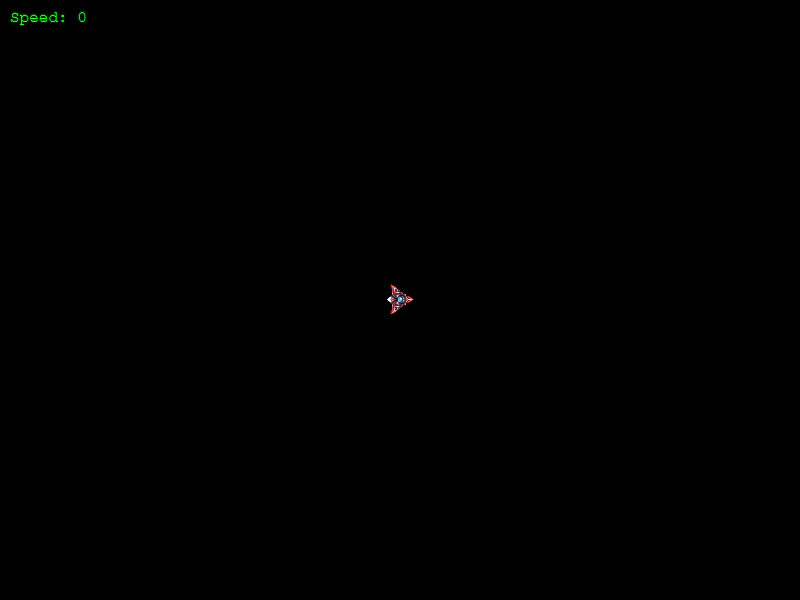 Asteroids MovementLearn how to implement classic Asteroids-style ship movement using Arcade Physics, featuring rotation-based acceleration, velocity damping, and screen wrapping.
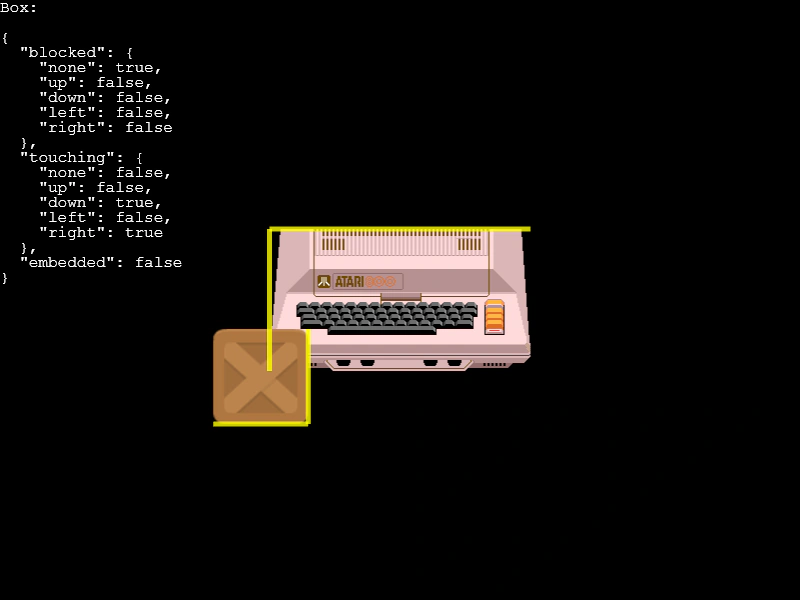 Blocked FacesDemonstrates how to detect and visualize which sides of an Arcade Physics body are currently blocked or touching other bodies or the world bounds.
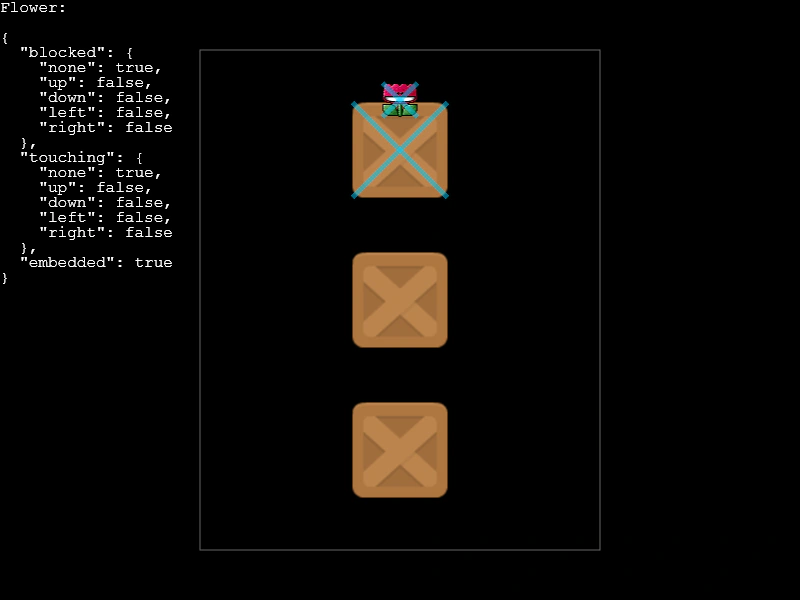 Blocked Touching and Embedded StatesDemonstrates how to detect and visualize different collision states on an Arcade Physics body, including touching other bodies, being blocked by world bounds, or being embedded within another object.
 Body Follow PathDemonstrates moving an Arcade Physics body along a complex path by calculating velocity from path tangents, allowing other physics objects to interact and collide with it.