Arcade Physics Drag
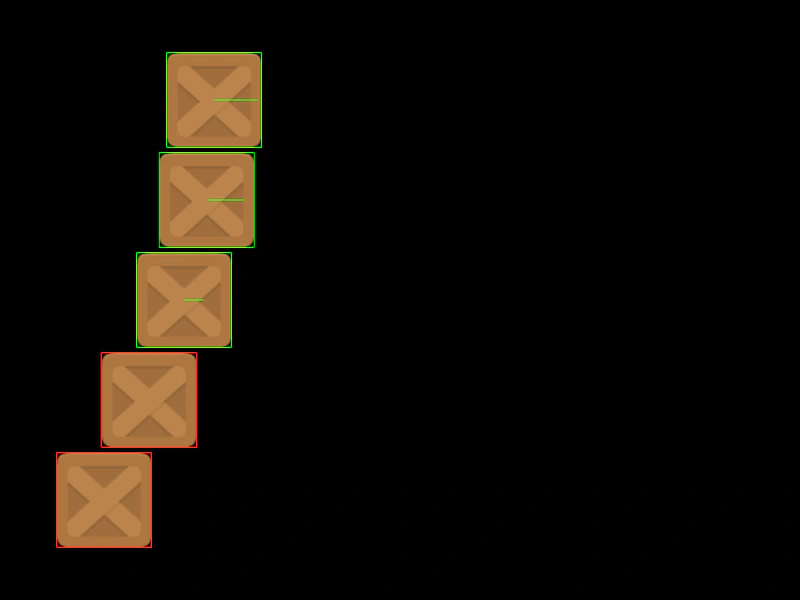
Demonstrates how drag values affect the deceleration of moving Arcade Physics bodies, showing various sprites slowing down at different rates.
800 × 600
class Example extends Phaser.Scene
{
    preload ()
    {
        this.load.setBaseURL('https://cdn.phaserfiles.com/v410');
        this.load.image('block', 'assets/sprites/block.png');
    }

    create ()
    {
        this.physics.add.image(100, 100, 'block').setVelocityX(100).setDragX(10);
        this.physics.add.image(100, 200, 'block').setVelocityX(100).setDragX(20);
        this.physics.add.image(100, 300, 'block').setVelocityX(100).setDragX(50);
        this.physics.add.image(100, 400, 'block').setVelocityX(100).setDragX(100);
        this.physics.add.image(100, 500, 'block').setVelocityX(100).setDragX(1000);

        const bodies = Array.from(this.physics.world.bodies);
        for (const body of bodies)
        {
            const { drag, velocity } = body;

            console.log('Body will stop after %.3f seconds', velocity.x / drag.x);
        }
    }

    update ()
    {
        const bodies = Array.from(this.physics.world.bodies);
        for (const body of bodies)
        {
            body.debugBodyColor = body.speed > 0 ? 0x00ff00 : 0xff0000;
        }
    }
}

const config = {
    scale: { mode: Phaser.Scale.FIT },
    type: Phaser.AUTO,
    width: 800,
    height: 600,
    parent: 'game-container',
    physics: {
        default: 'arcade',
        arcade: { debug: true }
    },
    scene: Example
};

const game = new Phaser.Game(config);
More in Arcade132 examples
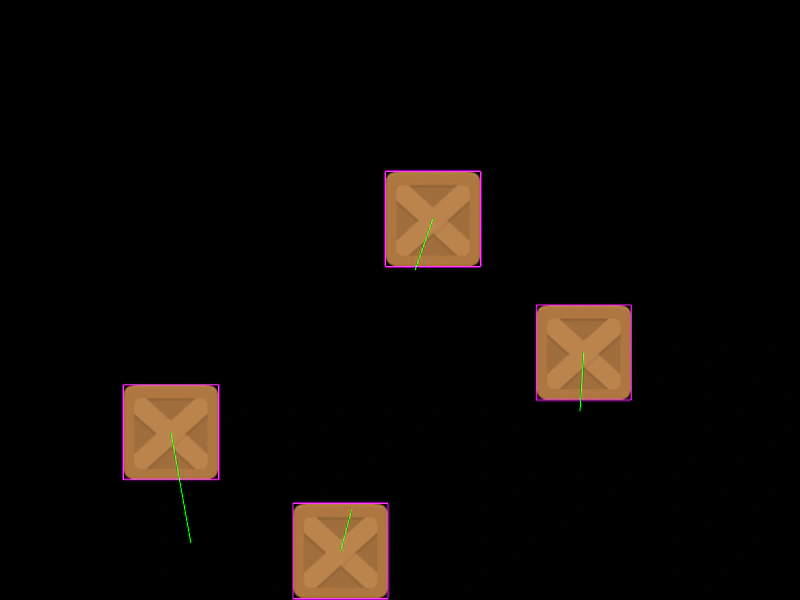 Arcade Physics Drag ScalarDemonstrates applying manual drag to physics bodies by scaling their velocity vector length during the update loop.
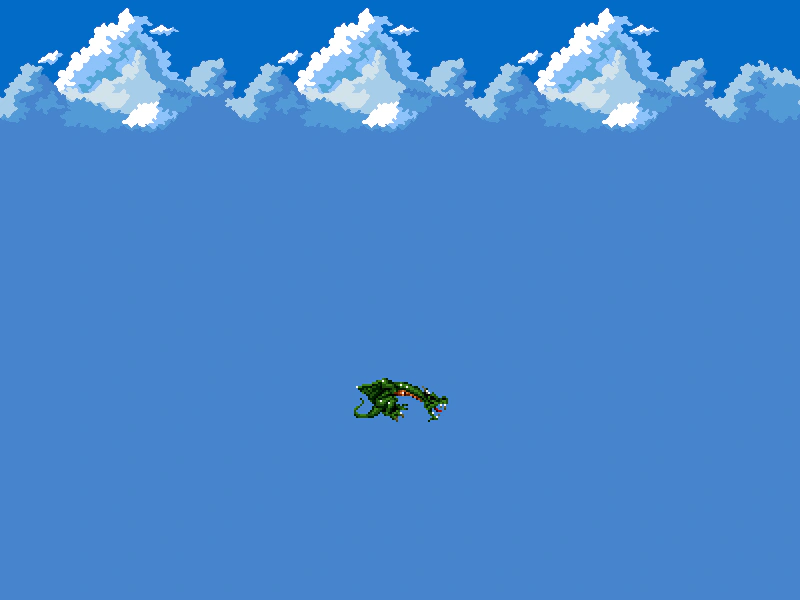 Arcade Physics Dragon MovementControl a physics-enabled sprite using keyboard input to apply acceleration, featuring gravity, drag, and velocity-based animation switching.
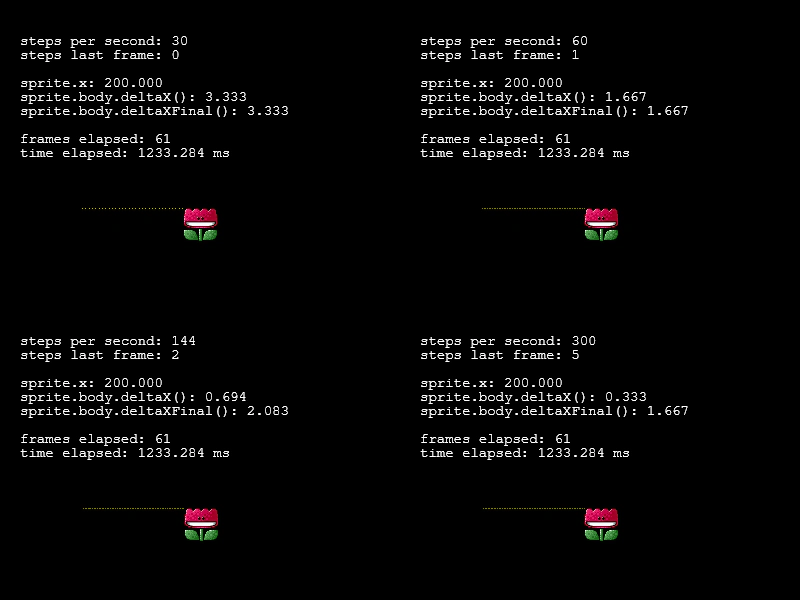 Arcade Physics FPS ComparisonThis example demonstrates how setting different FPS values for Arcade Physics affects movement precision and delta calculations across multiple scenes.
 Arcade Physics FrictionDemonstrates how moving platforms transfer horizontal velocity to colliding bodies using different friction settings.