Arcade Physics Circular Bodies
Demonstrates how to assign circular collision bodies to Arcade Physics sprites using setCircle instead of the default rectangular bounding box.
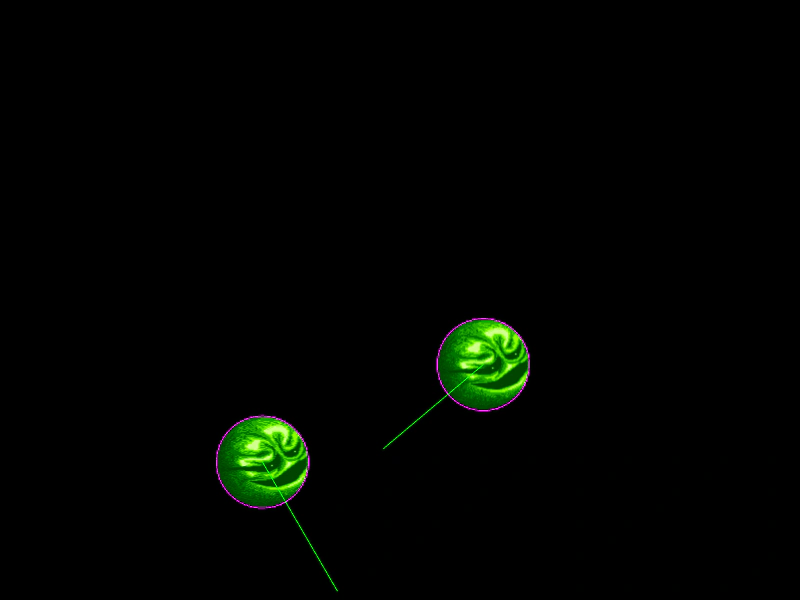
800 × 600
class Example extends Phaser.Scene
{
    preload ()
    {
        this.load.setBaseURL('https://cdn.phaserfiles.com/v410');
        this.load.image('wizball', 'assets/sprites/wizball.png');
    }

    create ()
    {
        const ball1 = this.physics.add.image(100, 240, 'wizball');
        const ball2 = this.physics.add.image(700, 240, 'wizball');

        ball1.setCircle(46);
        ball2.setCircle(46);

        ball1.setCollideWorldBounds(true);
        ball2.setCollideWorldBounds(true);

        ball1.setBounce(1);
        ball2.setBounce(1);

        ball1.setVelocity(150);
        ball2.setVelocity(-200, 60);

        this.physics.add.collider(ball1, ball2);
    }
}

const config = {
    scale: { mode: Phaser.Scale.FIT },
    type: Phaser.AUTO,
    width: 800,
    height: 600,
    parent: 'game-container',
    physics: {
        default: 'arcade',
        arcade: {
            debug: true,
            gravity: { y: 100 }
        }
    },
    scene: Example
};

const game = new Phaser.Game(config);
More in Arcade132 examples
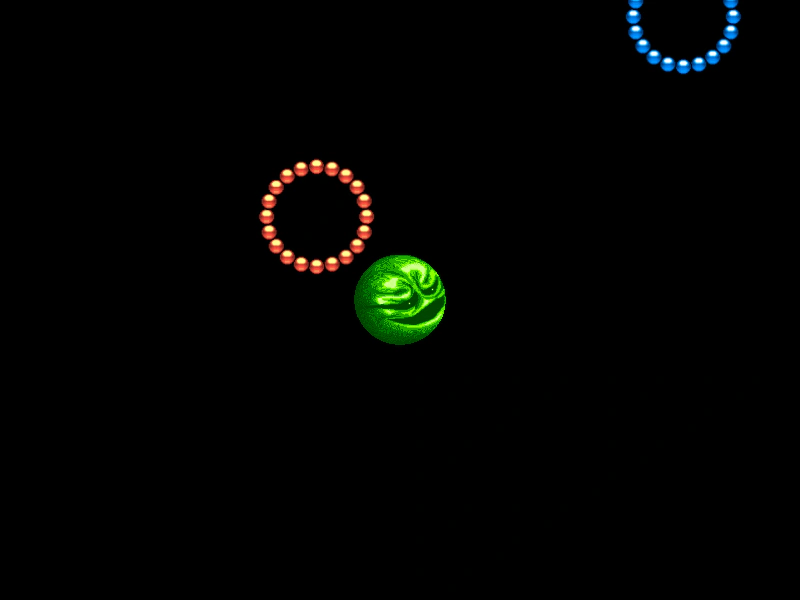 Arcade Physics Circular CollisionsDemonstrates how to use circular physics bodies instead of rectangular ones for accurate collisions between round objects, featuring both static and dynamic bodies.
 Arcade Physics Collision FilteringDemonstrates how to define specific collision interactions between a single sprite and an array of target sprites using Arcade Physics colliders.
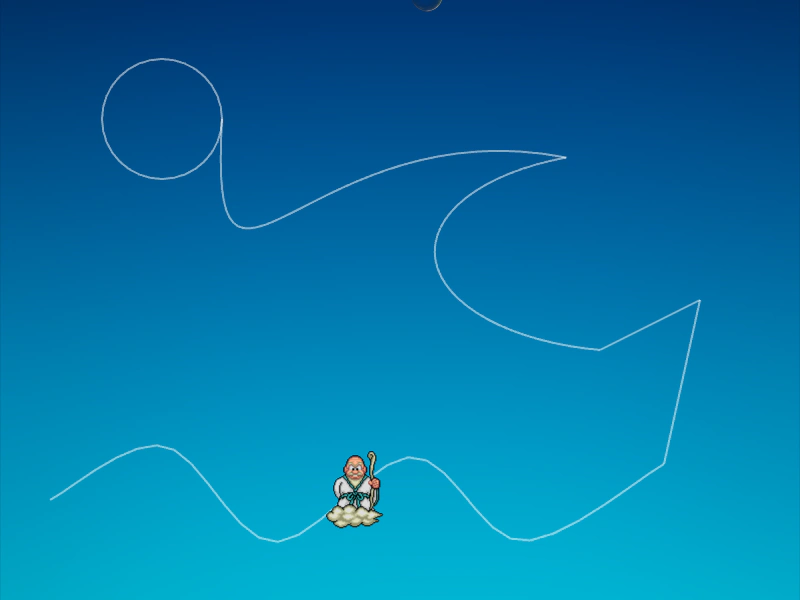 Arcade Physics Direct Control PathDemonstrates moving an immovable physics body along a complex path using direct control, allowing it to interact and collide with other dynamic bodies while its position is manually updated via a tween.
 Arcade Physics DragDemonstrates how drag values affect the deceleration of moving Arcade Physics bodies, showing various sprites slowing down at different rates.