Sprite Follow Physics Body
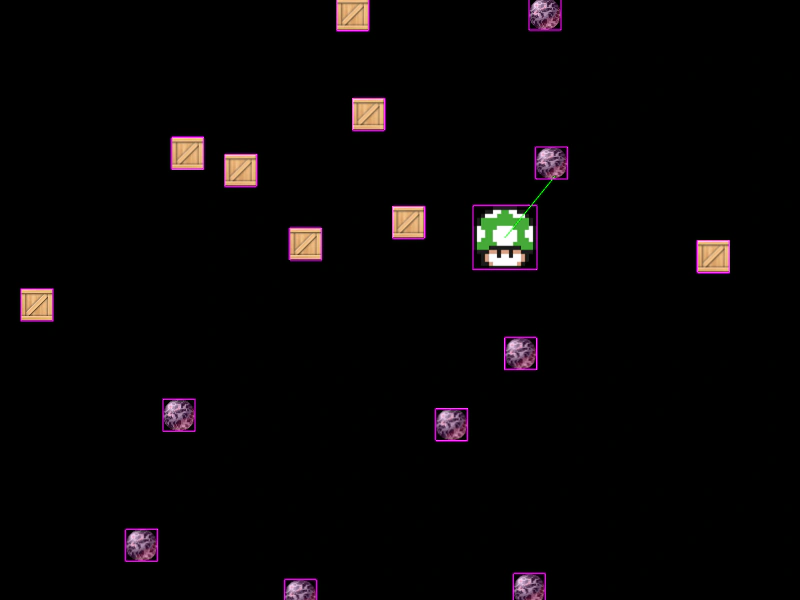
Demonstrates how to sync the position of a non-physics sprite with a moving Arcade Physics body using Display Bounds helper functions.
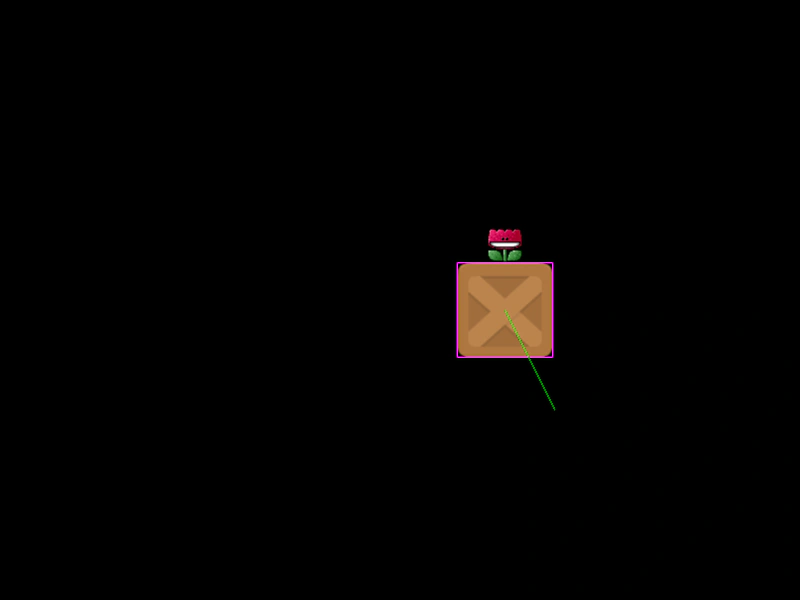
800 × 600
class Example extends Phaser.Scene
{
    block;
    flower;

    preload ()
    {
        this.load.setBaseURL('https://cdn.phaserfiles.com/v410');
        this.load.image('block', 'assets/sprites/block.png');
        this.load.image('flower', 'assets/sprites/flower-exo.png');
    }

    create ()
    {
        this.block = this.physics.add.image(400, 100, 'block')
            .setVelocity(100, 200)
            .setBounce(1, 1)
            .setCollideWorldBounds(true);

        this.flower = this.add.image(0, 0, 'flower');
    }

    update ()
    {
        Phaser.Display.Bounds.SetCenterX(this.flower, this.block.body.center.x);
        Phaser.Display.Bounds.SetBottom(this.flower, this.block.body.top);
    }
}

const config = {
    scale: { mode: Phaser.Scale.FIT },
    type: Phaser.AUTO,
    width: 800,
    height: 600,
    parent: 'game-container',
    physics: {
        default: 'arcade',
        arcade: { debug: true }
    },
    scene: Example
};

const game = new Phaser.Game(config);
More in Arcade132 examples
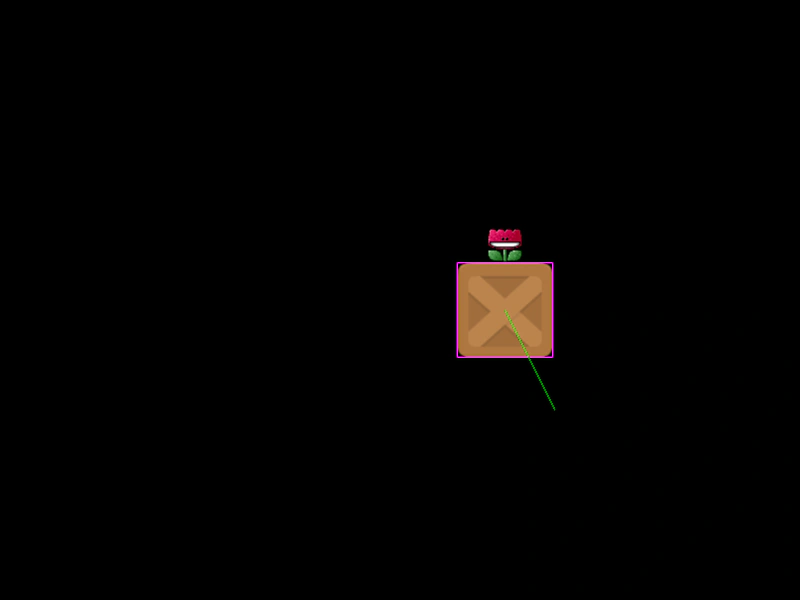 Sprite Follow Physics SpriteDemonstrates how to align a non-physics Sprite to a moving Arcade Physics body by using the postupdate event and the alignment utility.
 Sprite Overlap with Static GroupDemonstrates how to detect overlaps between a moving sprite and a static physics group to create a collectible item system.
 Sprite Vs ImmovableDemonstrates Arcade Physics collision between a moving sprite and an immovable body. The immovable object remains fixed in place regardless of the collision force.
 Sprite vs Multiple GroupsDemonstrates checking for collisions between a single physics sprite and an array of multiple physics groups using a single collider call.