Arcade Physics Max Speed
Demonstrates how to cap the velocity of a physics body using setMaxSpeed, ensuring it never exceeds a specific value regardless of acceleration applied.
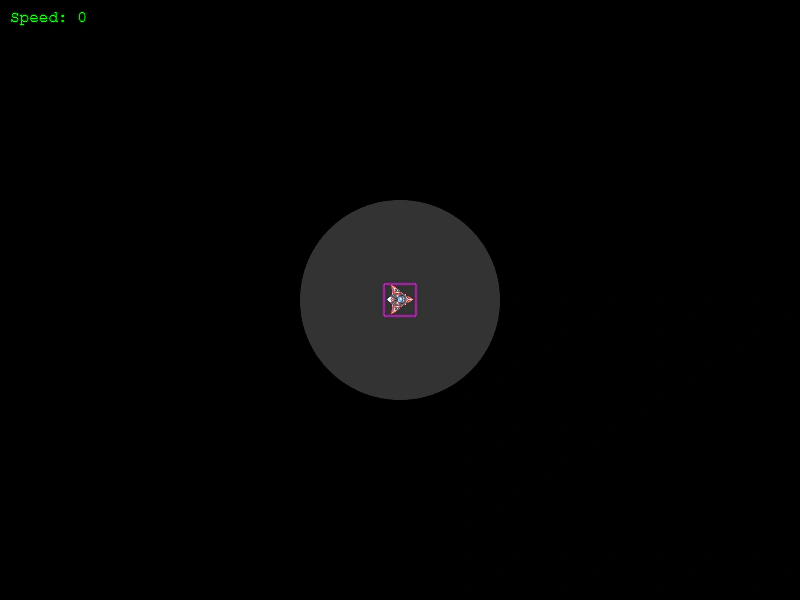
800 × 600
class Example extends Phaser.Scene
{
    text;
    cursors;
    circle;
    sprite;

    preload ()
    {
        this.load.setBaseURL('https://cdn.phaserfiles.com/v410');
        this.load.image('ship', 'assets/games/asteroids/ship.png');
    }

    create ()
    {
        this.sprite = this.physics.add.image(400, 300, 'ship');

        this.sprite.body.setMaxSpeed(200);

        this.circle = this.add.circle(this.sprite.x, this.sprite.y, 0.5 * this.sprite.body.maxSpeed, 0xffffff, 0.2);

        console.log(this.circle);

        this.cursors = this.input.keyboard.createCursorKeys();

        this.text = this.add.text(10, 10, '', { font: '16px Courier', fill: '#00ff00' });
    }

    update ()
    {
        if (this.cursors.up.isDown)
        {
            this.physics.velocityFromRotation(this.sprite.rotation, this.sprite.body.maxSpeed, this.sprite.body.acceleration);
        }
        else
        {
            this.sprite.setAcceleration(0);
        }

        if (this.cursors.left.isDown)
        {
            this.sprite.setAngularVelocity(-300);
        }
        else if (this.cursors.right.isDown)
        {
            this.sprite.setAngularVelocity(300);
        }
        else
        {
            this.sprite.setAngularVelocity(0);
        }

        this.text.setText(`Speed: ${this.sprite.body.speed}`);

        this.physics.world.wrap(this.sprite, 100);

        this.circle.setPosition(this.sprite.x, this.sprite.y);
    }
}

const config = {
    scale: { mode: Phaser.Scale.FIT },
    type: Phaser.AUTO,
    parent: 'game-container',
    width: 800,
    height: 600,
    physics: {
        default: 'arcade',
        arcade: {
            debug: true
        }
    },
    scene: Example
};

const game = new Phaser.Game(config);
More in Arcade132 examples
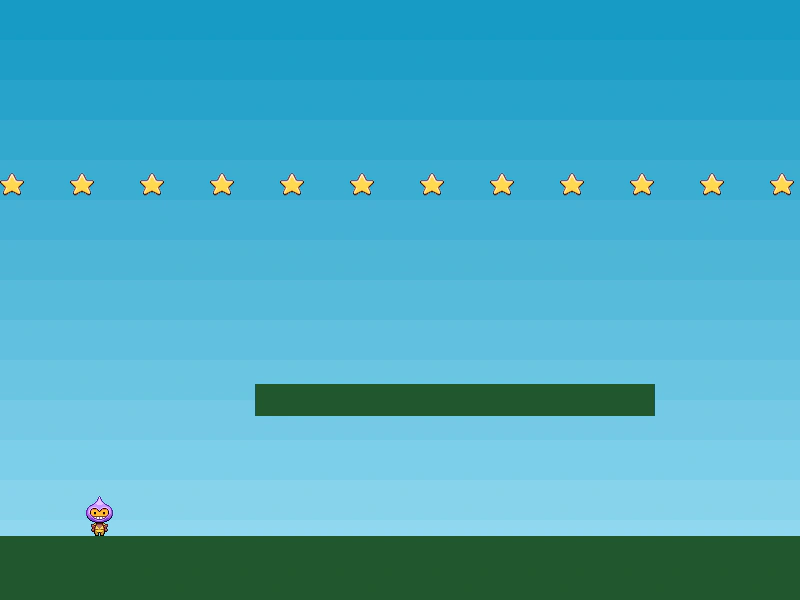 Arcade Physics Moving PlatformA demonstration of a player character interacting with static groups and a moving platform. Shows how to set up an immovable body with velocity and gravity disabled to create moving terrain.
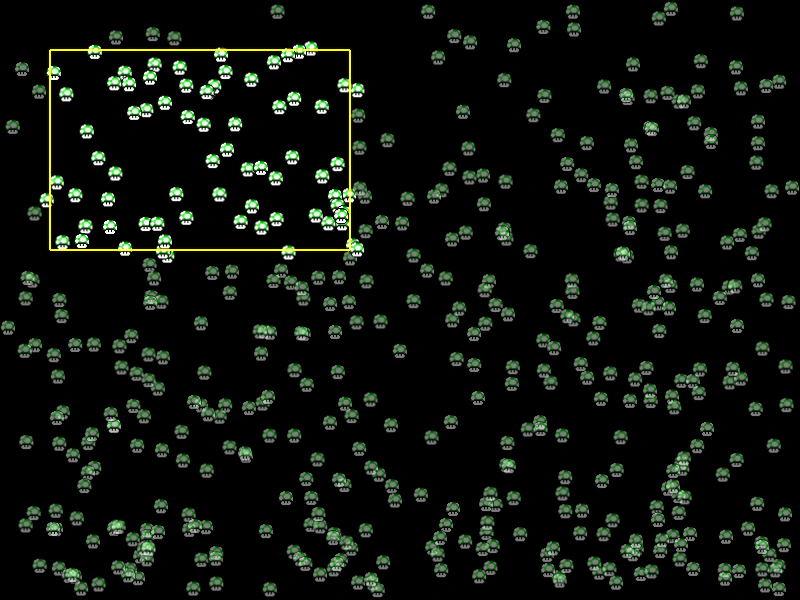 Arcade Physics Overlap RectangleDemonstrates how to use the overlapRect method to retrieve and manipulate all physics bodies located within a specific rectangular area.
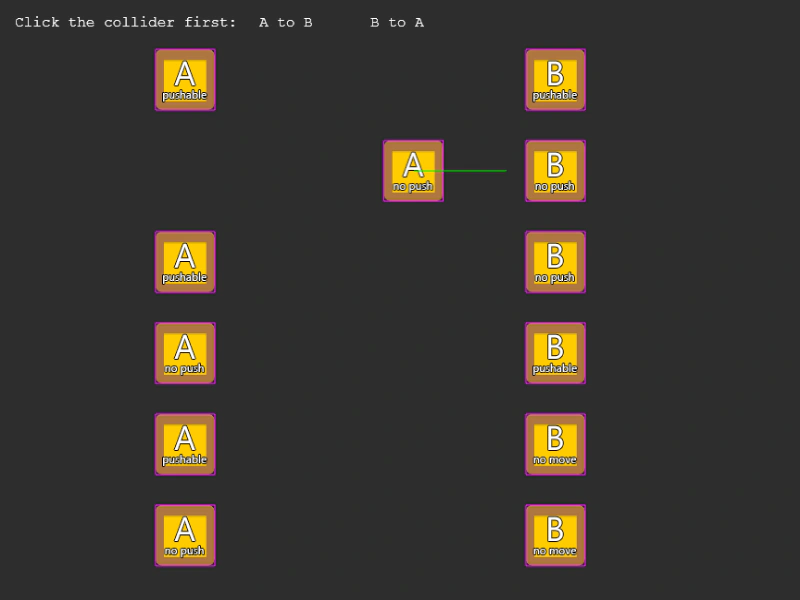 Arcade Physics Pushable and Immovable InteractionsDemonstrates the interaction between Arcade Physics bodies using different combinations of the pushable and immovable properties to control collision behavior.
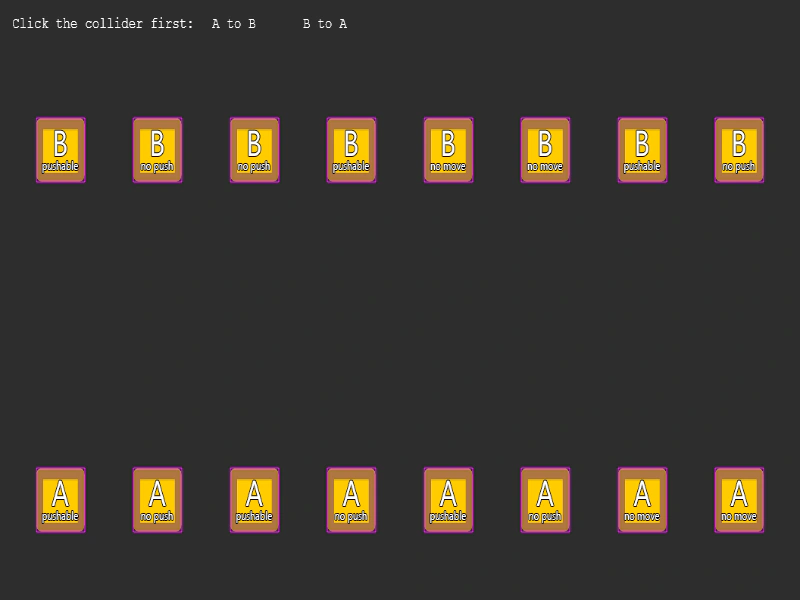 Arcade Physics Pushable vs ImmovableA side-by-side comparison of collision behaviors between Arcade Physics bodies with varying setPushable and setImmovable properties.