Play HTML5 Audio
Load and play a sound file using the HTML5 Audio tag by disabling the Web Audio API in the game configuration.

800 × 600
class Example extends Phaser.Scene
{
    preload ()
    {
        this.load.setBaseURL('https://cdn.phaserfiles.com/v410');
        this.load.audio('theme', [
            'assets/audio/oedipus_wizball_highscore.ogg',
            'assets/audio/oedipus_wizball_highscore.mp3'
        ]);

        this.load.image('wizball', 'assets/sprites/wizball.png');
    }

    create ()
    {
        this.add.image(400, 300, 'wizball').setScale(4);

        const music = this.sound.add('theme');

        music.play();
    }
}

const config = {
    scale: { mode: Phaser.Scale.FIT },
    type: Phaser.AUTO,
    parent: 'game-container',
    width: 800,
    height: 600,
    pixelArt: true,
    scene: Example,
    audio: {
        disableWebAudio: true
    }
};

const game = new Phaser.Game(config);
More in HTML5 Audio10 examples
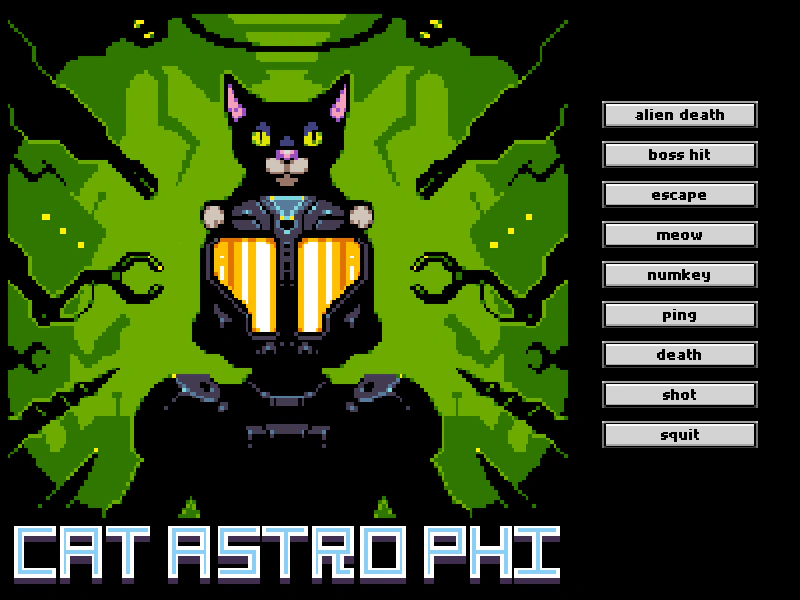 Audio Markers with HTML5 AudioDemonstrates how to define and play specific segments of a single audio file using markers with the HTML5 Audio backend.
 Disable Pause on Blur (HTML5 Audio)Demonstrates how to keep HTML5 Audio playing even when the browser tab loses focus by setting the sound pauseOnBlur property to false.
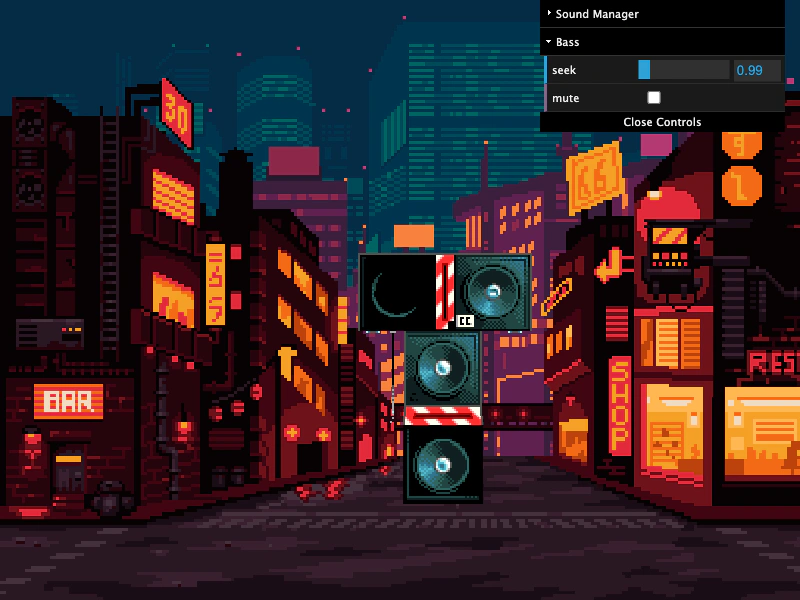 HTML5 Audio Loop DelayDemonstrates how to synchronize multiple audio stems using HTML5 Audio, including precise delay scheduling and compensation for browser playback lag.
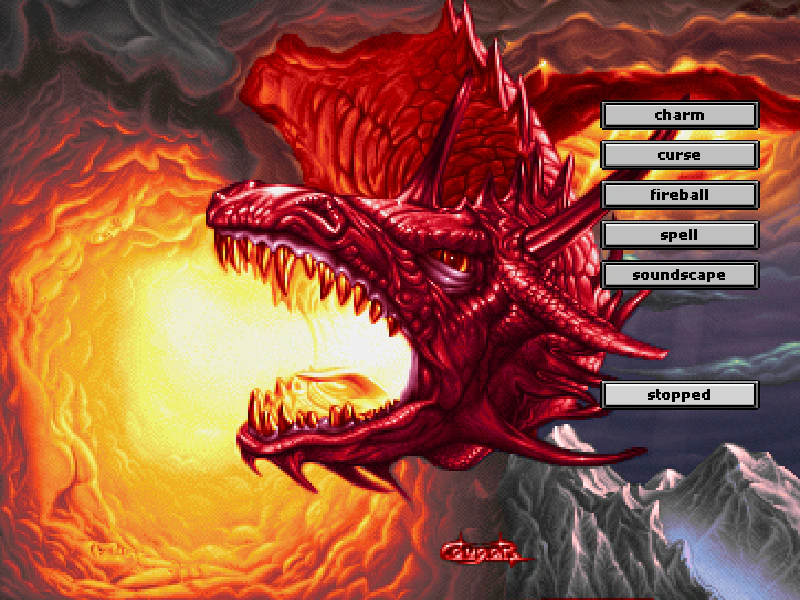 HTML5 Audio Markers Pause and ResumeDemonstrates how to define and play audio markers, and control their playback using pause and resume methods with HTML5 Audio.