Custom Blend Mode with Graphics
Demonstrates how to define and register a custom WebGL blend mode and apply it to a Graphics object.
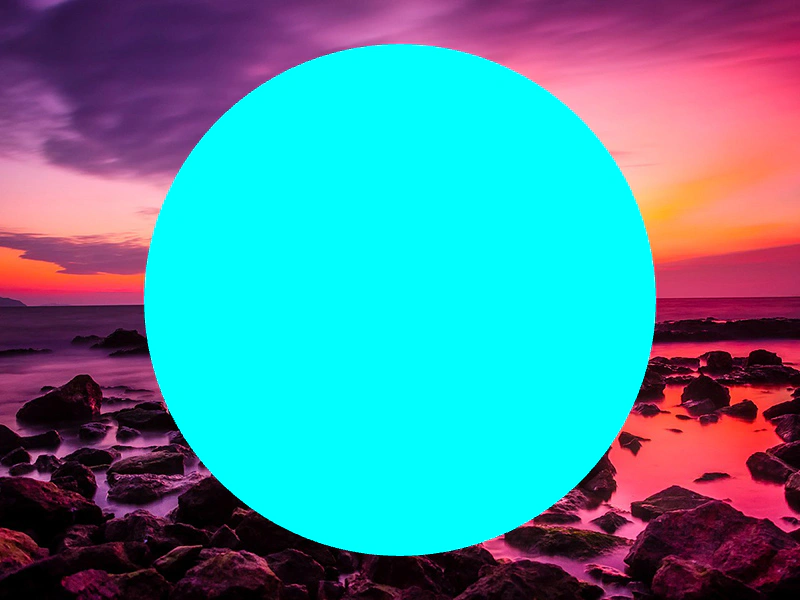
800 × 600
class Example extends Phaser.Scene
{
    constructor ()
    {
        super();
    }

    preload ()
    {
        this.load.setBaseURL('https://cdn.phaserfiles.com/v410');
        this.load.image('turkey', 'assets/pics/turkey-1985086.jpg');
        this.load.image('face', 'assets/pics/bw-face.png');
    }

    create ()
    {
        //  WebGL only:

        var gl = this.sys.game.renderer.gl;

        var consts = [
            gl.ZERO,
            gl.ONE,
            gl.SRC_COLOR,
            gl.ONE_MINUS_SRC_COLOR,
            gl.DST_COLOR,
            gl.ONE_MINUS_DST_COLOR,
            gl.SRC_ALPHA,
            gl.ONE_MINUS_SRC_ALPHA,
            gl.DST_ALPHA,
            gl.ONE_MINUS_DST_ALPHA,
            gl.CONSTANT_COLOR,
            gl.ONE_MINUS_CONSTANT_COLOR,
            gl.CONSTANT_ALPHA,
            gl.ONE_MINUS_CONSTANT_ALPHA,
            gl.SRC_ALPHA_SATURATE
        ];

        var equations = [
            gl.FUNC_ADD,
            gl.FUNC_SUBTRACT,
            gl.FUNC_REVERSE_SUBTRACT
        ];

        var list = [
            { val: 0, text: 'ZERO' },
            { val: 1, text: 'ONE' },
            { val: 2, text: 'SRC_COLOR' },
            { val: 3, text: 'ONE_MINUS_SRC_COLOR' },
            { val: 4, text: 'DST_COLOR' },
            { val: 5, text: 'ONE_MINUS_DST_COLOR' },
            { val: 6, text: 'SRC_ALPHA' },
            { val: 7, text: 'ONE_MINUS_SRC_ALPHA' },
            { val: 8, text: 'DST_ALPHA' },
            { val: 9, text: 'ONE_MINUS_DST_ALPHA' },
            { val: 10, text: 'CONSTANT_COLOR' },
            { val: 11, text: 'ONE_MINUS_CONSTANT_COLOR' },
            { val: 12, text: 'CONSTANT_ALPHA' },
            { val: 13, text: 'ONE_MINUS_CONSTANT_ALPHA' },
            { val: 14, text: 'SRC_ALPHA_SATURATE' }
        ];

        var list2 = [
            { val: 0, text: 'FUNC_ADD' },
            { val: 1, text: 'FUNC_SUBTRACT' },
            { val: 2, text: 'FUNC_REVERSE_SUBTRACT' }
        ];

        var newMode = [ gl.SRC_ALPHA, gl.ONE_MINUS_SRC_ALPHA, gl.ONE, gl.ONE_MINUS_SRC_ALPHA ];
        var equation = equations[0];

        var renderer = this.sys.game.renderer;

        var modeIndex = renderer.addBlendMode(newMode, equation);

        // this.add.image(400, 300, 'face');
        // this.add.image(400, 300, 'dst');
        // this.add.image(400, 300, 'src').setBlendMode(modeIndex);
        // this.add.image(400, 300, 'logo').setBlendMode(modeIndex);

        this.add.image(400, 300, 'turkey');

        var graphics = this.add.graphics();

        var color = 0x00ffff;
        var alpha = 1;

        graphics.fillStyle(color, alpha);

        graphics.fillCircle(400, 300, 256);

        graphics.setBlendMode(modeIndex);

        //  zero, one, one, zero, add

        //  Create the 4 select lists

        var srcRGB = $('<select>').attr('id', 'srcRGB').data('idx', 0).appendTo('body');
        var dstRGB = $('<select>').attr('id', 'dstRGB').data('idx', 1).appendTo('body');
        var srcAlpha = $('<select>').attr('id', 'srcAlpha').data('idx', 2).appendTo('body');
        var dstAlpha = $('<select>').attr('id', 'dstAlpha').data('idx', 3).appendTo('body');

        $(list).each(function() {

            srcRGB.append($("<option>").attr('value', this.val).text(this.text));
            dstRGB.append($("<option>").attr('value', this.val).text(this.text));
            srcAlpha.append($("<option>").attr('value', this.val).text(this.text));
            dstAlpha.append($("<option>").attr('value', this.val).text(this.text));

        });

        srcRGB.val('6').change();
        dstRGB.val('7').change();
        srcAlpha.val('1').change();
        dstAlpha.val('7').change();

        $('#srcRGB, #dstRGB, #srcAlpha, #dstAlpha').change(function () {

            var idx = $(this).data('idx');

            newMode[idx] = consts[this.value];

            renderer.updateBlendMode(modeIndex, newMode, equation);

        });

        var equ = $('<select>').attr('id', 'equ').appendTo('body');

        $(list2).each(function() {
            equ.append($("<option>").attr('value', this.val).text(this.text));
        });

        $(equ).on('change', function () {

            equation = equations[this.value];

            renderer.updateBlendMode(modeIndex, newMode, equation);

        });

    }

}

const config = {
    scale: { mode: Phaser.Scale.FIT },
    type: Phaser.WEBGL,
    width: 800,
    height: 600,
    parent: 'game-container',
    scene: Example
};

const game = new Phaser.Game(config);
More in Blend Modes9 examples
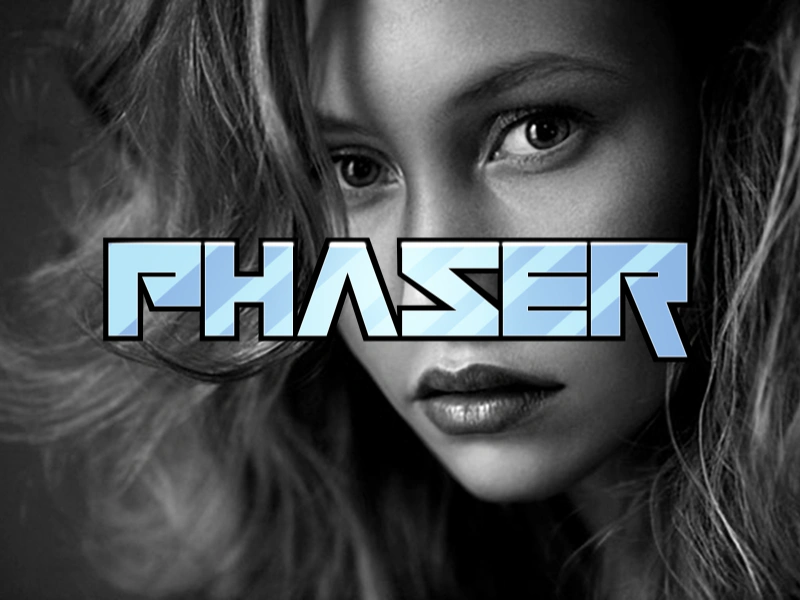 Custom Separate Blend ModeDemonstrates how to create and dynamically update a custom WebGL blend mode with separate RGB and Alpha channel blending factors.
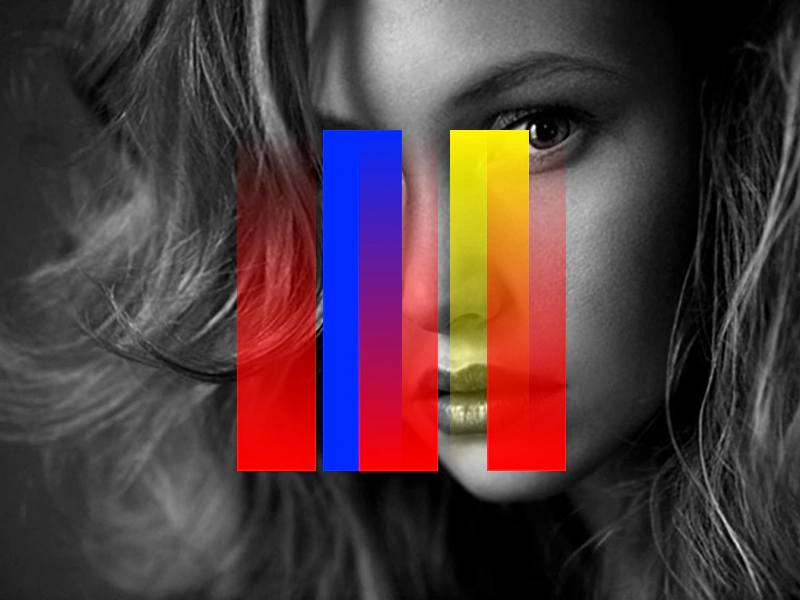 Custom WebGL Blend ModeLearn how to create, apply, and dynamically update a custom WebGL blend mode using specific source factors, destination factors, and blend equations.
 Difference Blend ModeDemonstrates the use of the Difference blend mode in Canvas mode, showing how a sprite's colors react to moving particles and a background image.
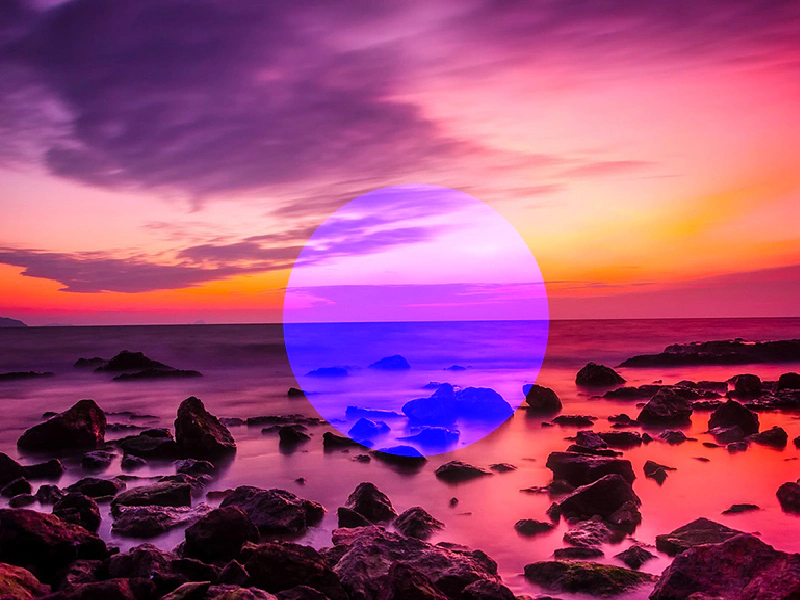 Graphics Blend ModeDemonstrates how to apply blend modes to a Graphics object to change how it interacts with underlying images.