Graphics Blend Mode
Demonstrates how to apply blend modes to a Graphics object to change how it interacts with underlying images.
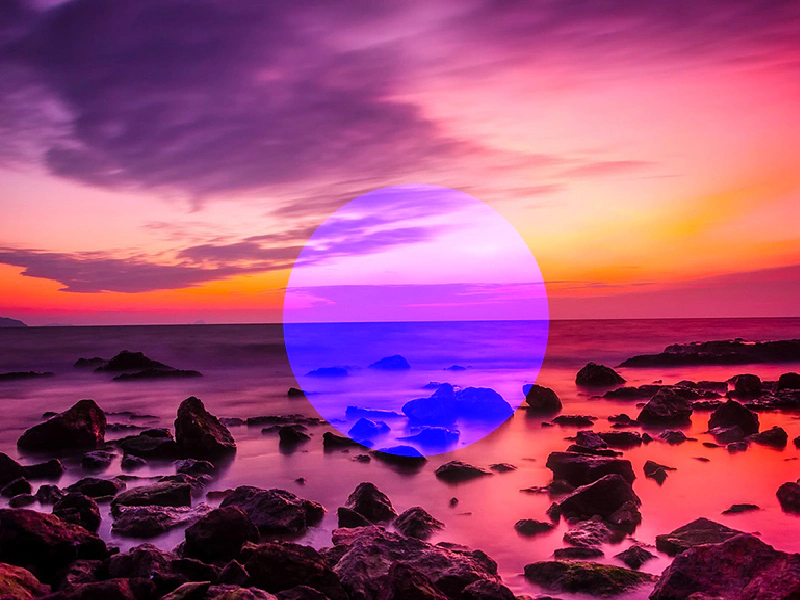
800 × 600
class Example extends Phaser.Scene
{
    constructor ()
    {
        super();
    }

    preload ()
    {
        this.load.setBaseURL('https://cdn.phaserfiles.com/v410');
        this.load.image('turkey', 'assets/pics/turkey-1985086.jpg');
    }

    create ()
    {
        this.add.image(400, 300, 'turkey');

        const graphics = this.add.graphics();

        // var color = 0xffffff; // diff
        const color = 0x0000ff; // mult
        const thickness = 4;
        const alpha = 1;

        // graphics.lineStyle(16, 0x000000, 1);
        graphics.fillStyle(color, alpha);

        // var a = new Phaser.Math.Vector2(400, 300);
        // var radius = 128;

        graphics.fillCircle(400, 300, 128);
        // graphics.strokeCircle(400, 300, 128);

        // graphics.setBlendMode(Phaser.BlendModes.MULTIPLY);
        graphics.setBlendMode(Phaser.BlendModes.SCREEN);
        // graphics.setBlendMode(Phaser.BlendModes.DIFFERENCE);
    }
}

const config = {
    scale: { mode: Phaser.Scale.FIT },
    width: 800,
    height: 600,
    type: Phaser.WEBGL,
    parent: 'game-container',
    scene: Example
};

const game = new Phaser.Game(config);
More in Blend Modes9 examples
 Image Blend ModesDemonstrates how to apply Additive and Screen blend modes to individual images to create layered visual effects.
 Canvas Blend ModesDemonstrates the use of advanced blend modes, such as Add and Difference, specifically within the Canvas renderer.
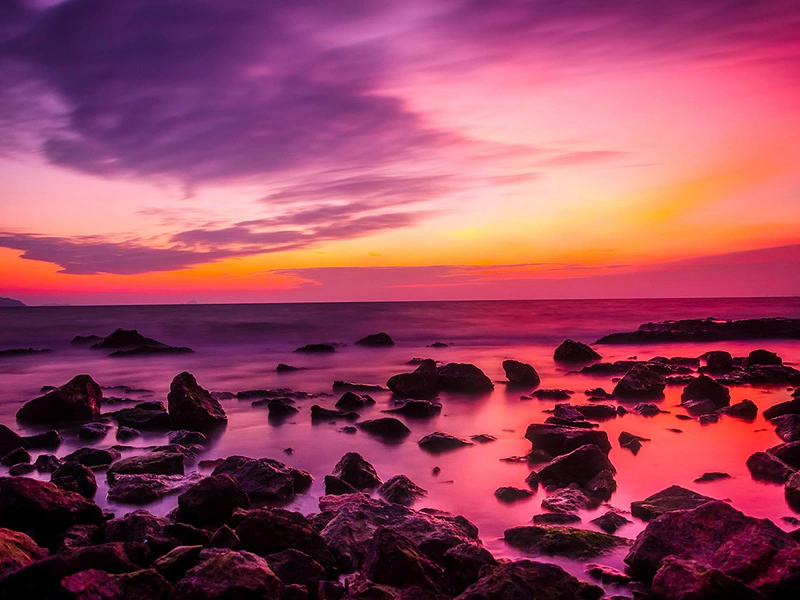 Circle Cut Out Blend ModeDemonstrates using a custom WebGL blend mode to create a cut-out effect, displaying an image only within the bounds of a Graphics shape.
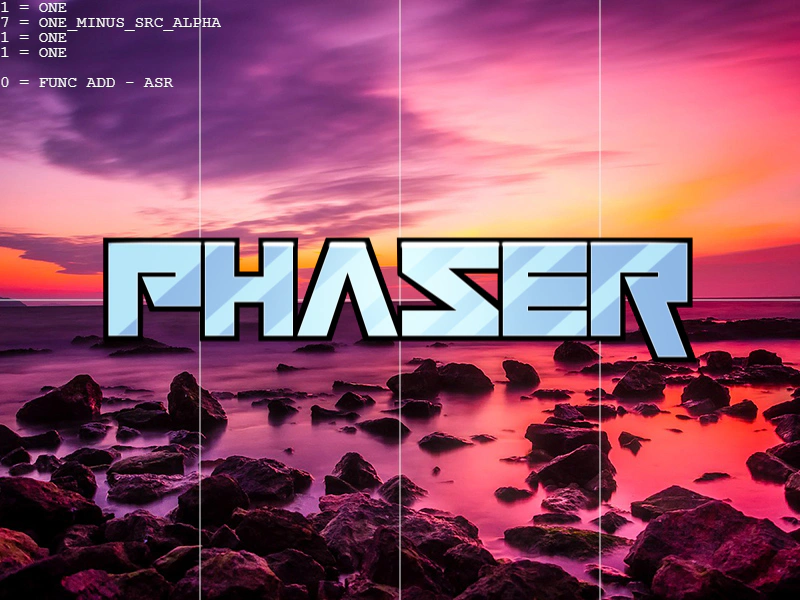 Custom Blend Mode TesterAn interactive tool to create and test custom WebGL blend modes by defining specific source/destination factors and blend equations directly via the renderer.