Rotated Container Input
Demonstrates how input events function correctly for interactive Game Objects placed inside a rotated Container.
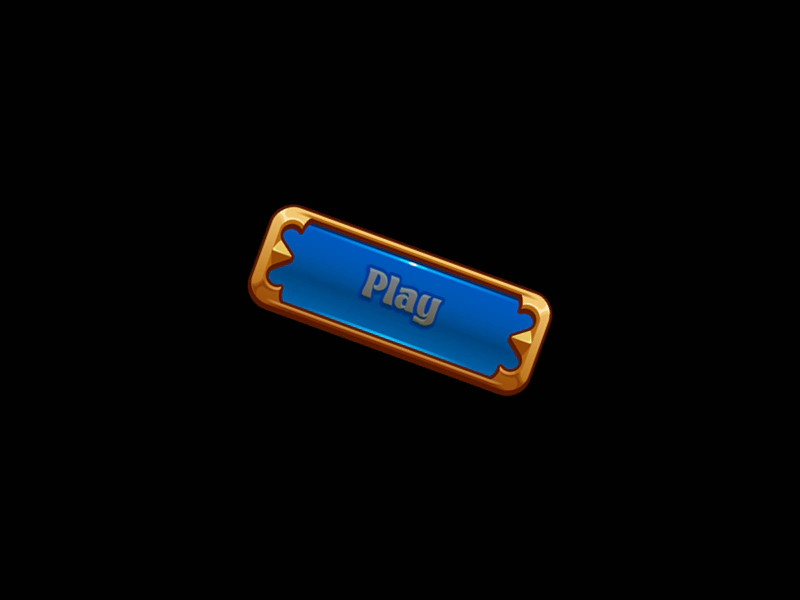
800 × 600
class Example extends Phaser.Scene
{
    preload ()
    {
        this.load.setBaseURL('https://cdn.phaserfiles.com/v410');
        this.load.image('buttonBG', 'assets/sprites/button-bg.png');
        this.load.image('buttonText', 'assets/sprites/button-text.png');
    }

    create ()
    {
        const bg = this.add.image(0, 0, 'buttonBG').setInteractive();
        const text = this.add.image(0, 0, 'buttonText');

        const container = this.add.container(400, 300, [ bg, text ]);

        container.setAngle(20);

        this.tweens.add({
            targets: text,
            alpha: 0.5,
            duration: 1000,
            ease: 'Sine.easeOut',
            yoyo: true,
            repeat: -1
        });

        bg.on('pointerover', function ()
        {

            this.setTint(0x44ff44);

        });

        bg.on('pointerout', function ()
        {

            this.clearTint();

        });

        bg.once('pointerup', function ()
        {

            this.tweens.add({
                targets: container,
                y: 900,
                duration: 500
            });

        }, this);
    }
}

const config = {
    scale: { mode: Phaser.Scale.FIT },
    type: Phaser.AUTO,
    width: 800,
    height: 600,
    backgroundColor: '#010101',
    parent: 'game-container',
    scene: Example
};

const game = new Phaser.Game(config);
More in Container52 examples
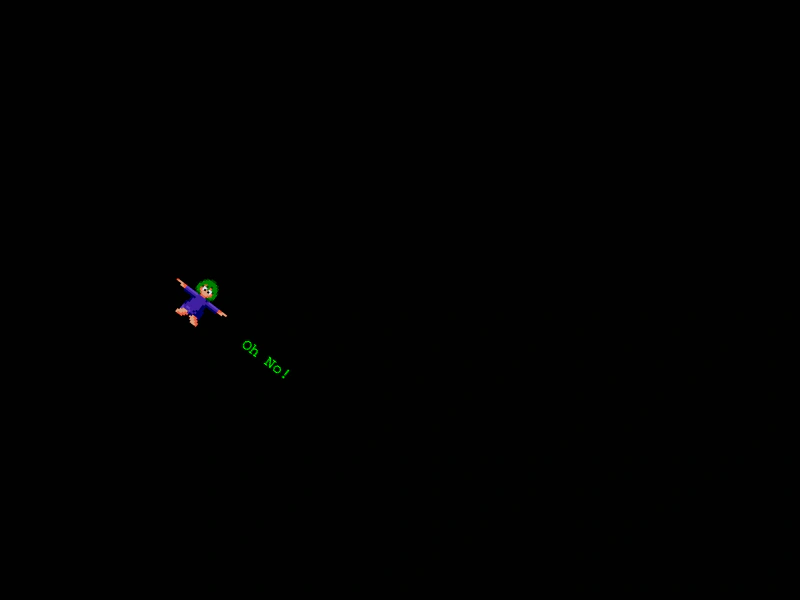 Rotating a ContainerThis example shows how rotating a Container automatically rotates all of its child Game Objects, such as images and text, as a single group.
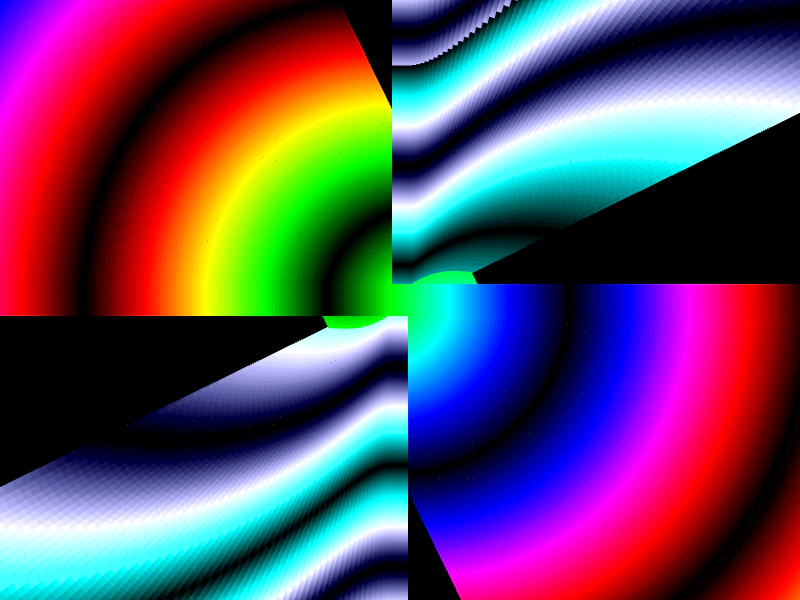 Twirl Effect with Non-Exclusive ContainersDemonstrates creating a complex visual effect by adding the same sprites to multiple non-exclusive containers and applying staggered tween animations.
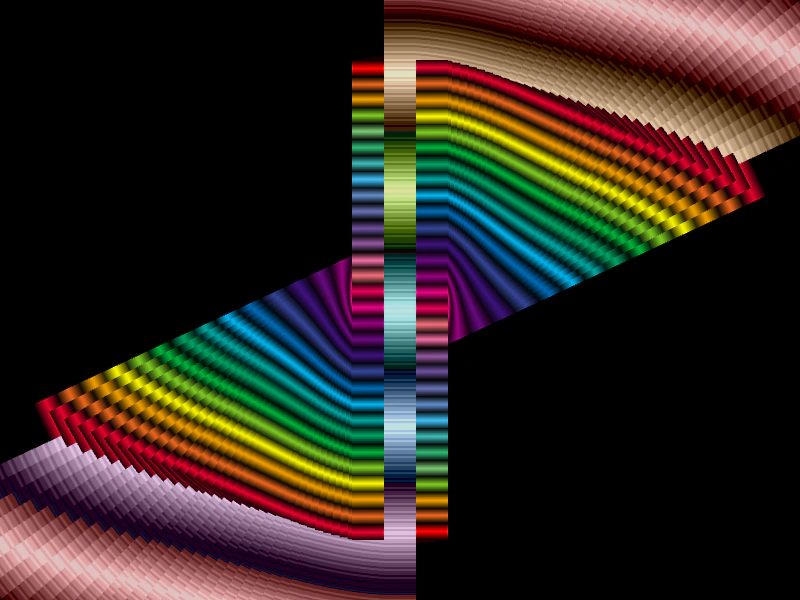 Twirl with Non-Exclusive ContainersDemonstrates the use of non-exclusive containers to share the same set of sprites across multiple container instances, creating a complex twirling effect through staggered tweens.
 Add Array of Sprites to ContainerDemonstrates how to add multiple Game Objects to a Container simultaneously using an array and shows how transformations applied to the Container affect all its children collectively.